2 - 10 Operator’s Manual
2 System Overview
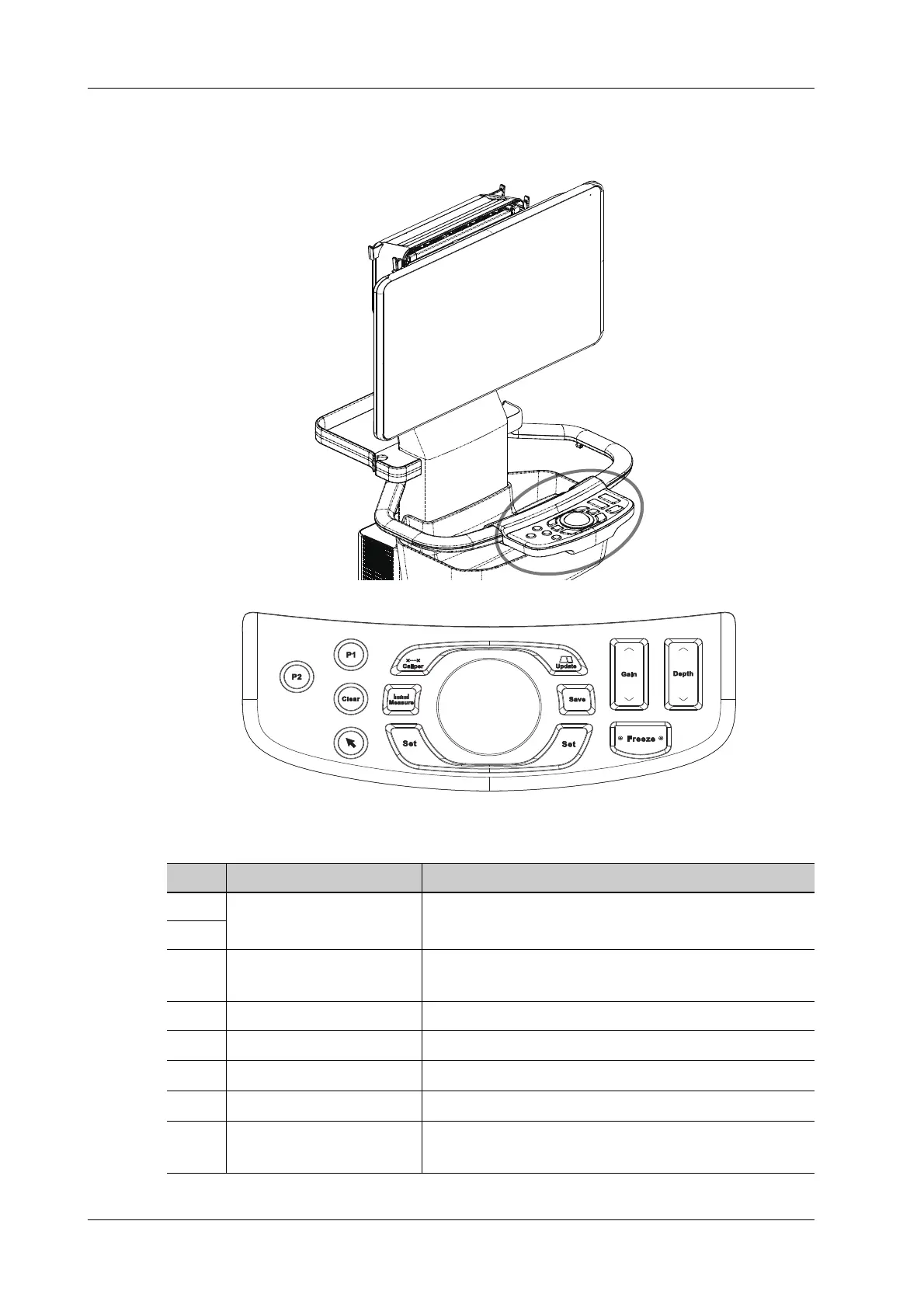
2.7.1 Control Panel
No. Name Description
1. User-defined keys Undefined buttons, set by the user in preset.
2.
3. Clear
Press to clear off the comments or measurement calipers
on the screen.
4. Cursor button Press to show/hide the cursor.
5. Confirm key
Press to confirm the operation.
6. Measure button
Press to enter/exit application measurement.
7. Caliper button
Press to enter/exit general measurement.
8. Update button
Switching key: Press to change the currently active
window.
1
2
3
4
5
6
7
8
9
10
12
11
5



 To Next Page