2 - 26 Operator’s Manual
2 System Overview
• Cine files stored in the system's hard drive should contain patient
information, to avoid the selection of an incorrect image file and potential
misdiagnosis.
2.11.1 Entering/Exiting Cine Review
To Enter Cine Review
• Enter Tap > [Setup] > [System]> [Image] > “Freeze Config” screen to set “Status after
Freeze” to “Cine.” The system enters manual cine review status once [Freeze] is selected.
• Open cine files in Review screen. The system enters automatic cine review status.
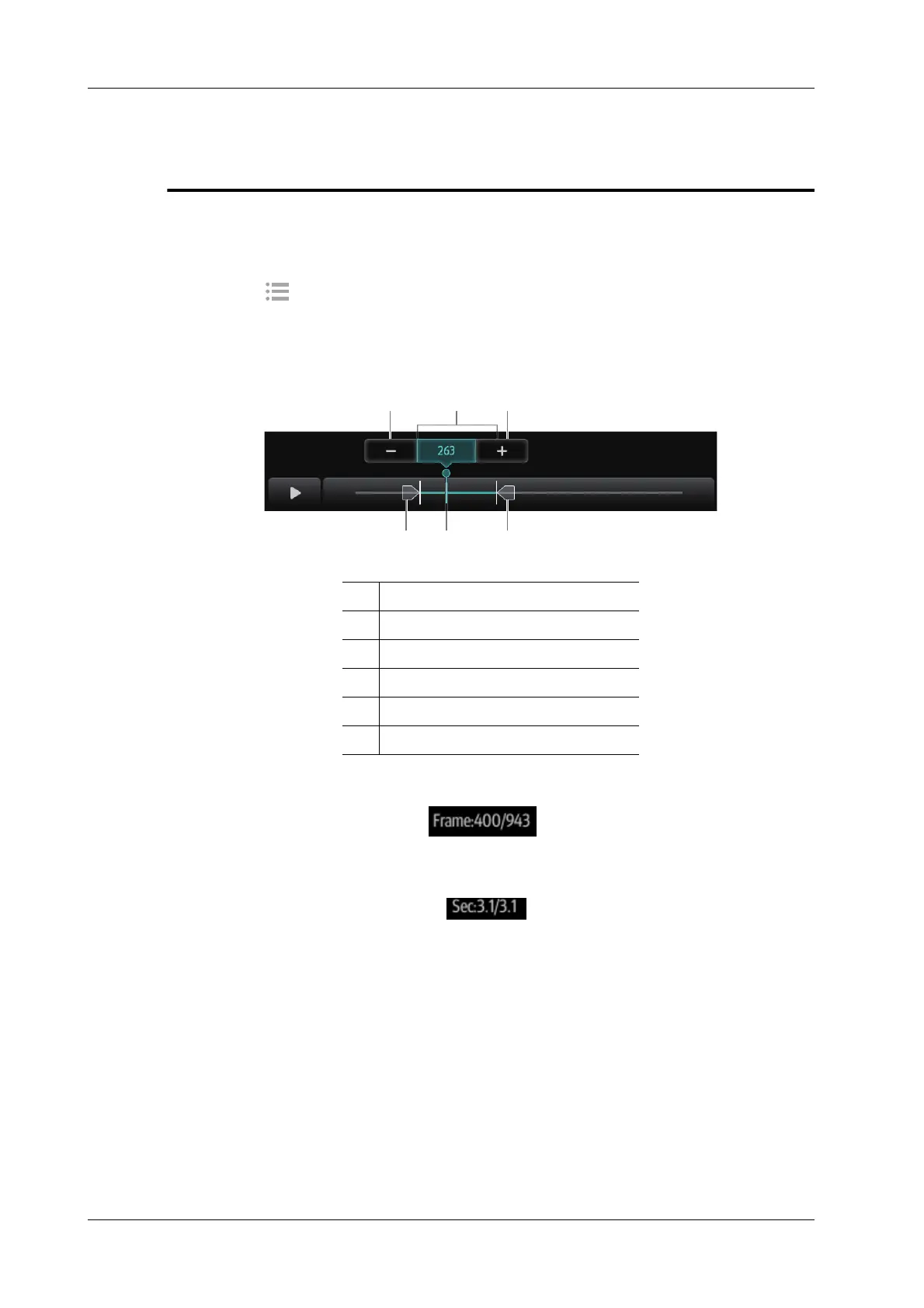
Under cine review status, cine review control bar will be displayed on the cine menu.
For B/B+Color/B+Power mode, bottom-left corner will indicate current frame and total frames.
For B/B+M/B+PW/B+CW mode, bottom-left corner will indicate time played and total time.
To Exit Cine Review
Select [Freeze] or [B] and the system will return to image scanning and exit cine review.
2.11.2 Manual Cine Review
After entering cine review in 2D mode, drag playback mark to review the cine images on the screen
one by one.
Drag the playback mark to the left to display the earlier stored images; drag the playback mark to
the right to display the recently stored images. Select Minus/Plus button to fine tune the playback
mark.
Or, swipe the image area to the right to display the earlier stored images; swipe the image area to
the left to display the recently stored images.
1Start mark
2 Playback mark
3End mark
4 Auto Review Region
5 Minus button
6 Plus button



 To Next Page