2 System Overview
Operator’s Manual 2 - 21
1. Select [QSave] in the Menu area to bring out the Quick Save dialogue box.
2. Select [Create] to save the current image parameters, measurements, comments, body mark
settings to the exam mode. The system will ask for a new name of the exam.
Restore the factory default settings
Perform the following procedure:
1. Select [QSave] in the Menu area to bring out the Quick Save dialogue box.
2. Select [Restore] to restore the probe and exam mode to factory settings.
View image parameter
Perform the following procedure:
1. Select [QSave] in the Menu area to bring out the Quick Save dialogue box.
2. Select [Show Parameter] to view the image parameter of the current exam mode and the probe.
3. Select [OK] to save image parameters, or select [Cancel] to exit.
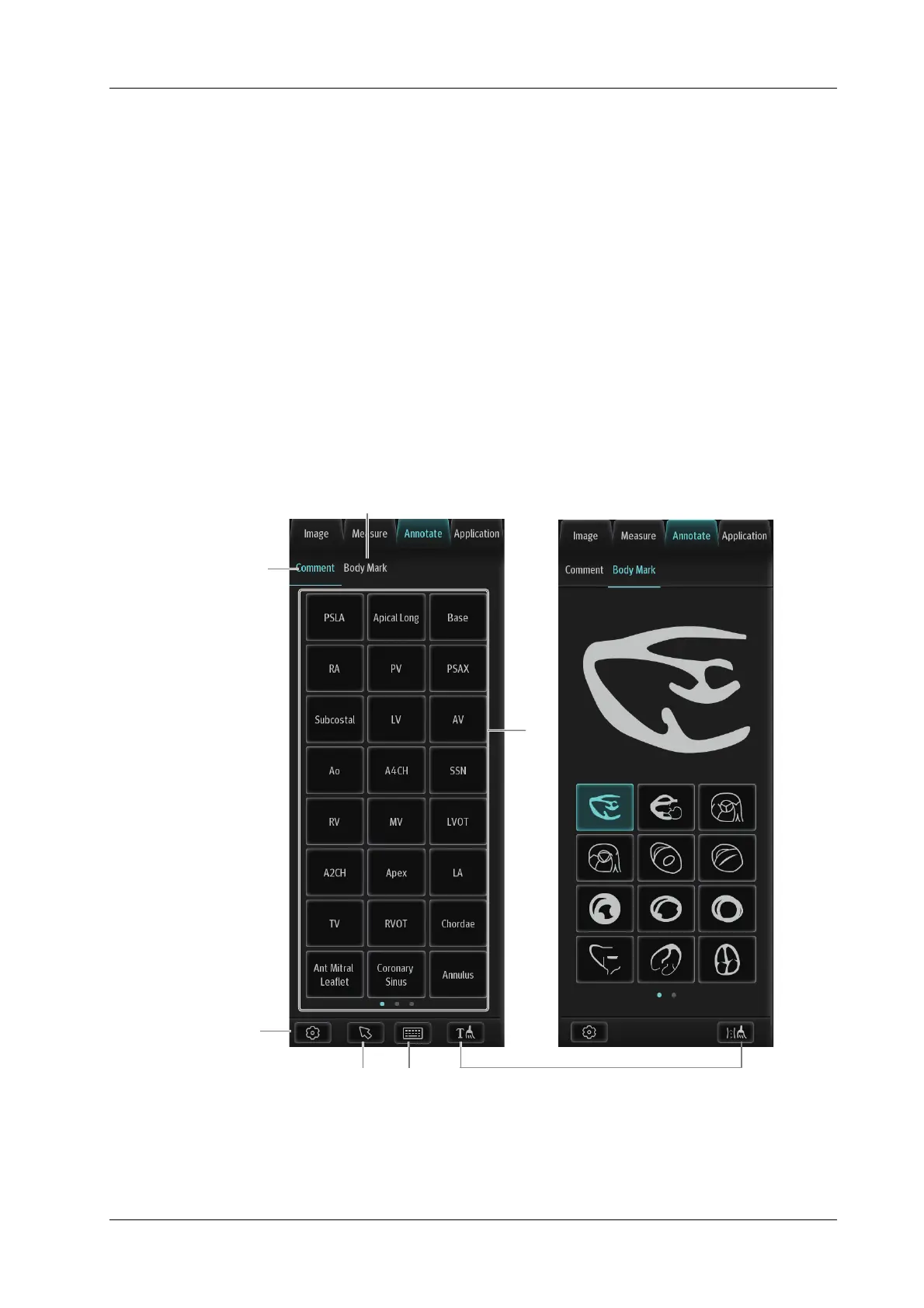
2.10.6 Annotations and Body Marks
1
23
7
4
5
6



 To Next Page