2 - 12 Operator’s Manual
2 System Overview
2.7.3 Indicators
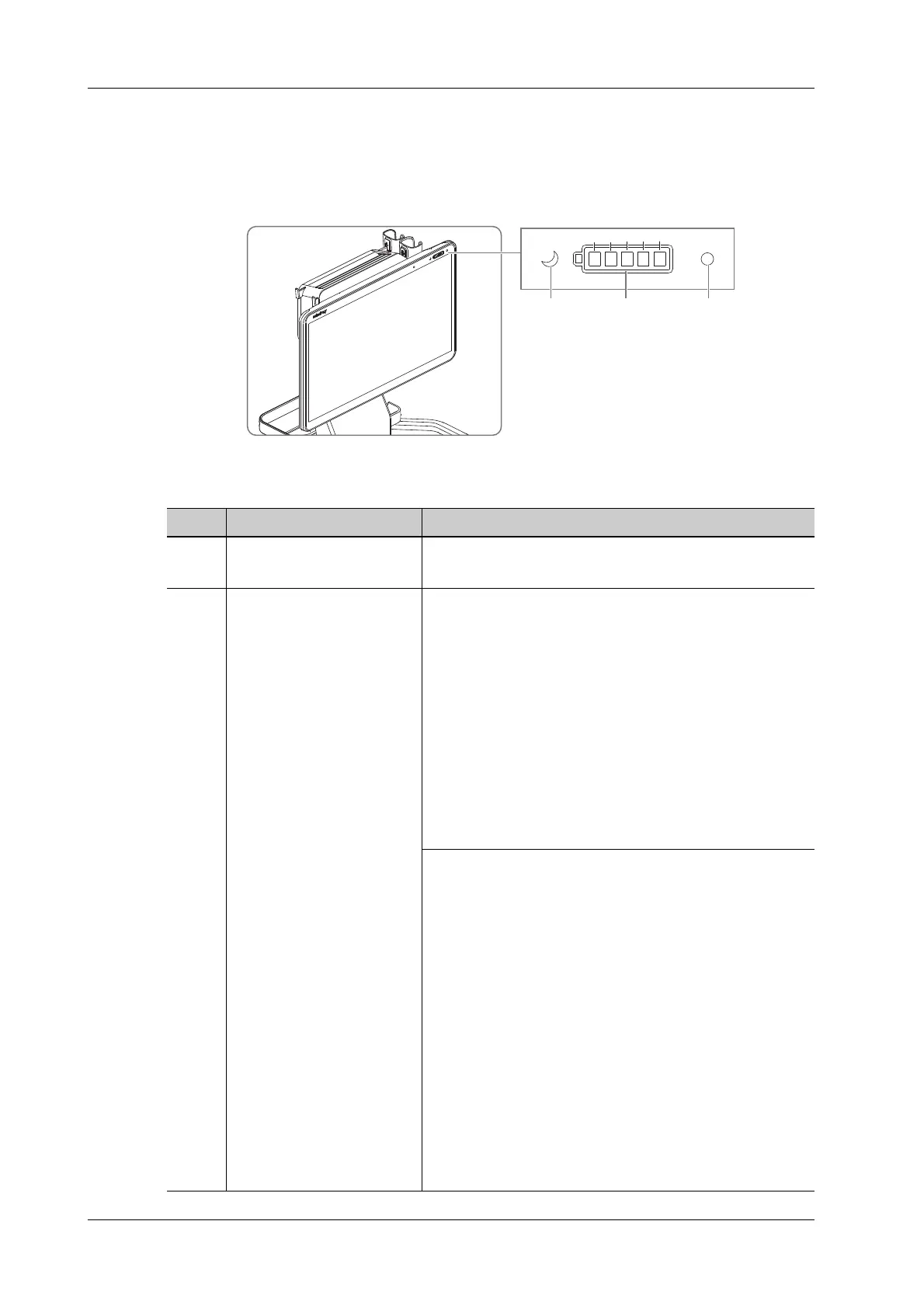
Monitor Indicators
Figure 2-3 Monitor indicators
No. Name Description
1. Standby indicator Standby status: the indicator blinks in orange.
Other status: the indicator is off.
2. Battery capacity indicator When the battery is in charge, the battery symbol border is
in green and the battery capacity indicators are as follows:
• 95%~100%: the L1~L5 indicators are all in white.
• 80%~95%: the L1~L4 indicators are in white and the
L5 indicator blinks in white.
• 60%~80%: the L1~L3 indicators are in white and the
L4 indicator blinks in white.
• 40%~60%: the L1~L2 indicators are in white and the
L3 indicator blinks in white.
• 20%~40%: the L1 indicator is in white and the L2
indicator blinks in white.
• 0~20%: the L1 indicator blinks in white.
When the battery is in discharge, the battery capacity
indicators are as follows:
• 80%~100%: the L1~L5 indicators and the battery
symbol borders are all in white.
• 60%~80%: the L1~L4 indicators and the battery
symbol borders are all in white.
• 40%~60%: the L1~L3 indicators and the battery
symbol borders are all in white.
• 20%~40%: the L1~L2 indicators and the battery
symbol borders are all in white.
• 10%~20%: the L1 indicator and the battery symbol
border are all in white.
• 6%~10%: the L1 indicator and the battery symbol
border are all in orange.
• 0%~6%: the L1 indicator blinks in orange and the
battery symbol border is in orange.
L1L2L3L4L5
12 3



 To Next Page