Preliminary
miniDSP Ltd, Hong Kong / www.minidsp.com / Features and specifications subject to change without prior notice 18
3.2 FRONT PANEL
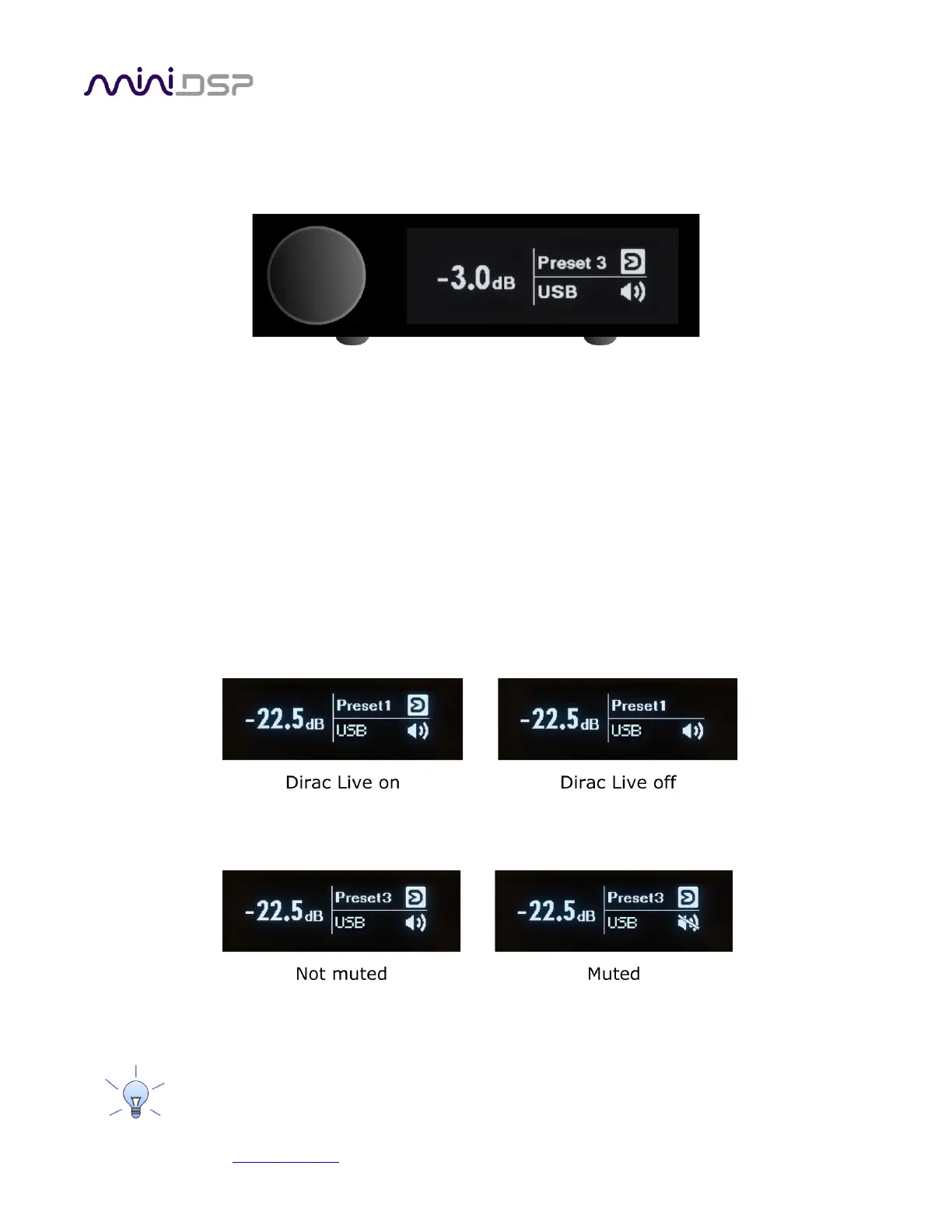
The front panel display shows current volume, selected preset, input source, mute, and Dirac Live status (if
activated).
• To change the volume, rotate the encoder knob. Volume changes in 0.5 dB steps. Minimum volume is -127.5
dB and maximum volume is 0.0 dB.
• To change the selected preset, press the encoder knob once, then rotate until the desired preset number is
displayed. Either press the encoder again or wait for a second. The display will show “Pls wait…” while the
new preset is being loaded. The display will return to normal with the new preset number.
• To change input source, press the encoder knob twice. The display will change to show the current input
source in large letters. Rotate the encoder knob until the desired input source is displayed, then press the
encoder knob or wait for a second. The display will return to normal with the new input displayed.
• To turn Dirac Live filtering on and off (if it is activated), press the encoder knob three times. The display will
change to show either “Dirac On” or “Dirac Off” in large letters. Rotate the encoder knob until the desired
selection (on or off) is displayed, then press the encoder knob or wait for a second. The display will return to
normal with the Dirac Live status:
• To mute output, press and hold the encoder knob. When the display changes to show “Mute?,” release the
knob. To unmute, repeat this procedure.
• To put the miniDSP Flex into standby, press and hold the encoder knob. When the display changes to show
“Standby?,” release the knob. To take it out of standby, press the encoder knob.
All these operations can also be performed with the remote control.



 To Next Page