Preliminary
miniDSP Ltd, Hong Kong / www.minidsp.com / Features and specifications subject to change without prior notice 63
8.6 WORKING WITH CONFIGURATIONS
The data that controls the audio processing is called a configuration. The processor stores four configuration
presets in its internal memory, which can be selected from the plugin or via remote control.
8.6.1 Changes to processing parameters
Initially, the plugin is not connected to the processor. When the Connect button is pressed and the Synchronize
Config option chosen, the plugin downloads configuration data into the processor. Changes made in the plugin
user interface therefore fall into two categories:
The plugin is connected
Any changes made to the audio processing parameters in the plugin user interface are immediately
downloaded to the processor. The effect of these changes will thus be audible as the changes are made.
The plugin is not connected
Changes made to audio processing parameters in the plugin user interface will be made locally only. The
next time the plugin is synchronized to the processor, the parameters will be downloaded to the processor
(as long as the Synchronize Config button is selected).
The configuration contained in the miniDSP hardware unit cannot be uploaded back to the
computer. Therefore, you must save your configuration to a file if you wish to recover from any
changes you make while in offline mode.
8.6.2 Selecting a configuration
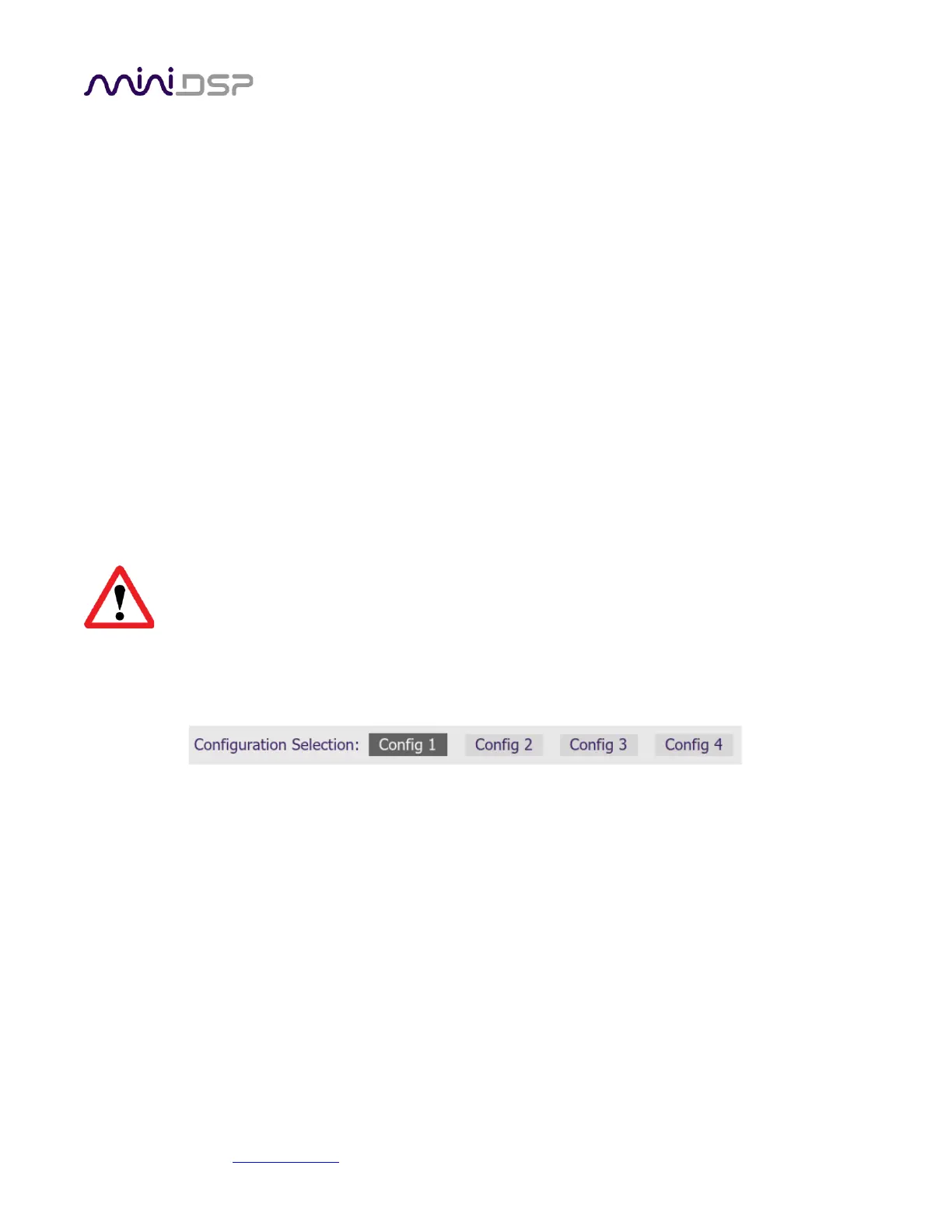
The active configuration is selected by one of the four Configuration Selection buttons:
To switch to a different configuration, click on a different button. There are two cases:
The plugin is connected
Audio processing will switch to the parameters contained in the selected configuration. If, however,
parameters of the newly selected configuration have been changed since the last that particular
configuration was synchronized to the processor, then a dialog will appear asking you if you want to
synchronize the configuration.
The plugin is not connected
The user interface will update to show the parameters of the newly selected configuration. If this
configuration is changed in the user interface, it will be downloaded to the processor the next time it is
synchronized.



 To Next Page