Preliminary
miniDSP Ltd, Hong Kong / www.minidsp.com / Features and specifications subject to change without prior notice 33
6.3.5 Routing matrix
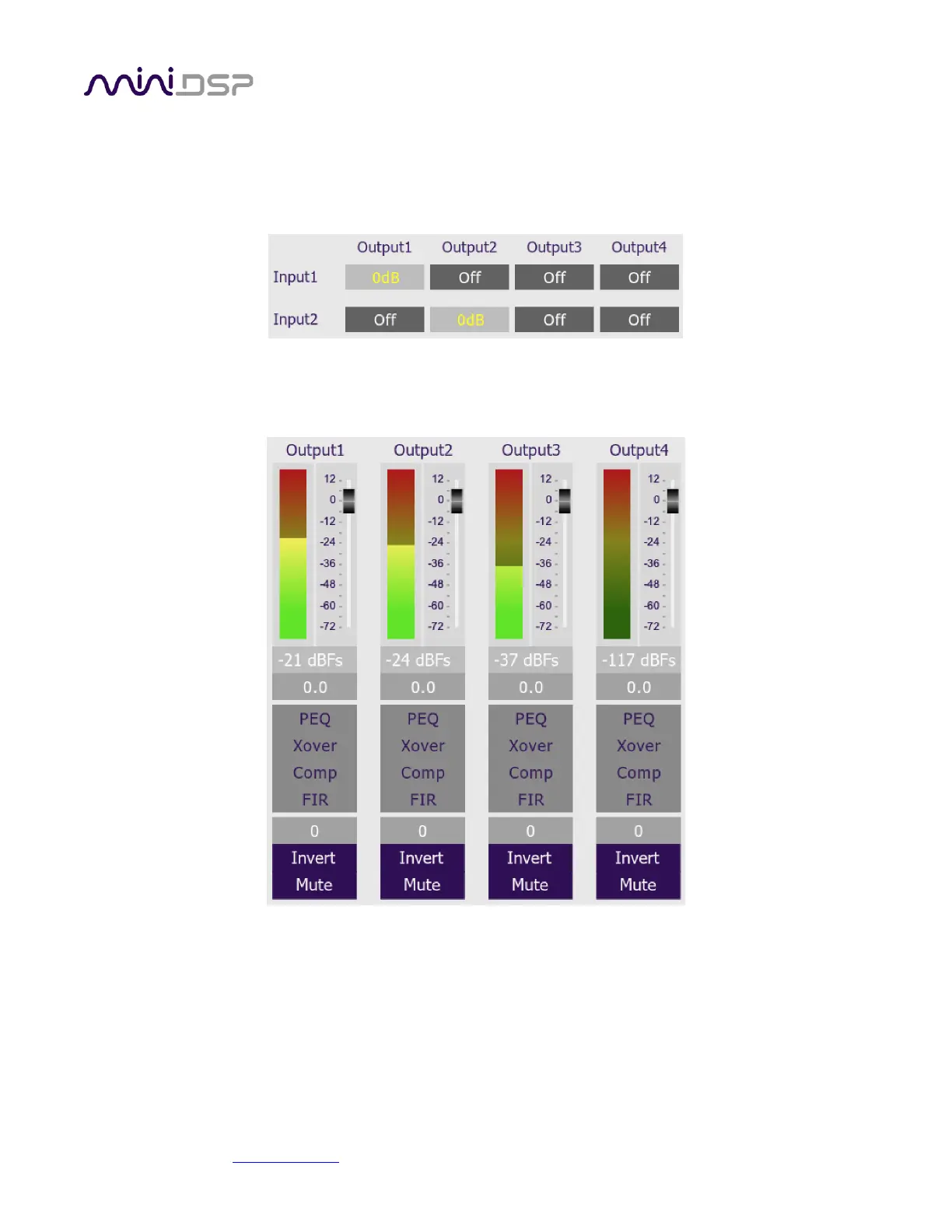
The routing matrix on the Inputs & Routing tab directs input channels (along the left) to output channels (along
the top). To turn on routing for a cross-point, click on that cross-point. Both inputs can be mixed to each output
if desired, and the mix level can be set individually for each input.
6.3.6 Outputs
The Outputs tab displays a row of four output channel control strips. All output channels are identical.
Each channel has an individual gain adjustment slider, and a graphical and numerical display of the current signal
level on that channel. A comprehensive set of signal processing functions is accessed with the buttons PEQ
(parametric EQ), Xover (crossover), Comp (compressor/limiter) and FIR (FIR filter). The FIR filter blocks are not
present in the DDRC-24 plugin.



 To Next Page