Preliminary
miniDSP Ltd, Hong Kong / www.minidsp.com / Features and specifications subject to change without prior notice 46
7.4 SWITCHING BETWEEN MINIDSP-2X4-HD AND DDRC-24
Once you have activated Dirac Live, you can switch between the miniDSP-2x4-HD plugin and the DDRC-24 plugin
at any time. To do so, however, you must follow the procedure below.
All your configuration settings will be lost when you switch. Make sure that you have saved your
configurations to a file before switching.
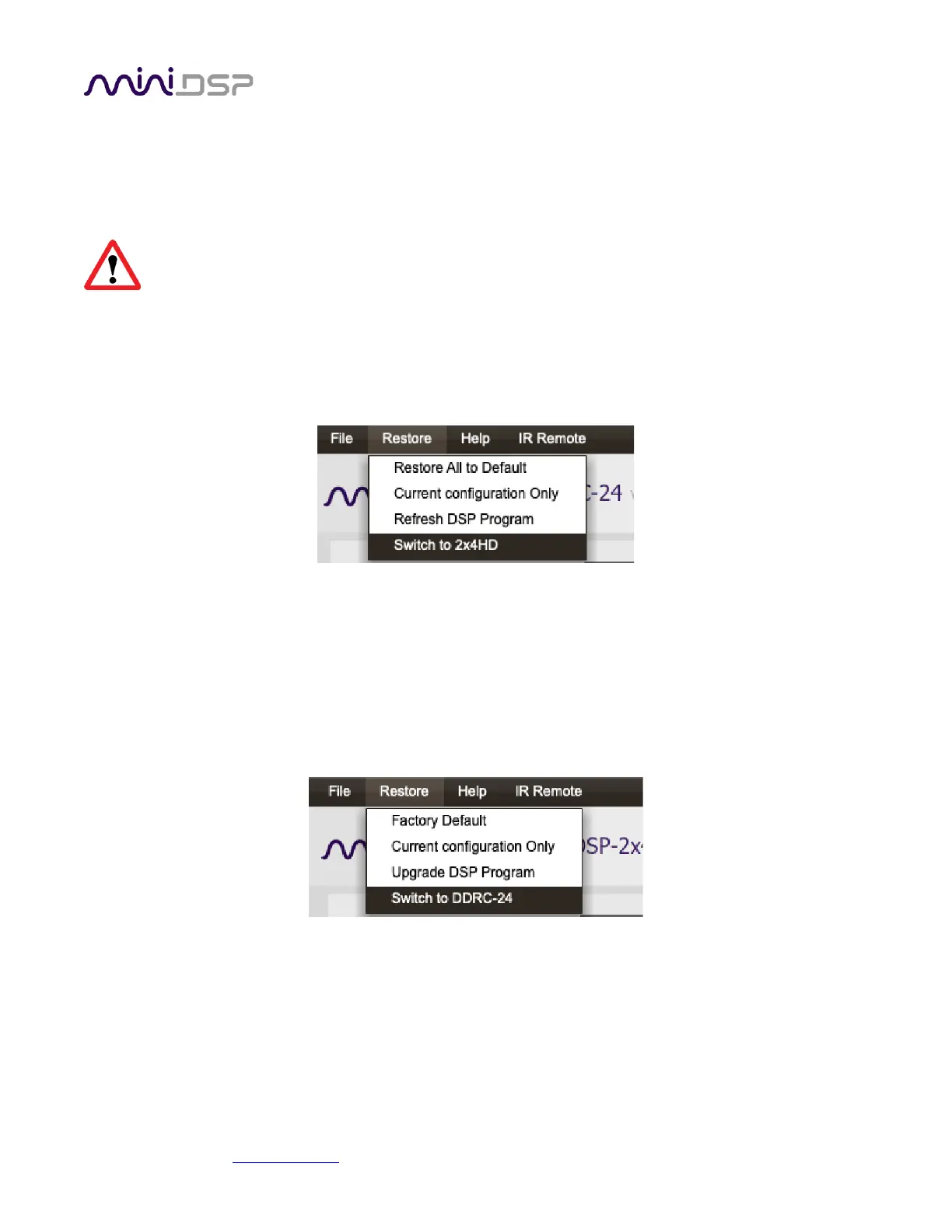
To switch from DDRC-24 to miniDSP-2x4-HD
1. Start the DDRC-24 plugin.
2. From the Restore menu, select “Switch to 2x4HD.”
3. Quit the DDRC-24 plugin.
4. Start the miniDSP-2x4-HD plugin and click Connect.
5. Select “Restore ALL to Default” on the connection dialog.
To switch from miniDSP-2x4-HD to DDRC-24
1. Start the miniDSP-2x4-HD plugin.
2. From the Restore menu, select “Switch to DDRC-24.”
3. Quit the miniDSP-2x4-HD plugin.
4. Start the DDRC-24 plugin and click Connect.
5. Select “Restore ALL to Default” on the connection dialog.



 To Next Page