Preliminary
miniDSP Ltd, Hong Kong / www.minidsp.com / Features and specifications subject to change without prior notice 19
4 PLAYING AUDIO
When delivered, the Flex is configured for stereo playback with no audio processing enabled. Output 1 carries
the left channel and output 2 carries the right channel.
4.1 DIGITAL SOURCES
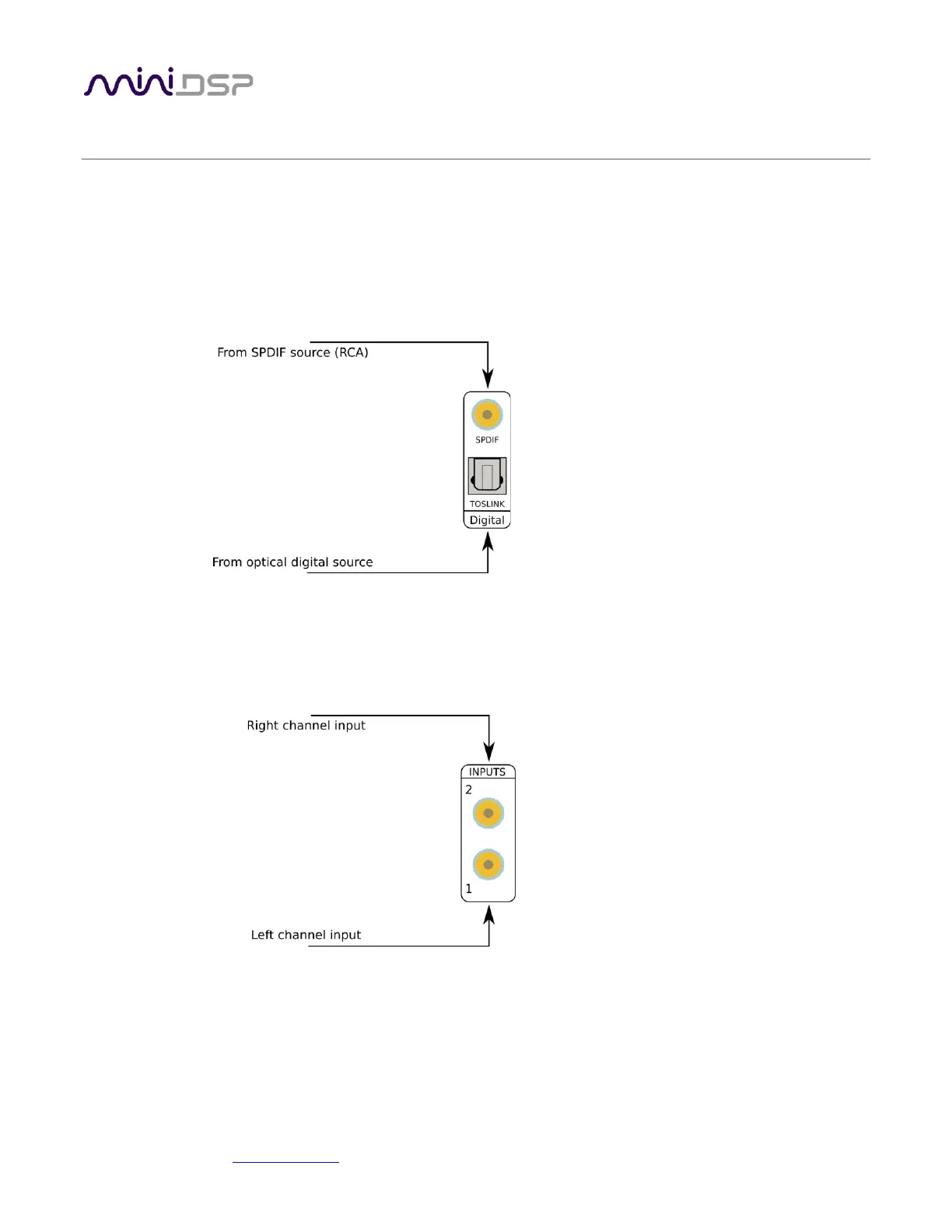
All versions of the miniDSP Flex have SPDIF (on RCA/coax) and TOSLINK optical digital inputs. To play from either
of these sources, use the front panel knob or remote control to select SPDIF or TOSLINK.
4.2 ANALOG SOURCE
The miniDSP Flex has at most one stereo analog input. Depending on the version, this may be RCA (single-
ended) or TRS (balanced). To play from the analog input, use the front panel knob or remote control to select
Analog.



 To Next Page