Preliminary
miniDSP Ltd, Hong Kong / www.minidsp.com / Features and specifications subject to change without prior notice 21
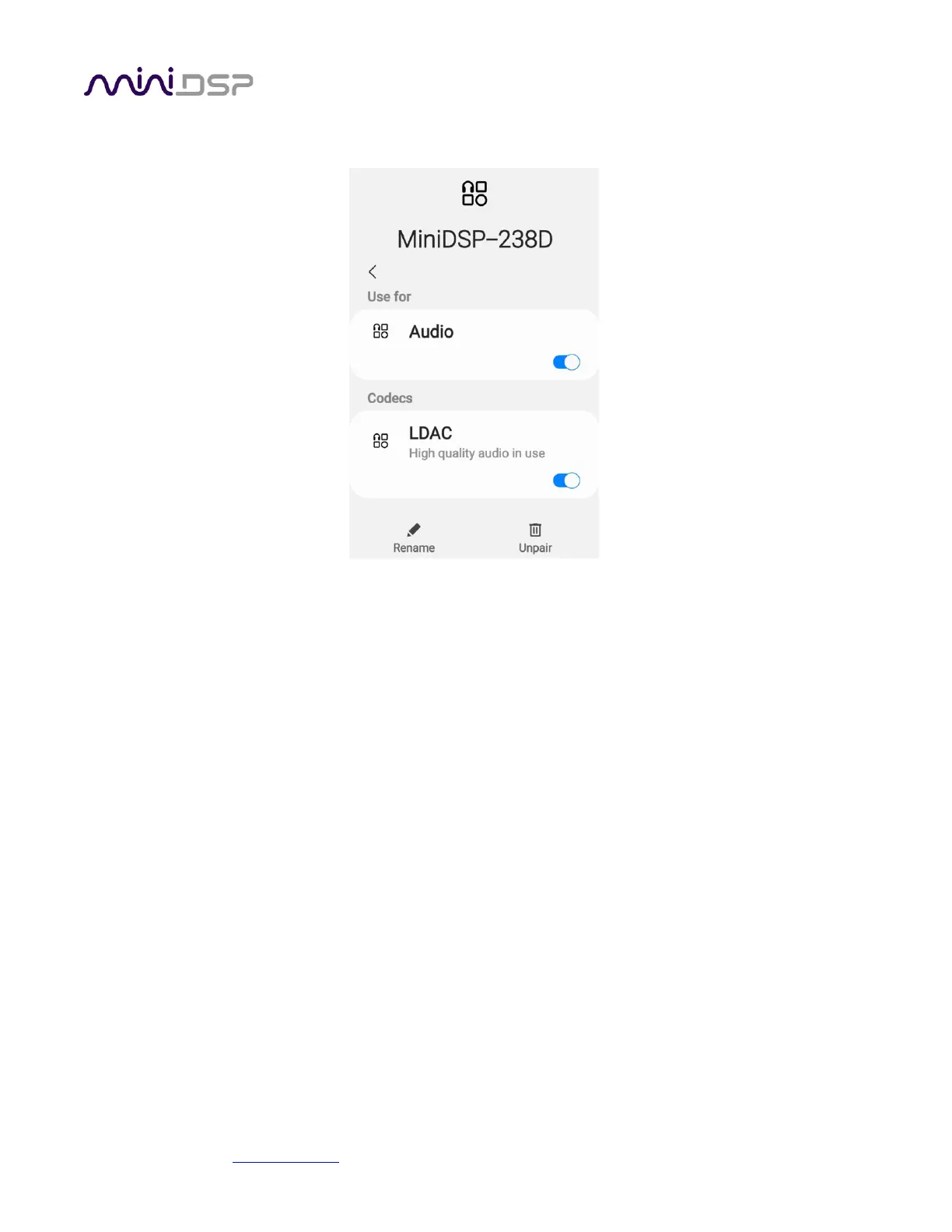
4. If your device supports LDAC, enable it by using the gear icon:
When Bluetooth audio is selected as the source, the usual front panel display will display the source (lower right
corner) as one of:
BT(C)
The Flex is paired over Bluetooth.
BT(NC)
No Bluetooth device is paired.
BT(P)
The Flex is in pairing mode.



 To Next Page