Preliminary
miniDSP Ltd, Hong Kong / www.minidsp.com / Features and specifications subject to change without prior notice 25
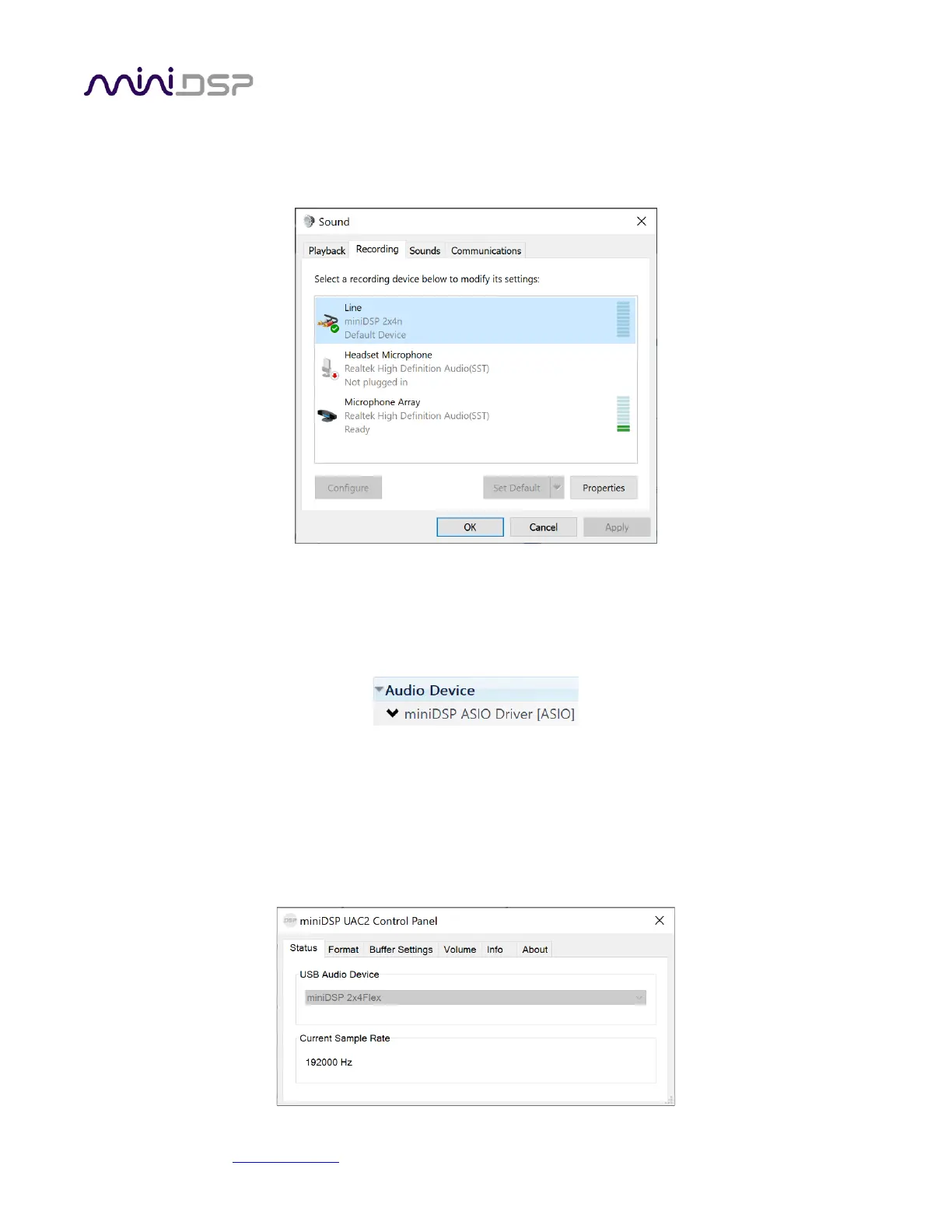
The miniDSP Flex sends its four output channels to the computer over USB. These can be used to monitor or
record the output channels:
4.4.2.2 ASIO
If your audio application supports ASIO® audio drivers, we recommend selecting the miniDSP ASIO Driver in its
settings. This typically allows the application to automatically change sample rate. For example, in JRiver Media
Center:
4.4.2.3 miniDSP UAC2 control panel
The current settings of the miniDSP Flex can be viewed by opening the miniDSP UAC2 Control Panel from the
Windows Start menu (under the miniDSP Ltd folder). This control panel allows you to view current settings. In
addition, it can be used to set buffer size, although we recommend that you leave this setting at the default. If
you are having an issue with inadequate output volume over USB playback, check the Volume tab.



 To Next Page