Preliminary
miniDSP Ltd, Hong Kong / www.minidsp.com / Features and specifications subject to change without prior notice 44
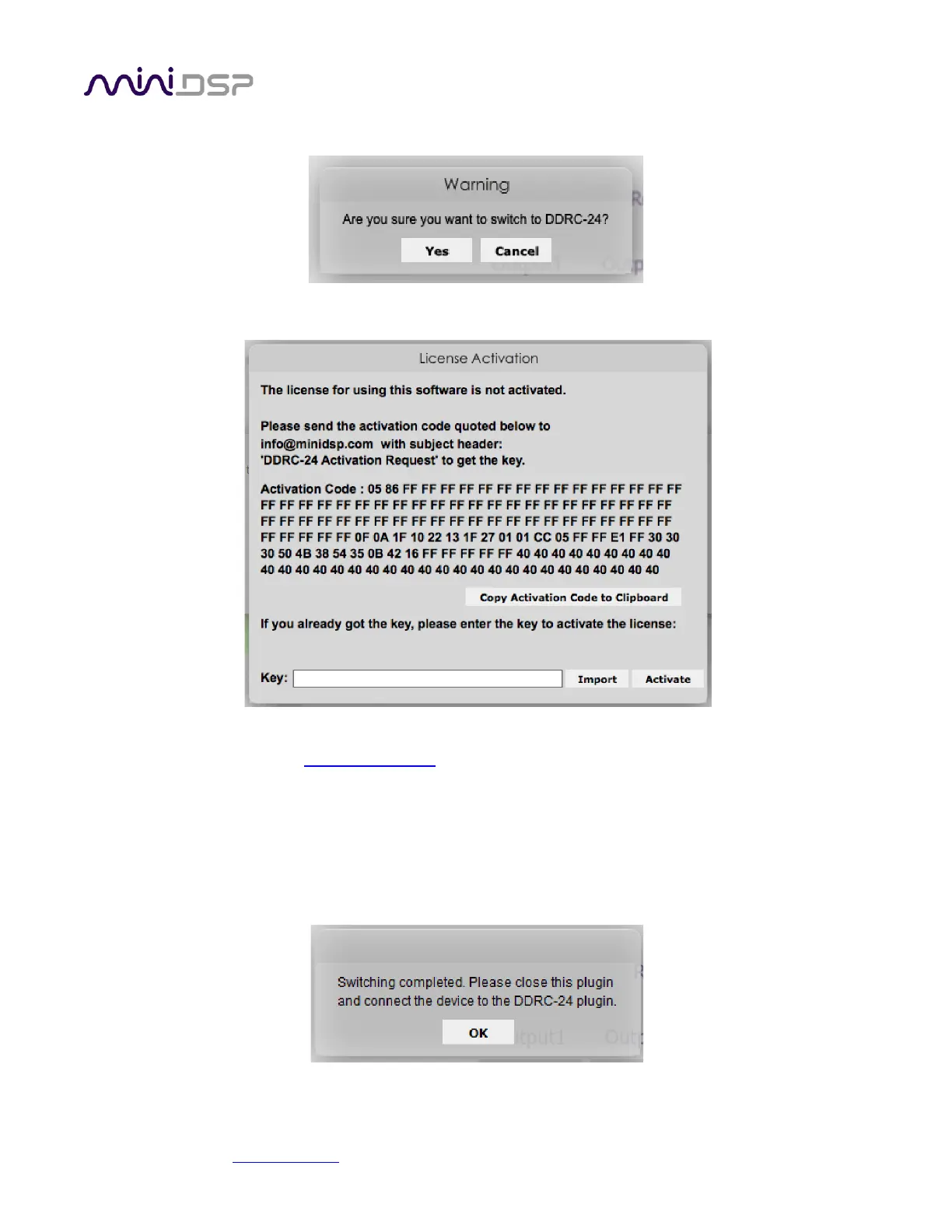
3. Confirm that you wish to proceed:
4. The following screen will appear:
5. Click on the button “Copy Activation Code to Clipboard.”
6. Send an email message to info@minidsp.com with the Subject line “DDRC-24 Activation Request.” In the
body of the email message, paste the activation code from the above step.
7. miniDSP will respond in normal (Hong Kong) working hours with an activation key file (.txt file). (Please
note that this is not an automated process.) This file contains a key text string consisting of 128 pairs of
letters separated by spaces (total 256 letters). Save this file to disk.
8. Repeat steps 1 to 4 above. Click on the Import button and select the received activation key file to import
into the plugin. You will see this confirmation:



 To Next Page