Preliminary
miniDSP Ltd, Hong Kong / www.minidsp.com / Features and specifications subject to change without prior notice 58
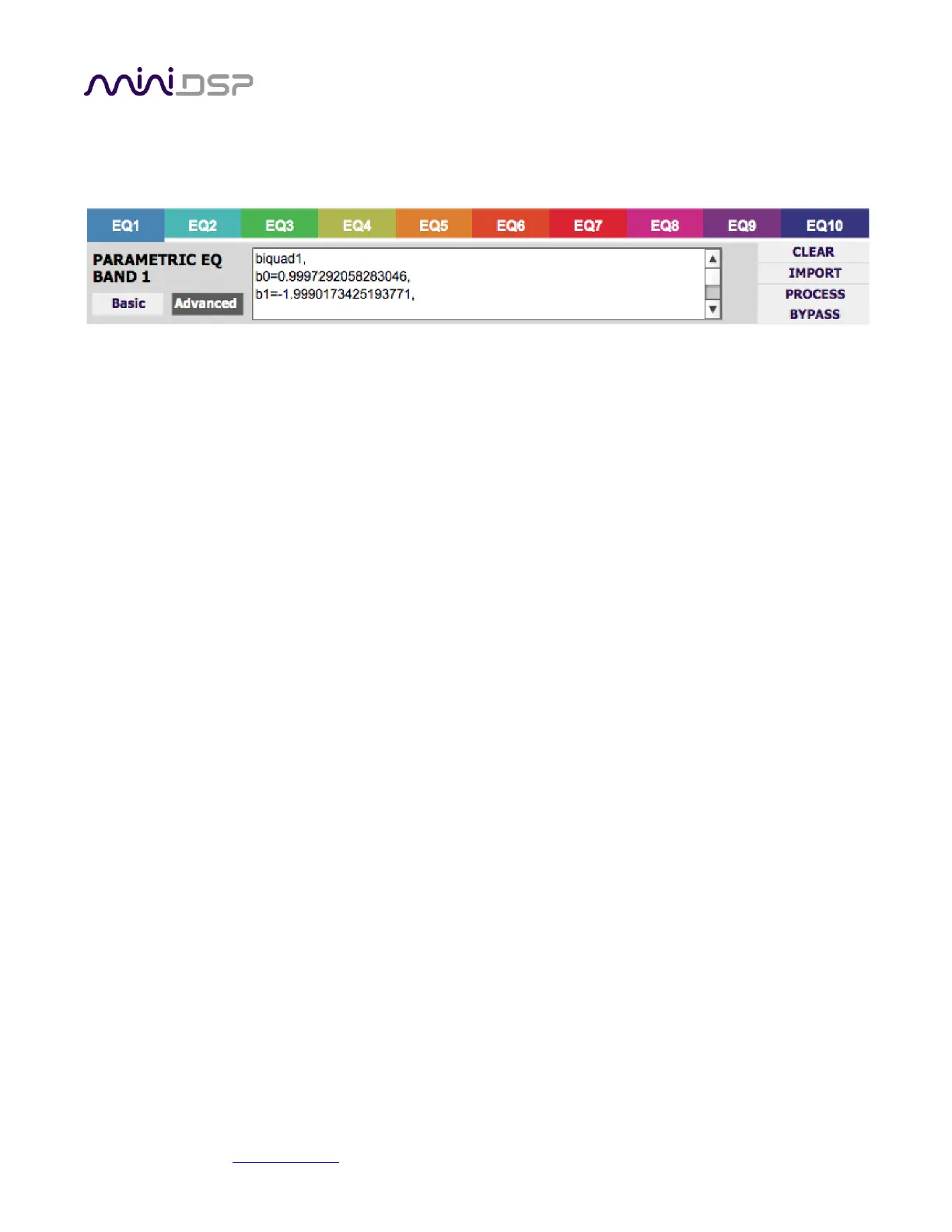
Parametric EQ advanced mode
In the parametric EQ blocks, advanced mode allows each individual filter to be specified by its biquad
coefficients. After pasting in the coefficients, click on the Process button for them to take effect.
Parametric EQ file import (REW integration)
Multiple biquads in the parametric EQ block can be set at once by importing a coefficient file. This file can
be generated by Room EQ Wizard (REW) or by other design programs. The design program must be set for
a 96 kHz sample rate for the miniDSP-2x4-HD plugin and 48 kHz for the DDRC-24 plugin. The number of
filters is limited to a maximum of ten.
This example illustrates the correct file format:
biquad1,
b0=0.998191200483864,
b1=-1.9950521500467384,
b2=0.996920046761057,
a1=1.9950521500467384,
a2=-0.9951112472449212,
biquad2,
b0=0.999640139948623,
b1=-1.9981670485581222,
b2=0.9985489719847982,
a1=1.9981670485581222,
a2=-0.9981891119334211,
biquad3,
...
biquad4,
...
biquad10,
b0=1.0010192374642126,
b1=-1.9950555192569264,
b2=0.9940580112181501,
a1=1.995060938714333,
a2=-0.9950718292249559
Note that the last line must not have a comma at the end. If the file has less than ten biquads, then only
that number of biquads will be imported. For example, if importing a file with six biquads, the first six
filters will be set, and the last four will not be changed. (Note: if the last line ends with a comma, that
counts as an extra biquad.)
If the file contains more than ten biquads, then an error will be reported and no filters will be changed.



 To Next Page