4. Commissioning
MiR100 User guide (en) 09/2019 - v.1.4 ©Copyright 2019: Mobile Industrial Robots A/S. 20
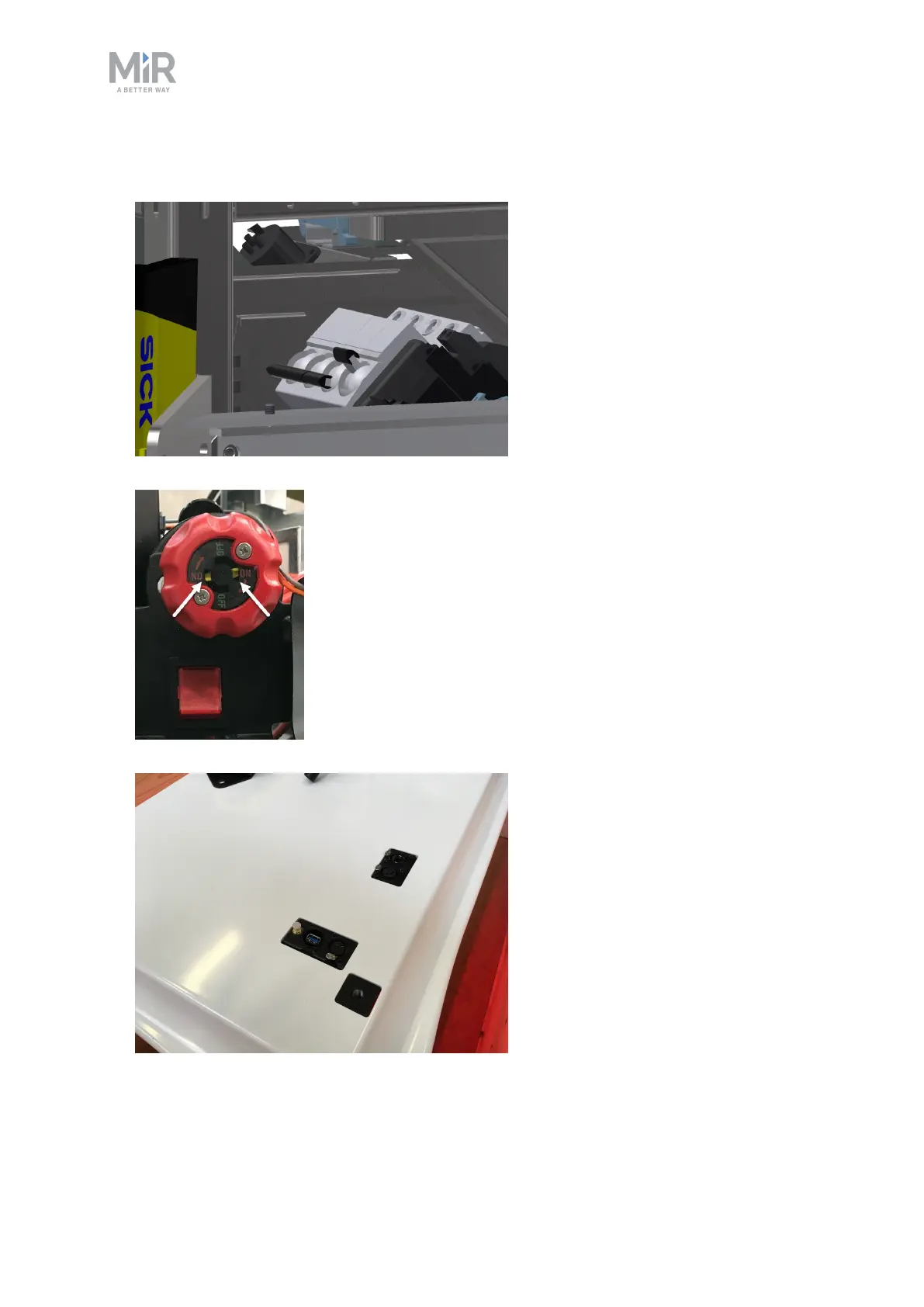
3. Switch on the three relays placed in the corner by the front laser scanner. Start with 32A
main power, i.e. from the outer frame in.
4. Ensure that the battery disconnect switch is on (the two yellow indicators pointing to On).
5. Put the cover back on making sure to fit it correctly over the connector openings.



 To Next Page