4. Commissioning
MiR100 User guide (en) 09/2019 - v.1.4 ©Copyright 2019: Mobile Industrial Robots A/S. 23
4.2 Connecting to the robot interface
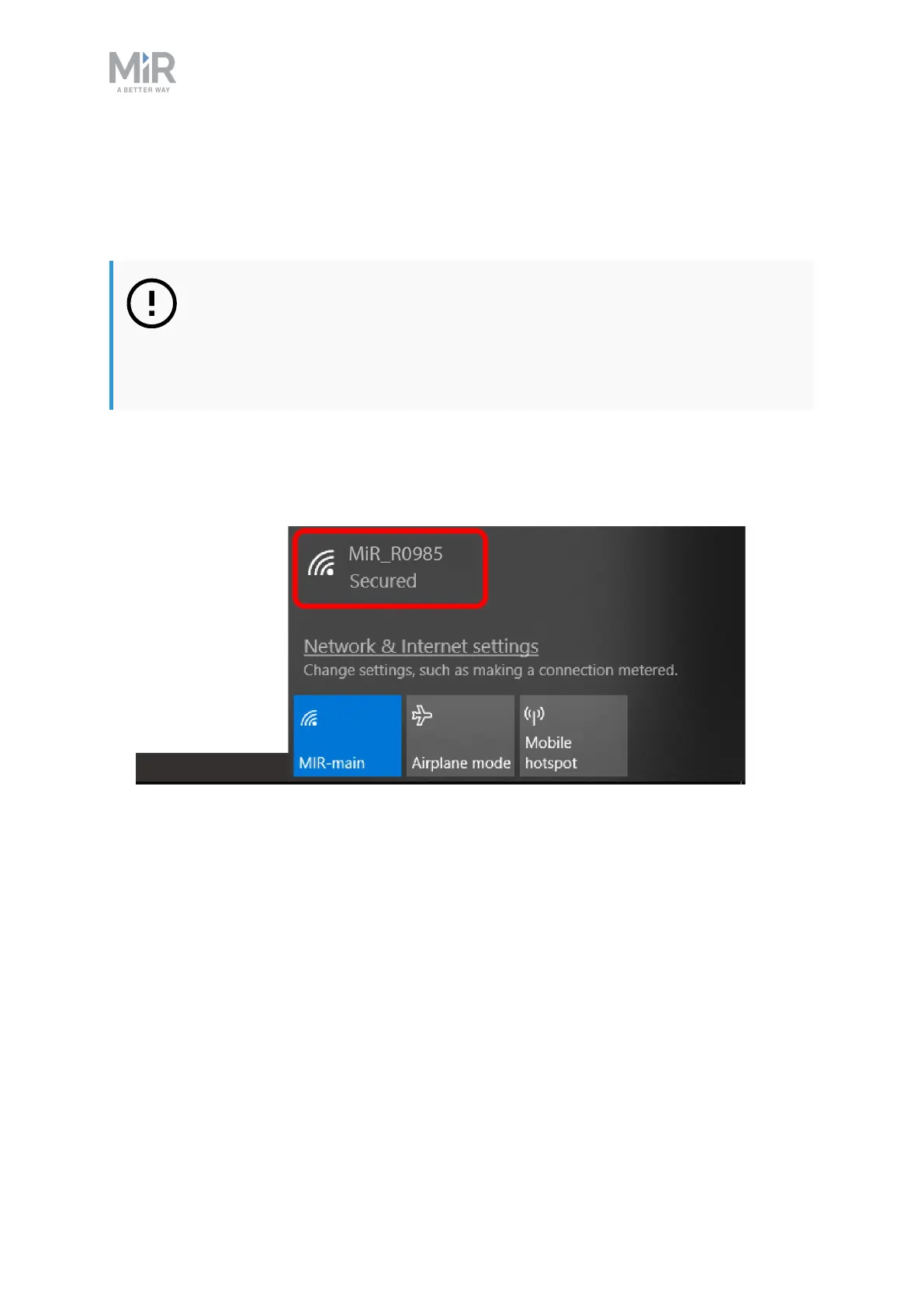
When the robot is on, it enables the connection to its WiFi access point. The name of the
access point appears in the list of available connections on your pc, tablet or phone.
NOTICE
The username and password for the robot’s WiFi access point and for
accessing the web interface are in the MiR username and passwords
document. The document is in the box with the robot.
Follow these steps to connect to the robot interface:
1. Using your pc, tablet or phone, connect the WiFi access point of the robot. The access
point name has the following format: MiR_RXXXX.



 To Next Page