4. Commissioning
MiR100 User guide (en) 09/2019 - v.1.4 ©Copyright 2019: Mobile Industrial Robots A/S. 29
4.6 Shutting down the robot
To shut down MiR100:
1. Ensure that the robot is not moving or executing an action.
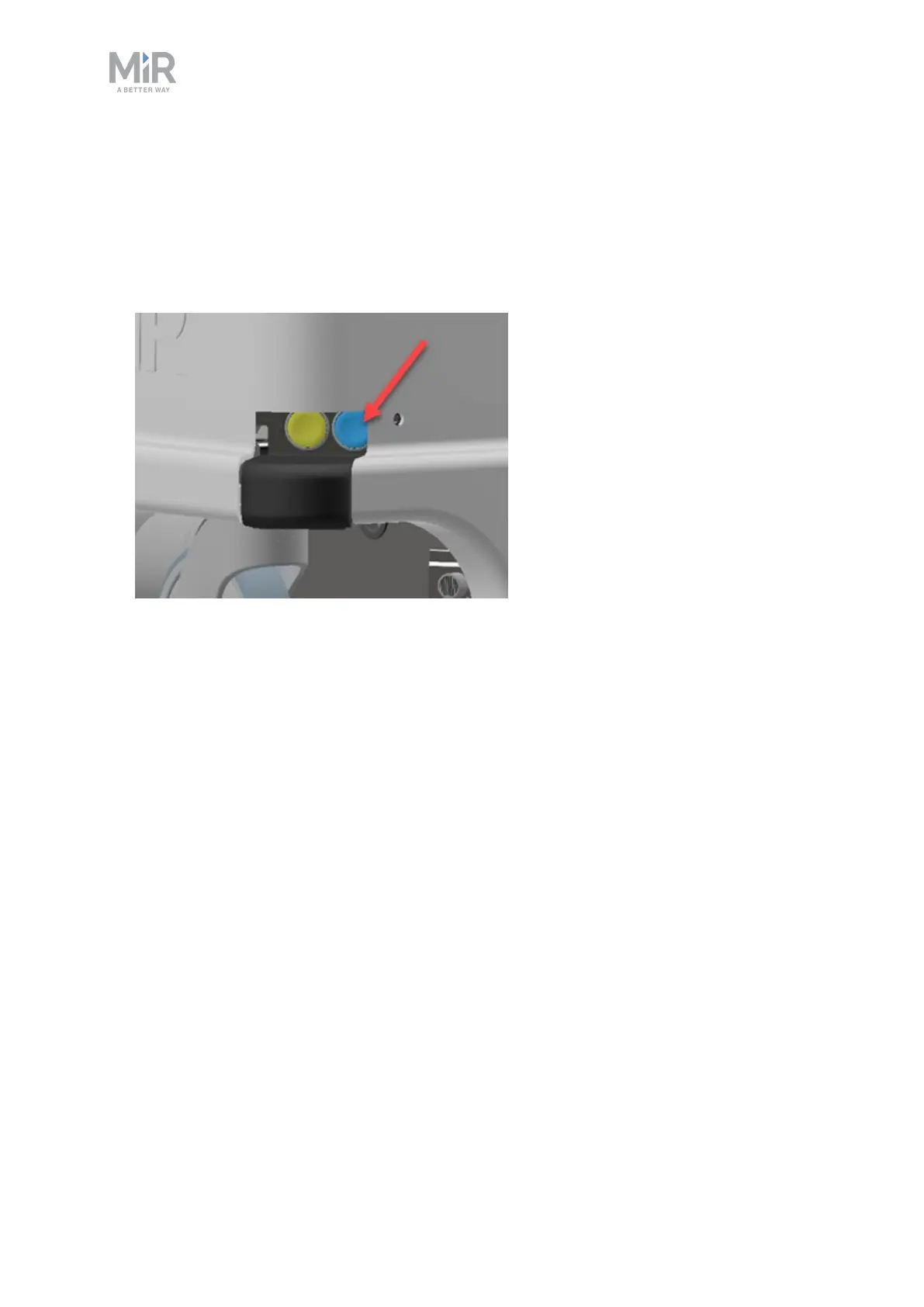
2. Press the On/Off button.
3. The robot starts the shutdown process. During shutdown, status lights show yellow fading
light.
4. You'll know that the shutdown process is finished when the status lights are off.
If you're shutting the robot down for transportation or service/repair, the battery disconnect
switch must be turned off as well and the battery cable disconnected.



 To Next Page