4. Commissioning
MiR100 User guide (en) 09/2019 - v.1.4 ©Copyright 2019: Mobile Industrial Robots A/S. 28
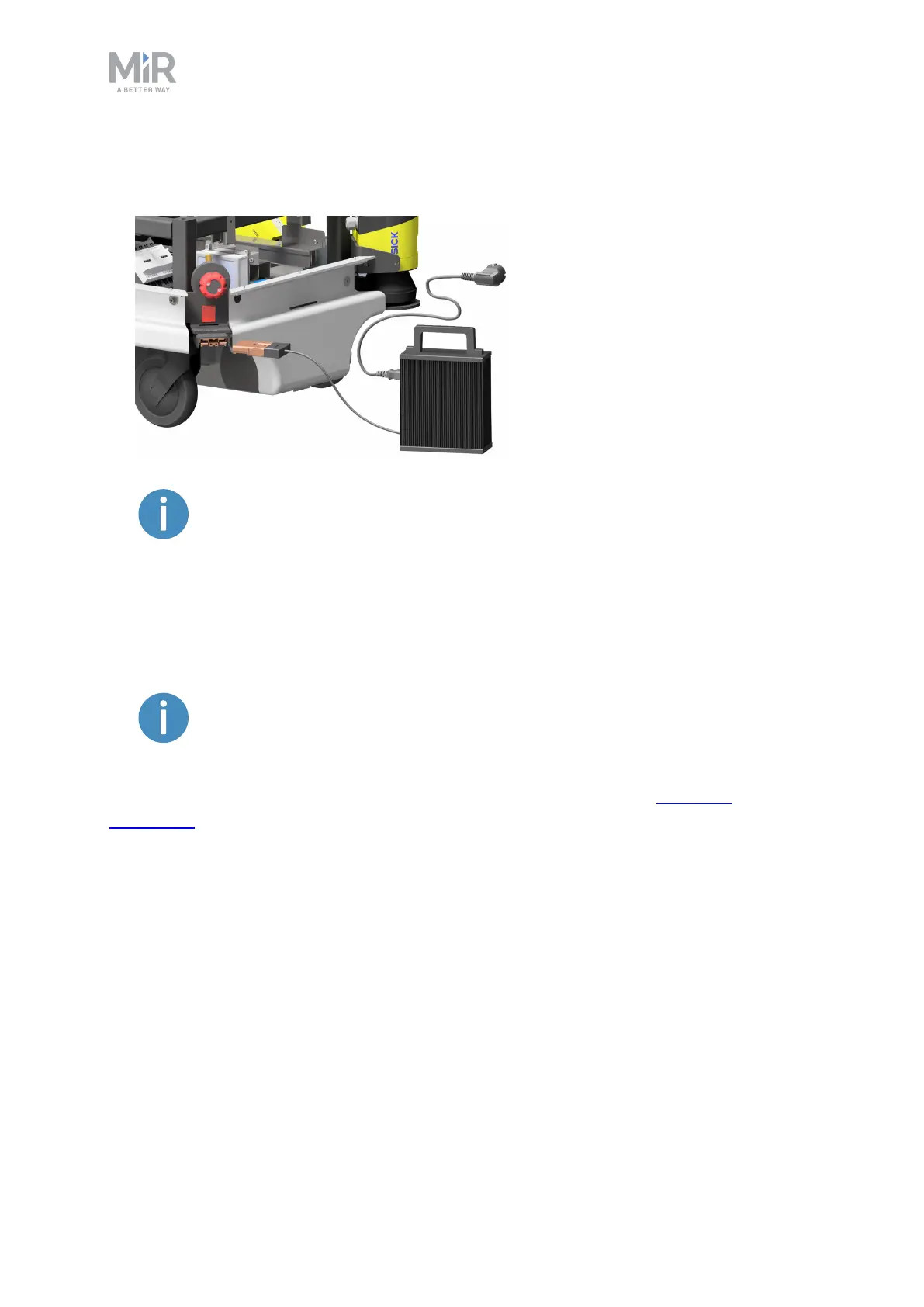
2. Attach the charger to the robot’s charging socket and to a power outlet. Turn on the
rocker switch on the robot to begin charging.
Use only the original charging cable.
3. After a maximum of four and a half hours, the robot is fully charged.
4. Turn off the rocker switch and disconnect the charging cable from the robot. Slide the
corner cover back on.
The robot detects both cable and activated charging-button and will go into
emergency stop in both cases.
For information about the charging time, see the robot specifications at www.mir-
robots.com.



 To Next Page