4. Commissioning
MiR100 User guide (en) 09/2019 - v.1.4 ©Copyright 2019: Mobile Industrial Robots A/S. 25
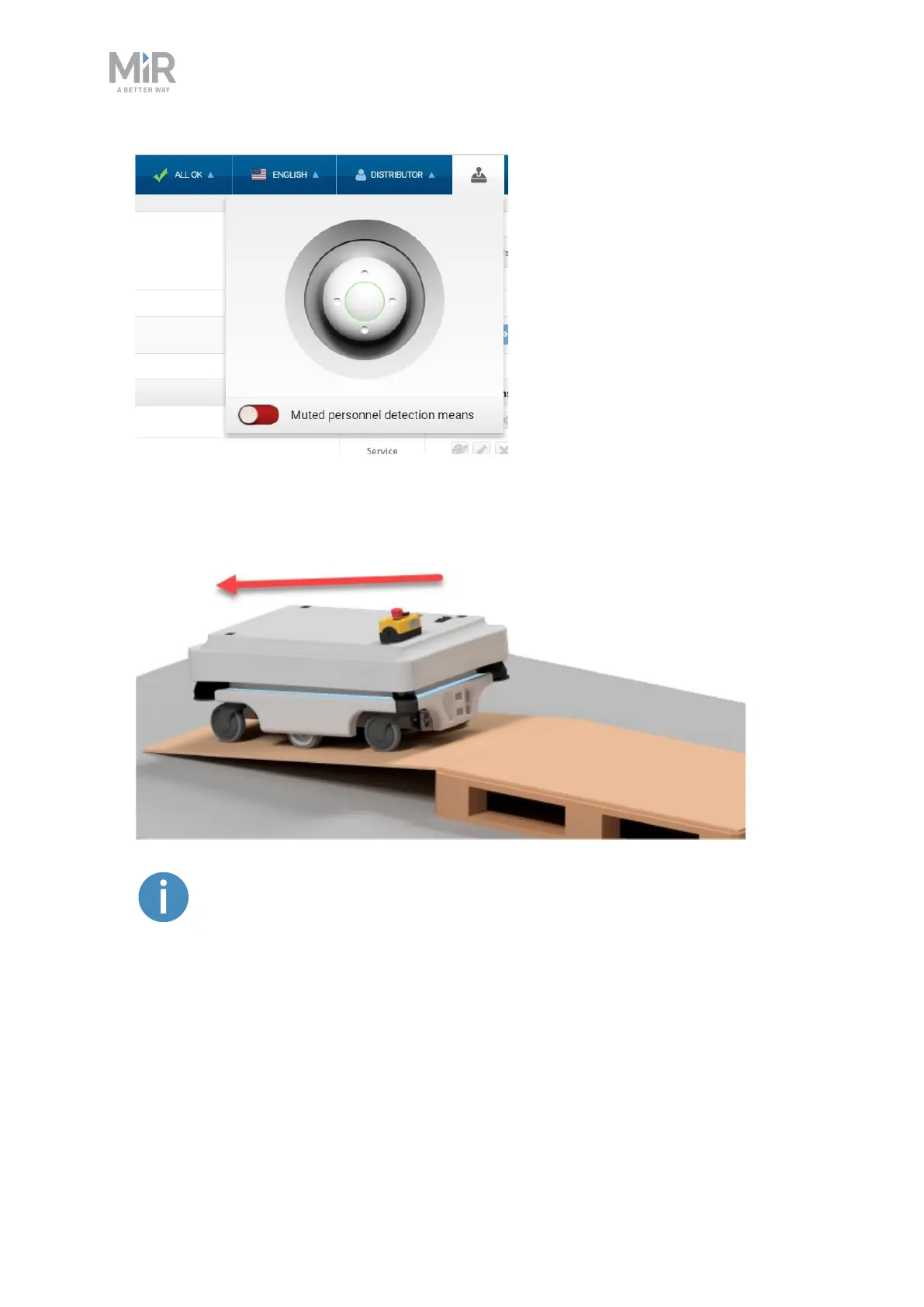
2. The status light on the robot turns blue indicating that the robot is in Manual mode.
3. Drive the robot using the joystick.
We recommend to reverse the robot down the ramp.
4.4 Checking the hardware status
To check that all hardware components work as intended follow the steps below:
1. Sign in to the robot interface. See the section Connecting to the robot interface on
page23.



 To Next Page