10. Updating MiR100 software
MiR100 User guide (en) 09/2019 - v.1.4 ©Copyright 2019: Mobile Industrial Robots A/S. 56
10. Updating MiR100 software
Follow the steps below to update MiR100 software:
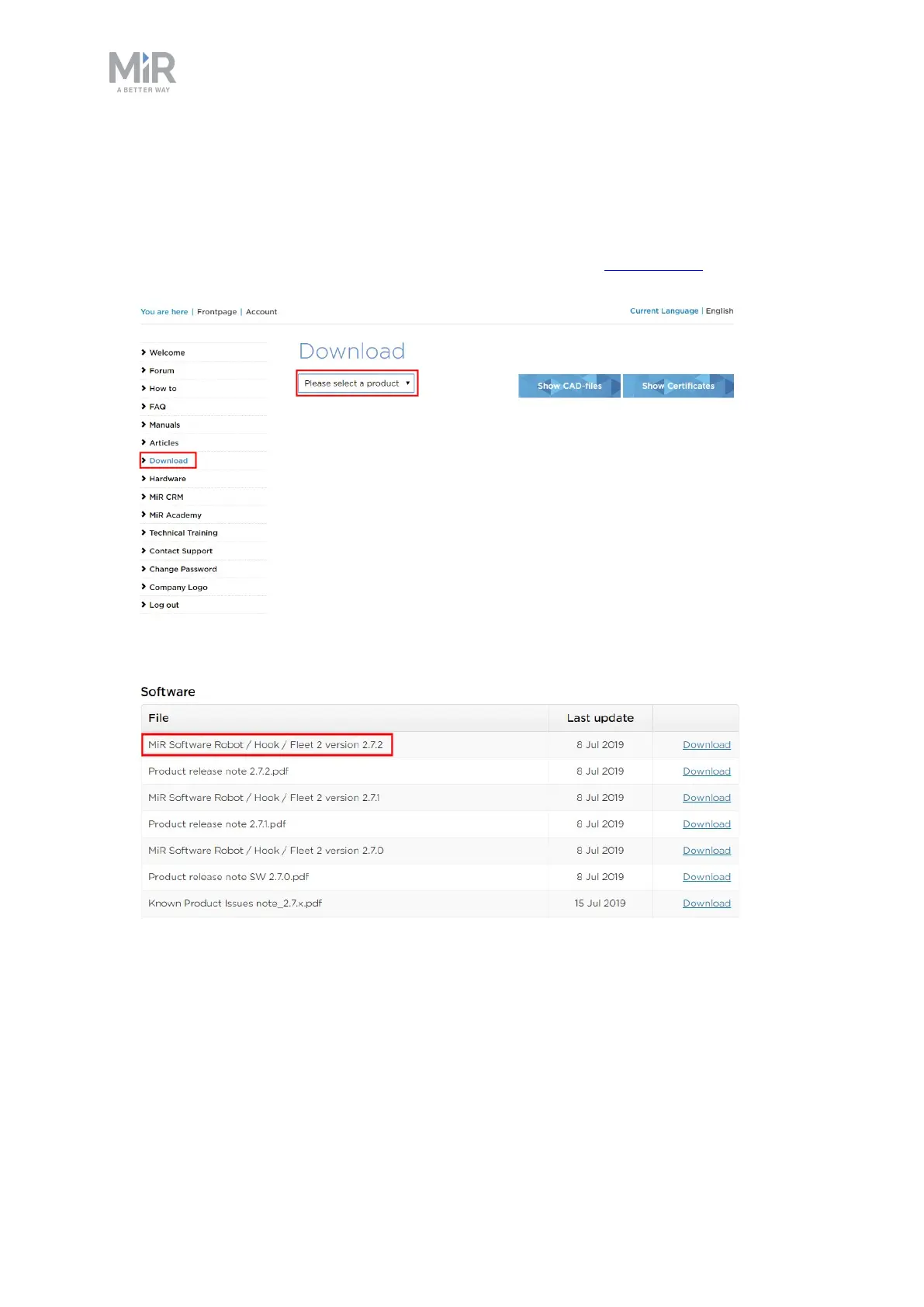
1. Go to MiRDistributor site and sign in with your credentials at mirfleet.com.
2. Select Download and select MiR100 in the product drop down menu.
3. Download the latest version of MiR Software Robot /Hook /Fleet 2 version x.x.x.
4. Connect your computer to the WiFi of the robot you would like to update.
5. Access the robot's interface by going to the website mir.com in your preferred web
browser and sign in.



 To Next Page