10. Updating MiR100 software
MiR100 User guide (en) 09/2019 - v.1.4 ©Copyright 2019: Mobile Industrial Robots A/S. 57
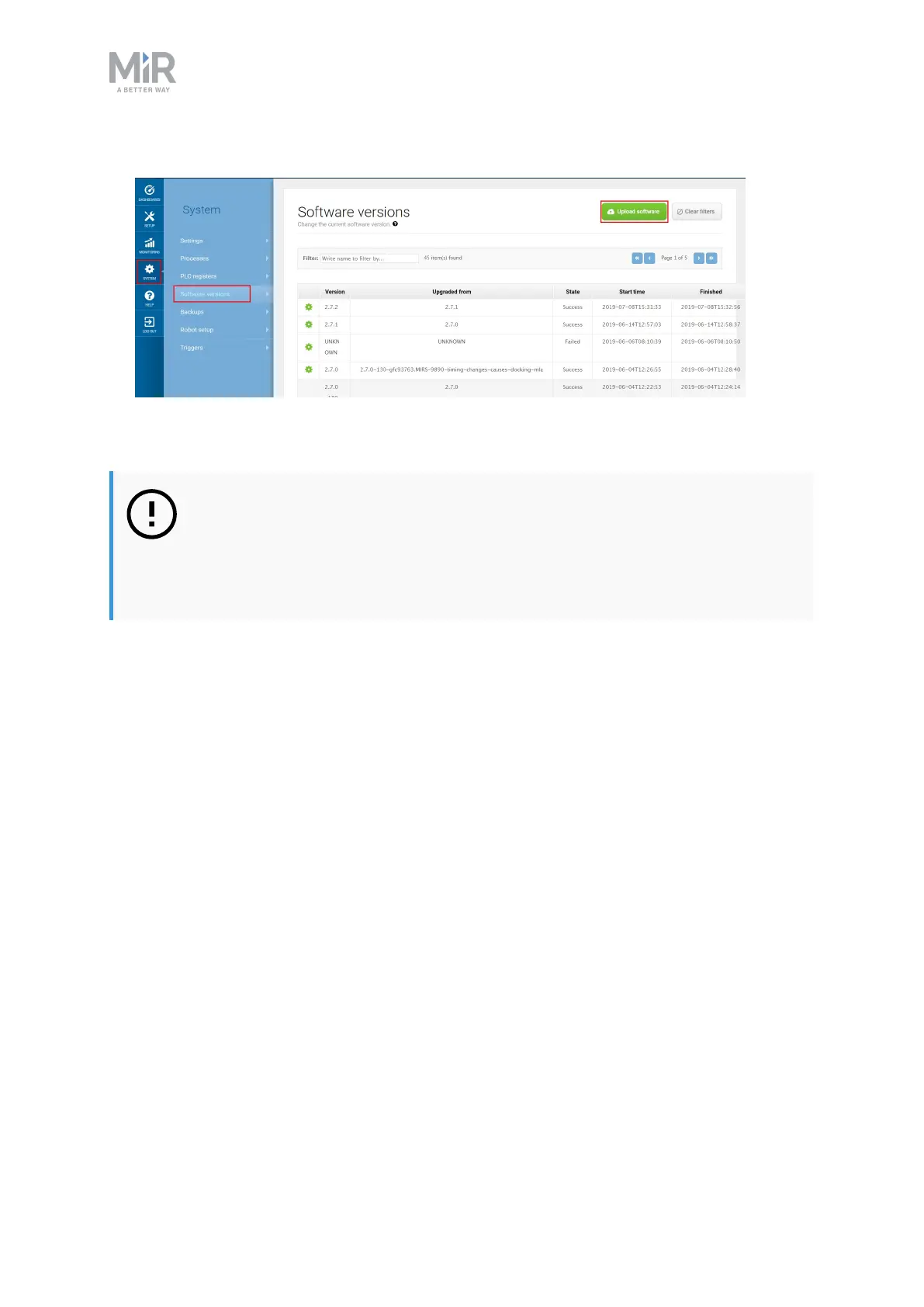
6. Navigate to System > Software versions and select Upload software
7. Locate and select the downloaded software package.
8. It may take a few minutes for the package to successfully upload.
NOTICE
When updating MiR100 with an attached MiRHook 100, the Hook software
must be updated first to ensure that the robot is compatible with the hook
when uploading the software.



 To Previous Page