7. Applications
MiR100 User guide (en) 09/2019 - v.1.4 ©Copyright 2019: Mobile Industrial Robots A/S. 49
7. Applications
You can install top modules on top of MiR100 for specific applications. For more information
about top modules, go to the following page:
http://www.mobile-industrial-robots.com/en/mir-tradeforum/
For instructions on how to mount top modules and accessories, refer to the application
manuals at www.mir-robots.com or contact your distributor.
7.1 Mounting a top module
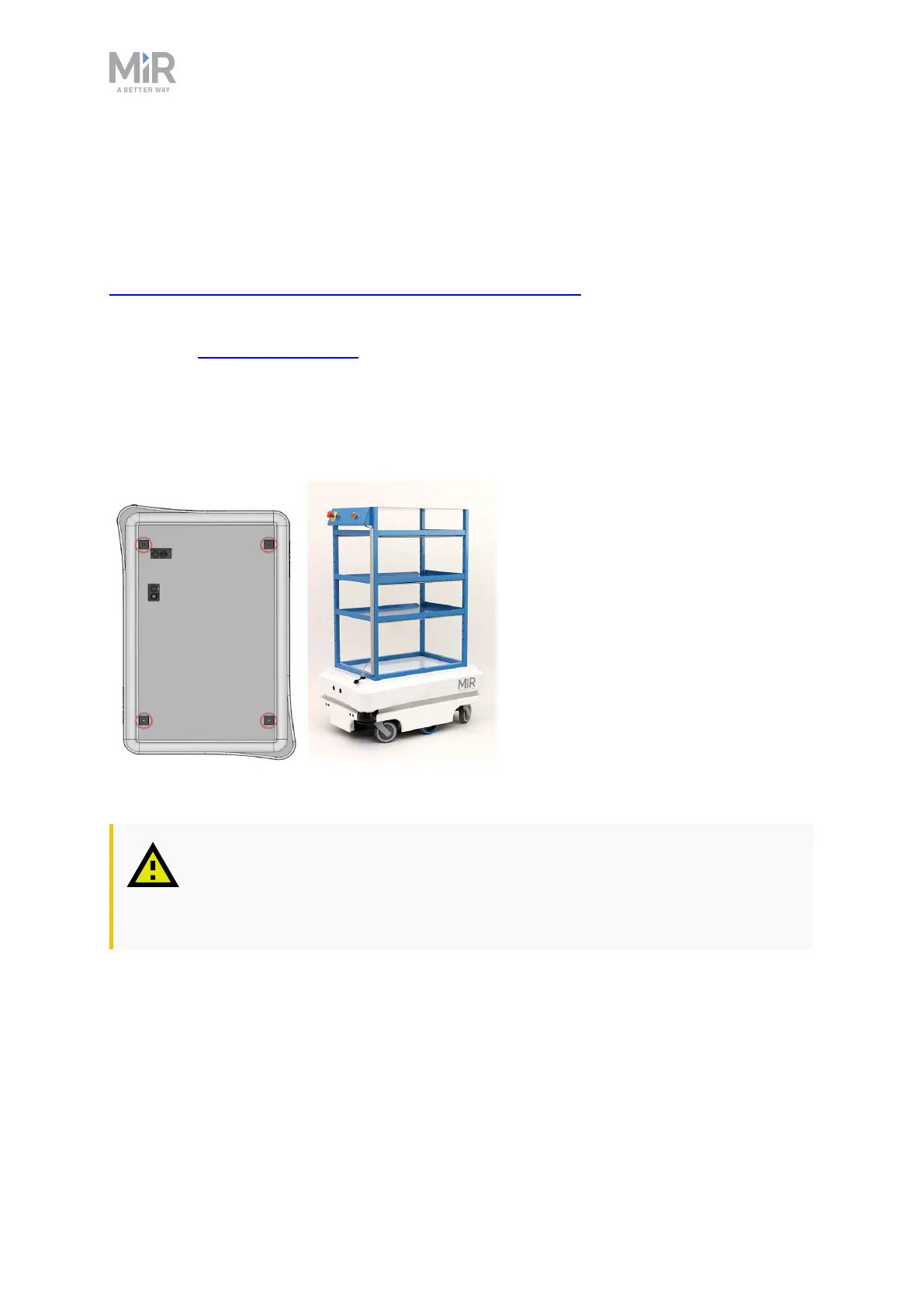
Top modules must be fastened using the self-tightening conically shaped mooring holes in
each corner of the robot and should be mounted with a tightening torque of 47 Nm.
Top modules are fastened through the mooring holes in the top cover.
CAUTION
Certain top modules may require the installation of an extra emergency stop
button. Perform risk assessment according to standard ISO 12100.



 To Next Page