4. Commissioning
MiR100 User guide (en) 09/2019 - v.1.4 ©Copyright 2019: Mobile Industrial Robots A/S. 19
4. Commissioning
This section describes how to get started with MiR100.
NOTICE
Read Safety on page8 before powering up the robot.
4.1 Powering up
Follow these steps to power up MiR100.
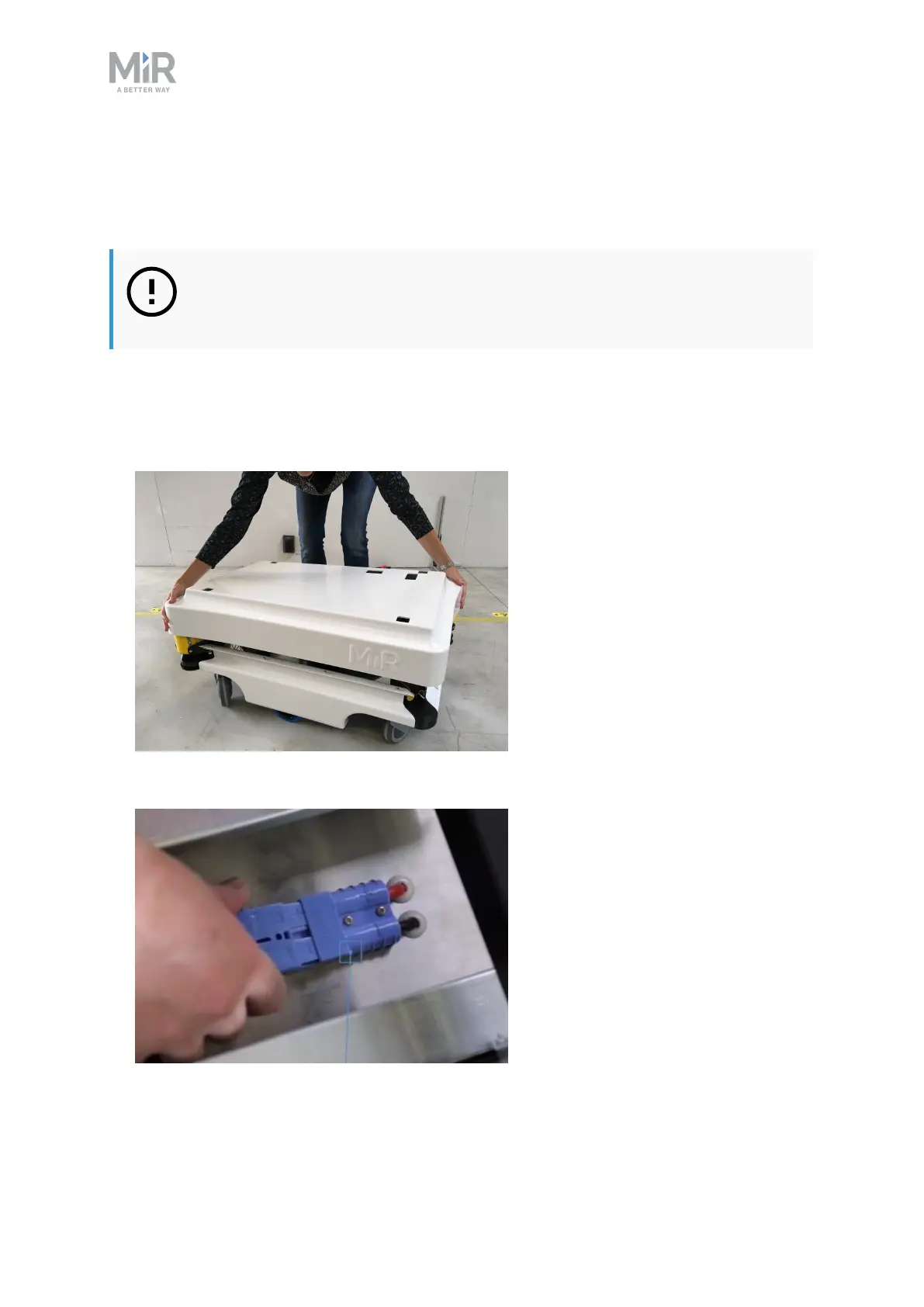
1. Grab the two rounded corners and carefully lift off the cover.
2. Connect one of the two battery cables to the plug on top of the battery box. The second
cable is for an extra battery.



 To Next Page