4. Commissioning
MiR100 User guide (en) 09/2019 - v.1.4 ©Copyright 2019: Mobile Industrial Robots A/S. 26
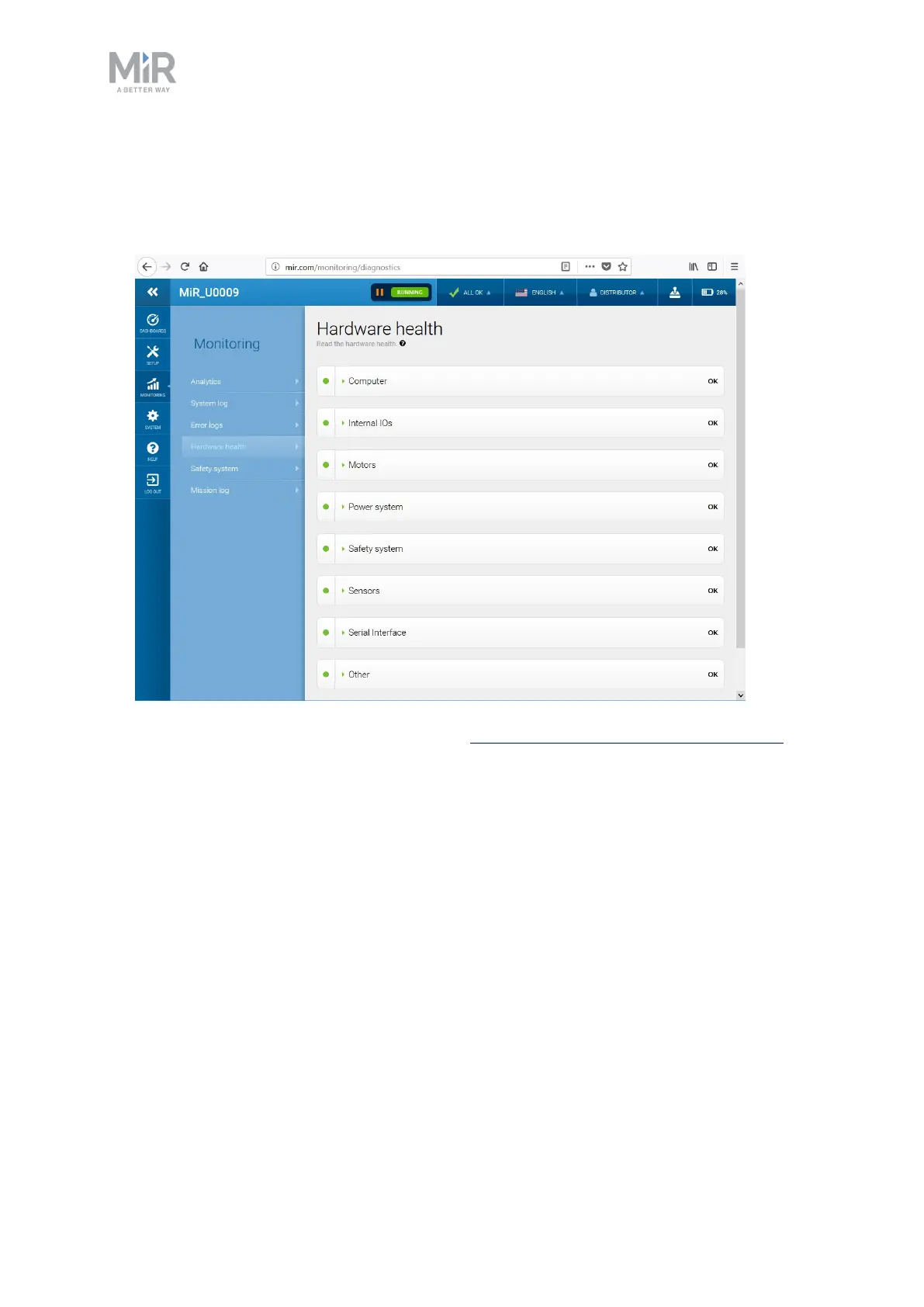
2. Go to Monitoring > Hardware health.
3. Check that all elements on the page have the OK status and that they have green dots on
the left.
For more information, see Hardware health in MiR Robot Interface 2.0 Reference Guide.
4.5 Charging the robot
The robot arrives with a charged battery and can drive for up to three hours before
recharging is required. Follow these steps to charge the robot using the enclosed charging
cable:
1. Remove the rear corner by pulling it towards you. You may have to apply a bit of force
the first couple of times.



 To Next Page