4. Commissioning
MiR100 User guide (en) 09/2019 - v.1.4 ©Copyright 2019: Mobile Industrial Robots A/S. 22
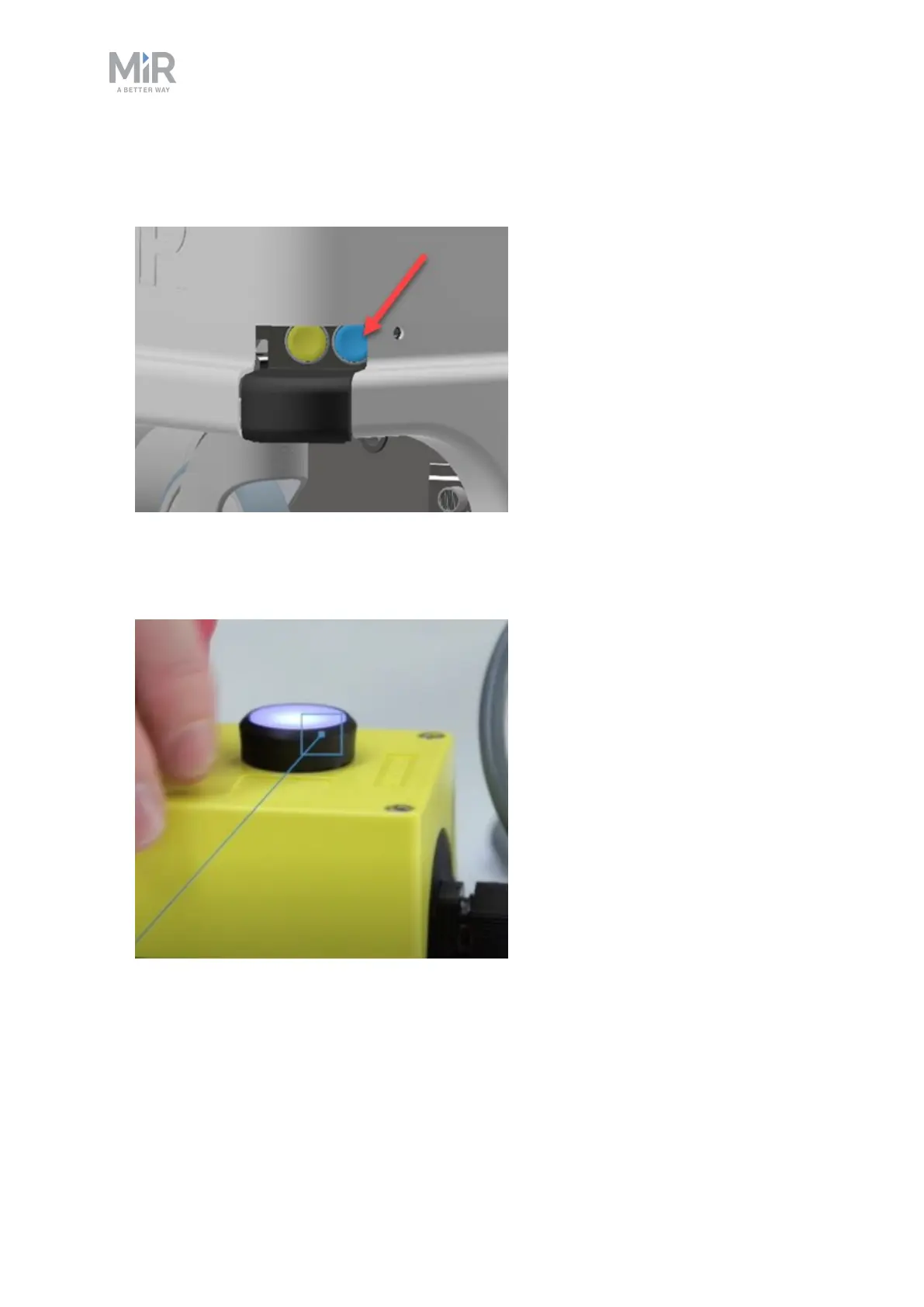
8. Push the blue power button in the corner to turn on the robot. The robot lights up with a
yellow running light for a short moment, then enters emergency stop mode indicated by
a constant red light.
9. Press the reset button on the emergency stop when it has lit up. The robot light now
switches to yellow constant light, indicating that the robot is paused and ready to
operate.



 To Next Page