Chapter 5 Preparation for Programming 5-13
2) Feeder arrangement and mounting: Mount feeder at the specified
position according to the optimized pick data.
3) Checking the parts feeding (picking) position of feeder: Check the
parts feeding position of the feeder (i.e. part pickup position of nozzle)
and adjust the position if necessary.
4) Mark training: Carry out mark training to exactly recognize the
reference fiducial mark on PWB.
5) Pickup position check/modification in PIC mode: Check all pickup
points in PIC mode. Where necessary, modify the data (coordinates,
rotation, head number, etc.).
6) Auto Parts Recognition: Check exact part recognition using the
upward camera.
Job Program Run
8. Run the created job program to produce PWB using the Production
Monitor program.
Run the job program as follows.
1) Click Open Program... from the File menu or click .
2) The ‘Open a production Program’ dialog box appears. Choose a
desired file and click the Open button.
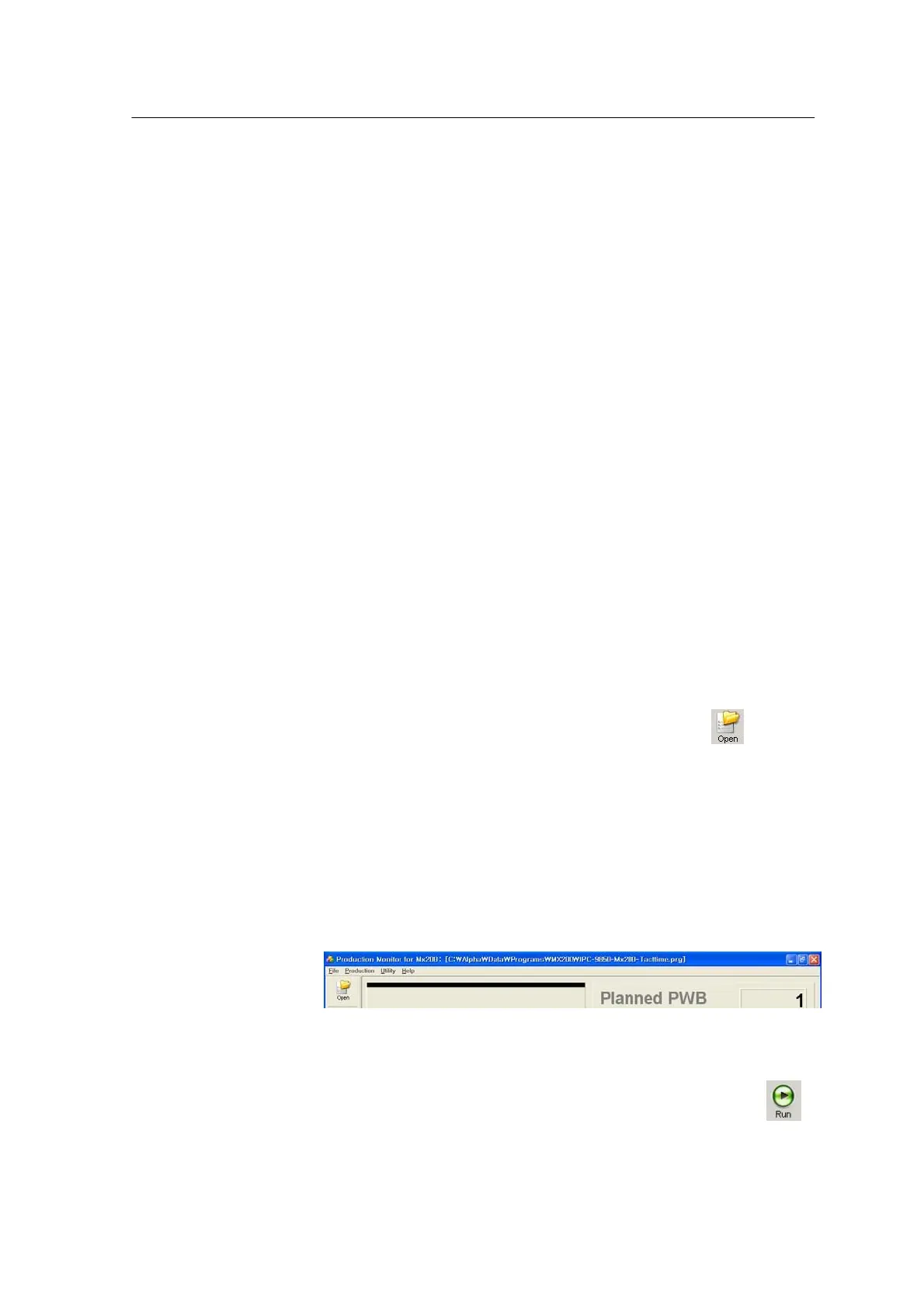
3) The selected Job program opens and the job program name
appears on the title bar in the main window.
<Figure 3-6 가 Job program file name >
4) Click Production Run...from the Production menu or click .
5) The ‘Production Run Setting’ dialog box appears as shown below.
Set each item in the dialog box. See Chapter 6 Starting Programming for
further information on the configuration and items in the dialog box.



 To Next Page