Chapter 5 Preparation for Programming 5-19
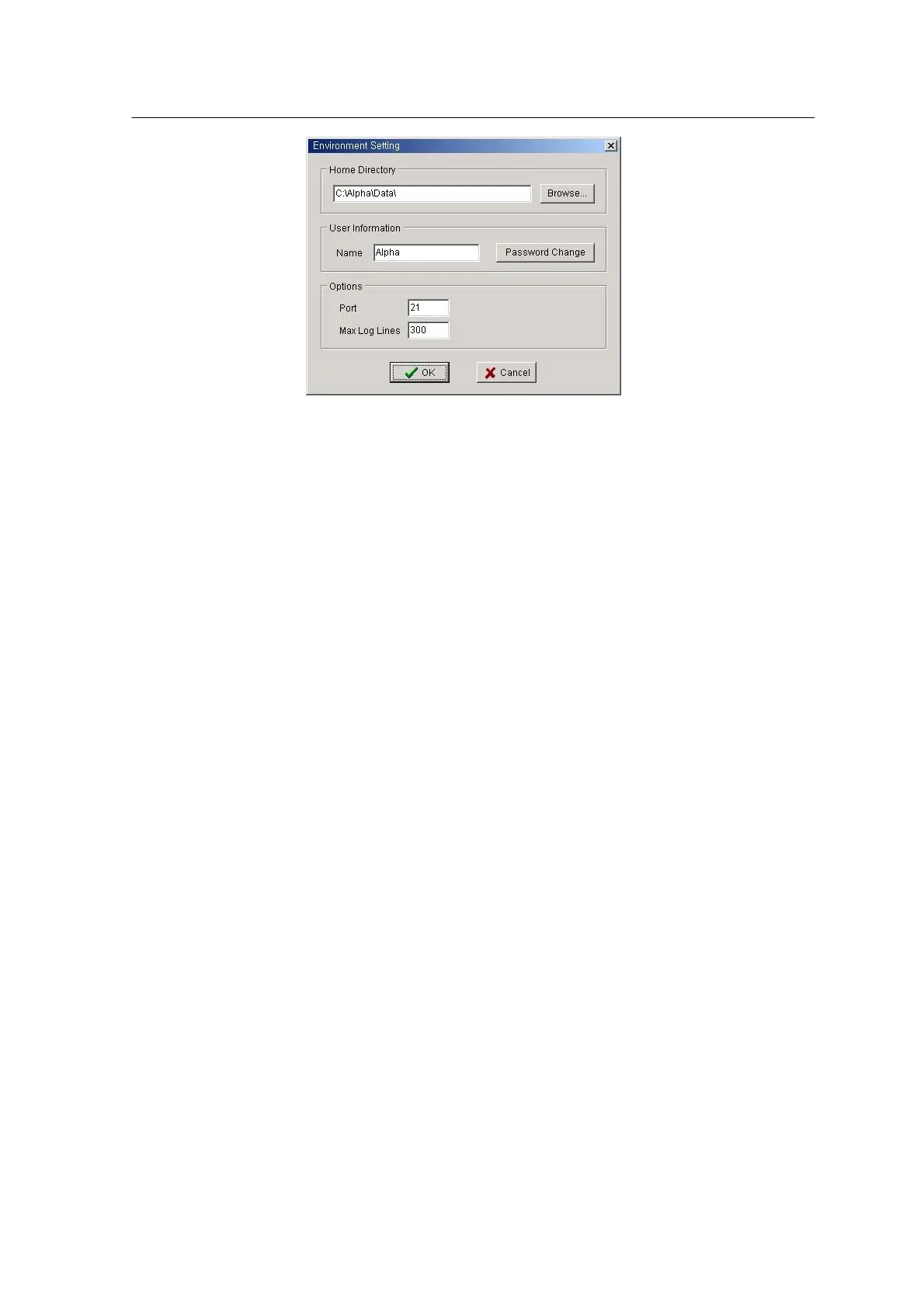
<Figure 3-13 가 Environment Setting window >
• Home Directory: Indicates the folder to save file to be sent or received. The
default folder is C:\Alpha\Data.
• User Information: Enter User ID. Press the Password Change button to set
User ID.
• Option: Enter the number of ports connected to the MCS. The default
setting is 21. ‘Max Log Lines’ indicates the number of lines to save
connection history. The default setting is 300.
Using HWIF (Hardware Interface) -Main(Mx100/200)
HWIF relays communication between the MCS and program editor,
production monitor and component editor. This program is used to define
various error messages and units, to determine use of password protection
and to set various parameters.
When the Windows starts, HWIF automatically runs and the icon is displayed
in the tray at the bottom of the desk top. Since the icon displayed depends
on connection or disconnection of communication with MCS, the
communication state can be easily seen from the icon.
Starting HWIF
1. When the machine power is on, the Windows background screen is
displayed on the LCD.



 To Next Page