Chapter 4 Regular Chec4k-
4-13
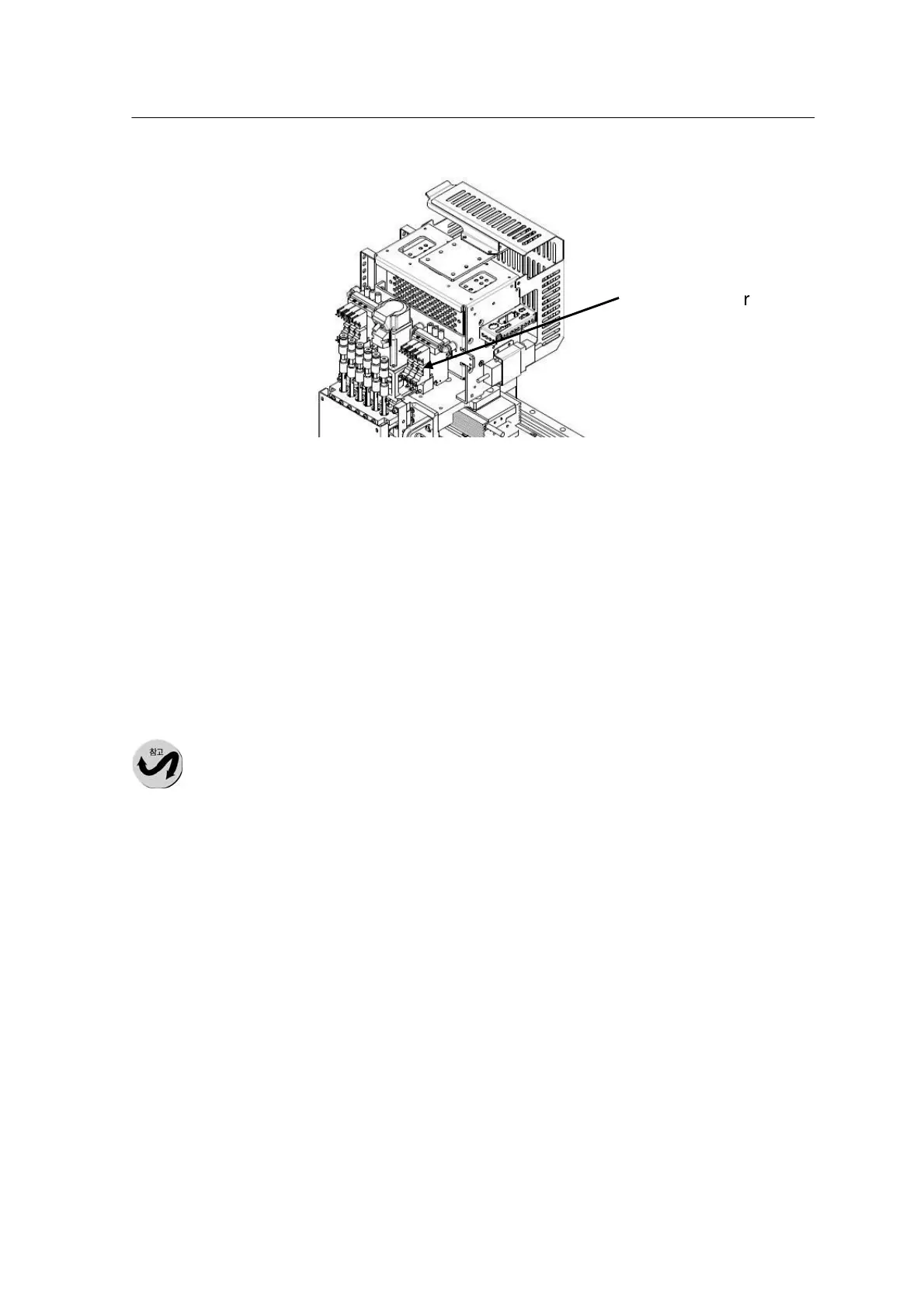
Checking the blowing level of the head
1.Press the ‘Servo Off” button to turn off the XY-Gantry.
2.Open the door and move the X-Gantry forward.
3.Check the blowing level at "M-setup" -> "I/O" -> "HEAD".
* Default Setting: 45±3 (Nozzle unequipped)-Reference Value
4. If the blowing level deviates from the default setting, call the
Mirae Customer Support Team.
The blowing level is
subject to change
depending on nozzle
type.
Checking the vacuum pressure at the nozzle tip
The level of suction at the nozzle tip may affect the picking accuracy
of the device. Check the suction level at the nozzle tip before
starting a task.



 To Next Page