Chapter 6 Programming 6-69
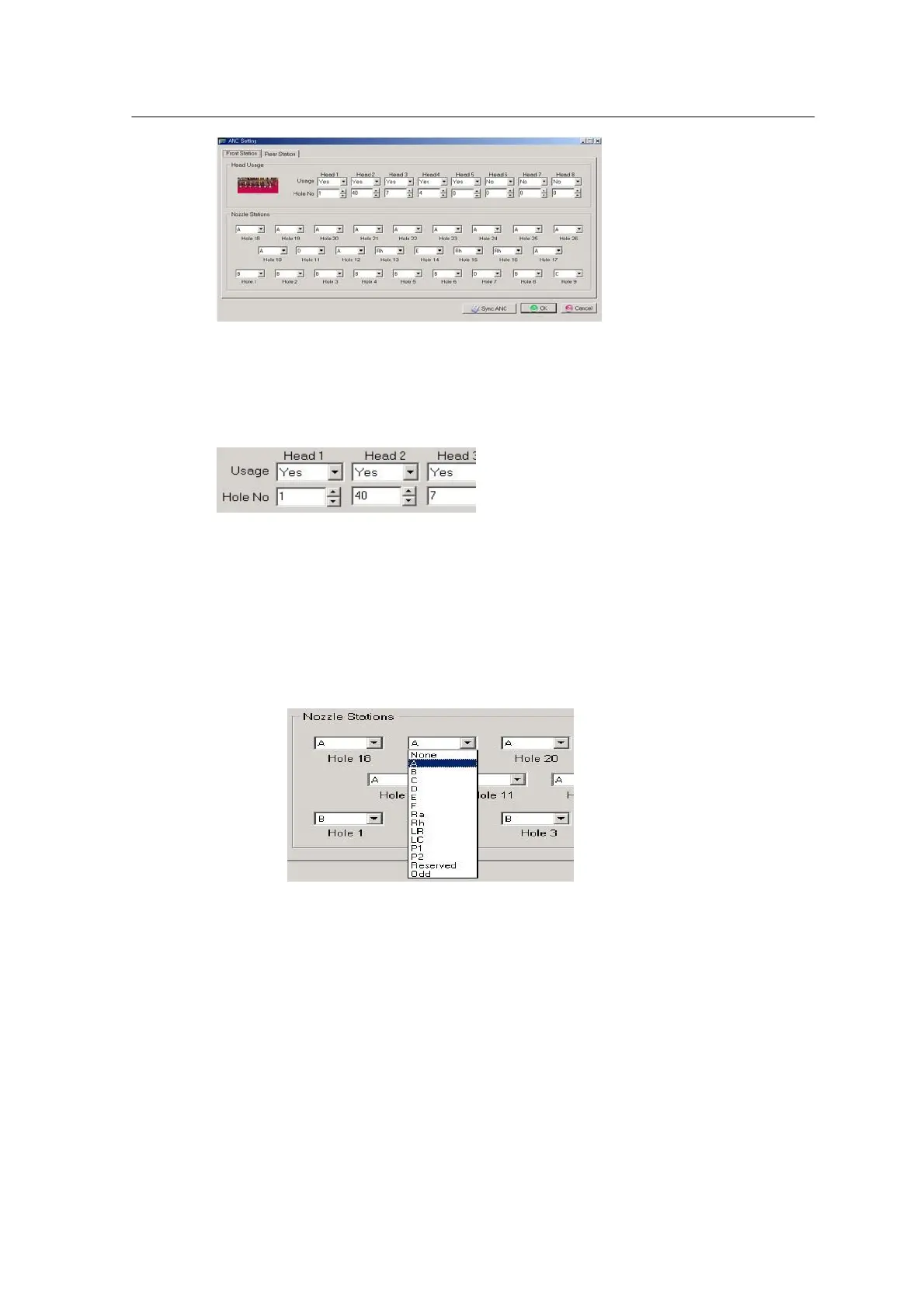
<Figure 6-64 가 Open ANC Information of MSETUP >
Modify incorrect data by comparing nozzle setting of ANC with the Nozzle Assignment Table.
<Nozzle assignment by head >
• Usage: Sets usage of each head. Head does not work when this option is set to ‘No’.
(Note) Missing parts may occur when this option is set to No.
• Hole No: Presence of nozzle equipped in the current head. ‘0’ indicates that the head is not
equipped with nozzle and a figure indicates that the head is equipped with the specified nozzle of
ANC.
<Figure 6-65 가 Nozzle setting by ANC hole>
• Setting nozzle by ANC hole
Record nozzle to be assigned to each ANC hole and install the nozzle at the
specified ANC hole.
Part inspection and PIC function
- Check the Pick & Place position for a given part through the camera and compensate the
position with offset if incorrect.



 To Next Page