4- 24 Mx-Series
Manual
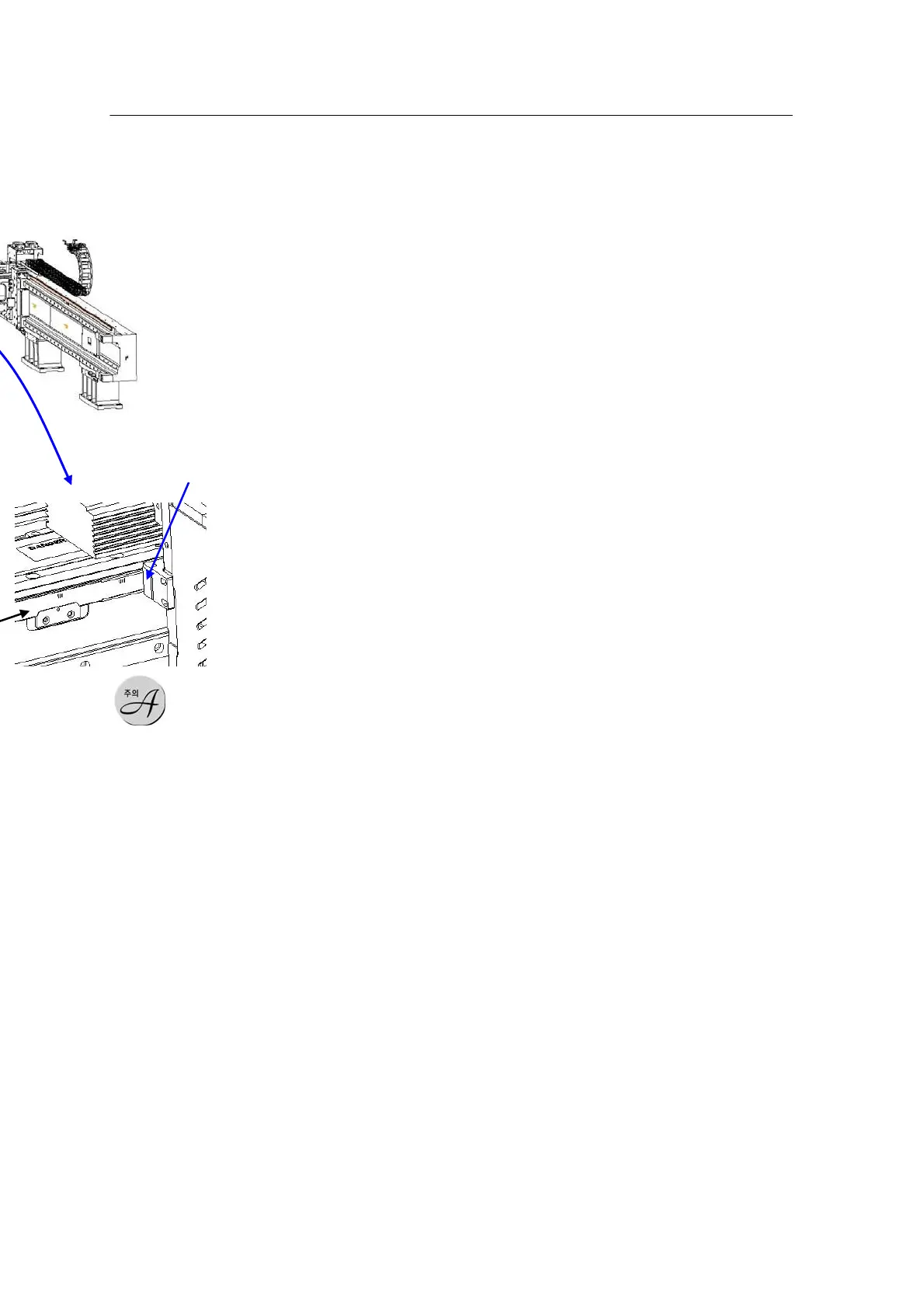
1) Make sure
to unplug the
machine when
cleaning the Linear
Scale Tape.
2) Do not
use chemicals
(acetone, solvent,
benzene, etc.).
3) Make
sture to wipe with a
clean cotton cloth.
Check
Procedure
1. Turn on
the
machine’s
main software and run software. After booting and home check
are completed, press the Servo Off button on the front and open
the door (At this time, the safety interlock of the door should work
normally).
2. Slowly move the X, Y1 and Y2 axes of the front and rear
gantries to their limits and check the sensitivity of the Linear Scale
Head (A separate jig is required – Contact the Mirae Customer
Support Team.)
3. Turn off the Run software, visually check whether the part
with abnormal sensitivity is stained with grease or foreign
materials and wipe the scale tape with a clean cotton cloth.
4. If the sensitive error is not fixed after cleaning the scale tape,
contact the Mirae Customer Support Team.
Linear Slide check
Module: X-Y Gantry



 To Next Page