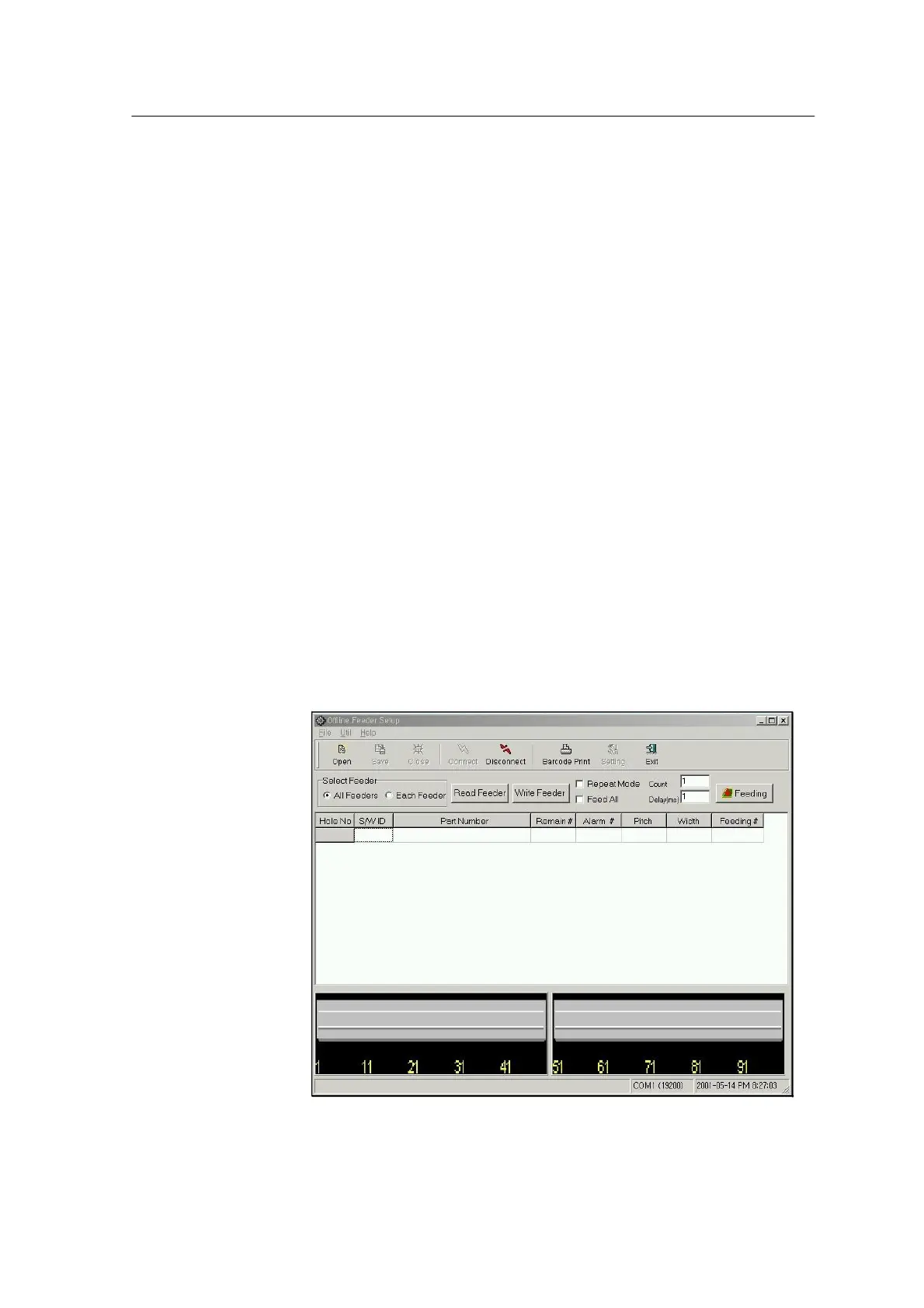
When you run the program, the preset environment setting
parameters (defaults if there are no preset values) are loaded and
the feeder is connected (Disconnect button is enabled).
Program menu consists of File menu, Util menu and Help
menu. You can find the button corresponding to each menu in
the toolbar under the menu.
Feeder Communication window for reading or writing feeder
data and for performing feeding test is placed under the toolbar.
In the center of the screen, there is a table to display the
feeder information read from each feeder or job data (*.prg).
At the bottom of the screen, the position of the feeder
displayed in the table is shown in Front/Rear Feeder Base.
<Fig. 4-1ᆞ Program Screen>



 To Next Page