Chapter 5 Solutions for Errors 5-
41
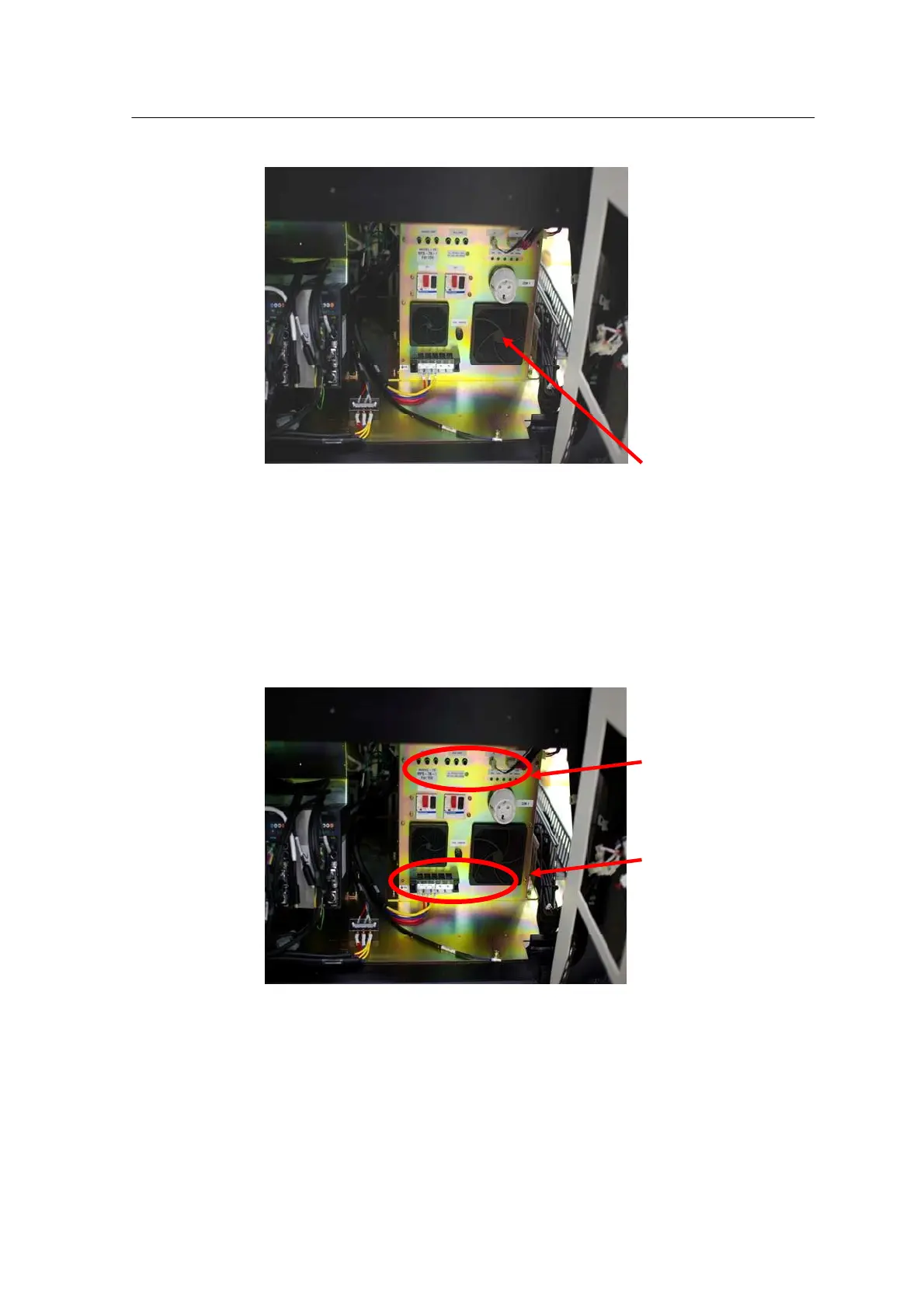
[Errors] Power Box Input Voltage
Failure
[Solutions] Check the machine input voltage. Check that the actual
voltage of the power box meets the input voltage setting.
9. Vision Camera Error
[Errors] Vision communication error
Vision capture error
[Solutions] Check the vision board. Check the
vision related cable.
- Vision system block diagram
- Camera illumination board and block diagram



 To Next Page