Chapter 3 Software And Hardware Installation 3-7
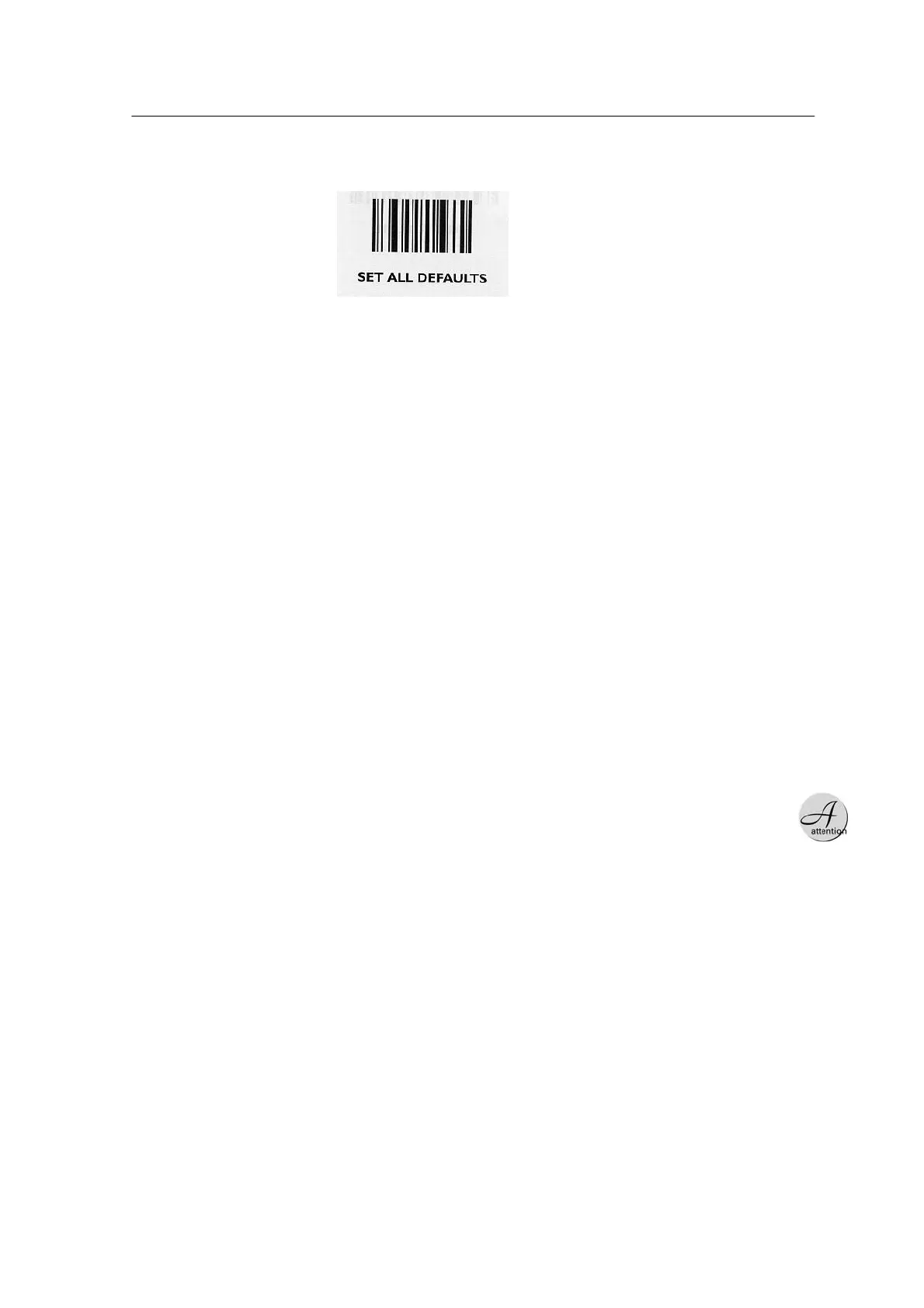
x End Character: Default (CR) To start resetting: Scan SET ALL
DEFAULTS bar code.
of the trolley, run the program and click Read Feeder button, to
read the feeder data. The feeder data is not displayed in the
following cases:
<Fig. 3-4ᆞ Setting to Defaults >
SLTA Setup
Set up SLTA as follows:
1. SLTA box is the device to supply power to trolleys and connect
communication between the interface board of the feeder and the
serial port of the computer. Serial communication with the computer
should be set up as follows:
Baud Rate : 19200 Data Bit :
8 Parity Check : None
Stop Bit : 1
2. Connect the serial communication cable between the serial port of
SLTA and that of the computer where the program has been
installed.
When connecting the rear
trolley only, connect it to
CON1.
3. Connect the communication/power cable of the front trolley to
CON1 of SLTA, and that of the rear trolley to CON2 of SLTA. If the
cable is not long enough, connect it using the supplied extension
cable.
4. Connect the SLTA power cable, and turn on the power switch.
5. How to Check Operation: After connecting a feeder to the interface
board



 To Next Page