6-50 Mx100/200 Series Operation Manual
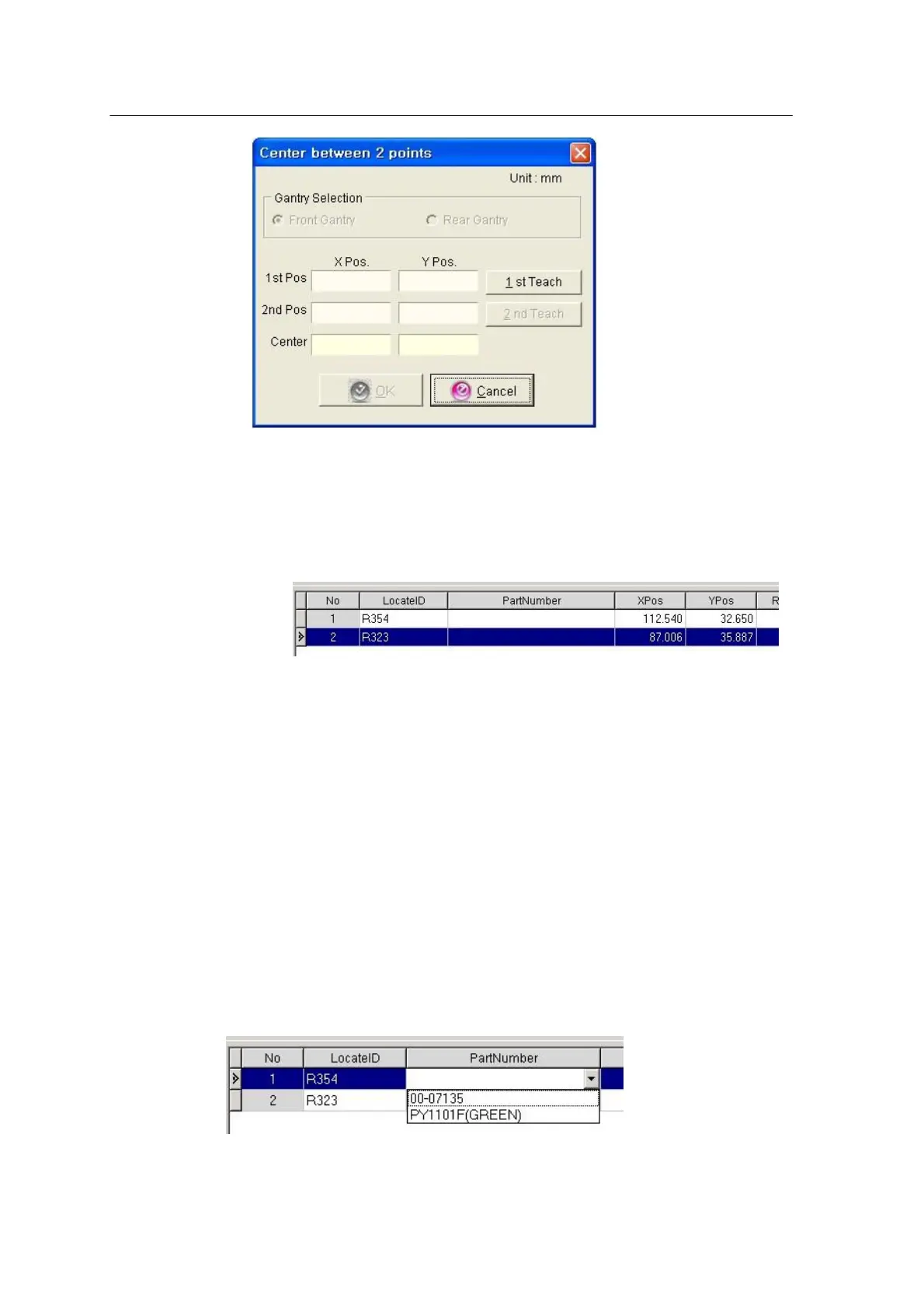
<Figure 6-39 가 2pt teaching window >
For teaching, move to the 1
st
position -> Select 1
st
teach -> Move to the 2
nd
position -> Select 2
nd
teach -> “OK”
<Figure 6-40 가 Teaching result window >
The window above shows the positions entered by teaching. Enter Rotation for
each position (Rotation in - direction from the viewpoint above the PCB is
regarded as + rotation.)
Data Check
<Figure 6-41 가 Link Locate ID with Part Number >



 To Next Page