4-4 Offline Feeder Setup Manual
FILE MENU
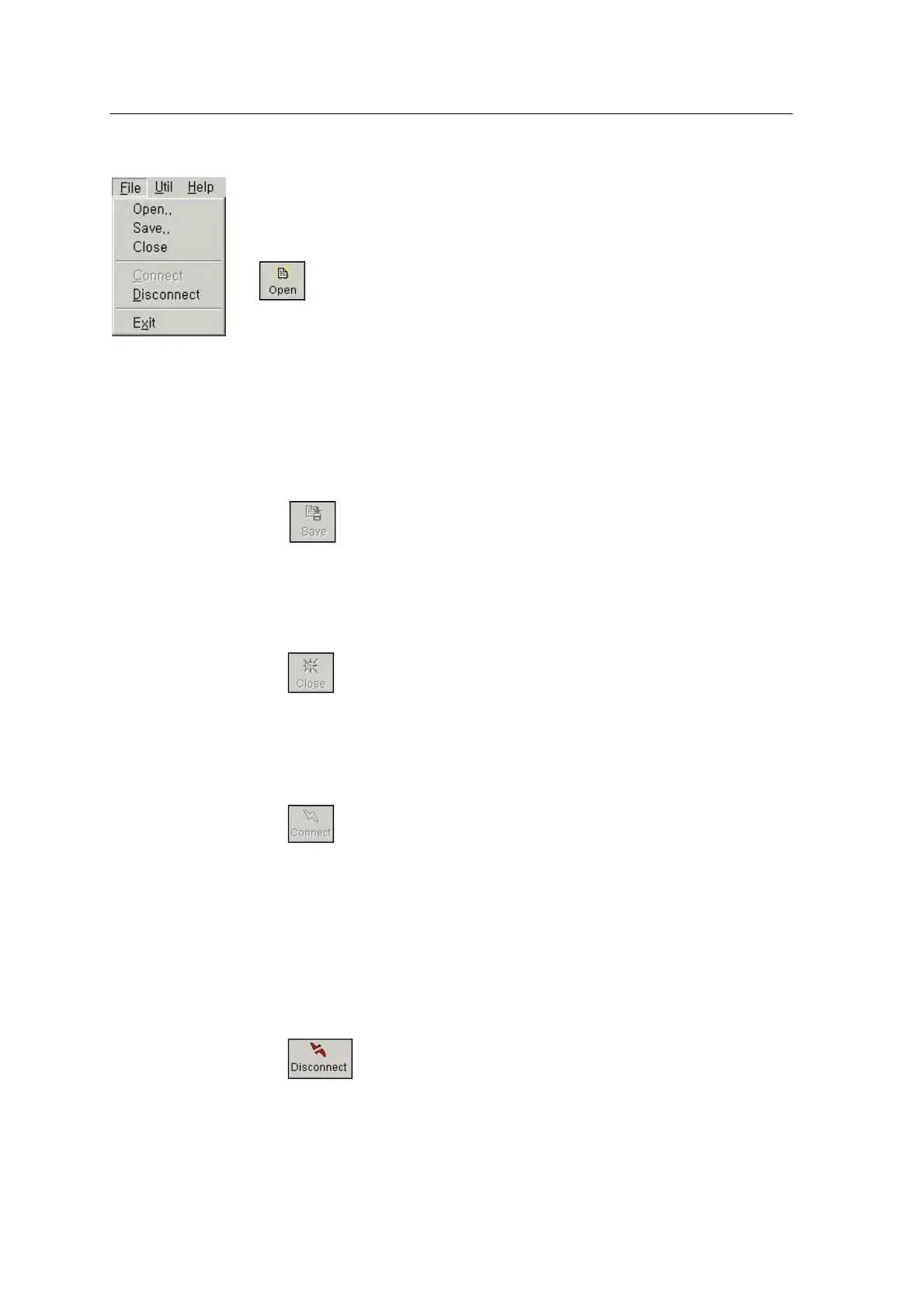
File menu has Open, Save, Close, Connect, Disconnect and Exit submenus
as shown in the following figure, and the toolbar has the buttons of the
same functions. The function of each menu is described below.
Open
This button is used for opening a PRG file and displays feeder data
(Part Number, Remain #, Pitch, Width) in the screen at the center of the
screen. If there is no barcode data in the PRG file, default is set and
Save button is enabled. If there is feeder data previously reader from a
feeder, the program compares the data with the data contained in the
PRG file and displays the result in the table and the feeder base.
Save
When the data contained in a PRG file is modified, this button is
enabled. If you click this button, the modified data (Barcode String,
Pitch) is saved.
Close
This button is used for closing a PRG file. If the file has been modified,
the window asking whether or not to save the modification appears.
Then check Save.
Connect
This button is used for starting the serial communication with the
feeder. If the communication is normally established, "Connect" button
is disabled and "Disconnect", "Read Feeder", "Write Feeder" and
"Feeding" buttons are enabled. If the connection is not normally
established, see SLTA Setup in 3-8 or Environment Setting in page 4-7
of this manual.
Disconnect
This button is used for terminating the serial communication with the
feeder.



 To Next Page