4- 6 Mx-Series Manual
The machine should always be kept clean to ensure high performance
and precision.
Foreign materials or discarded chips on the driving unit may critically
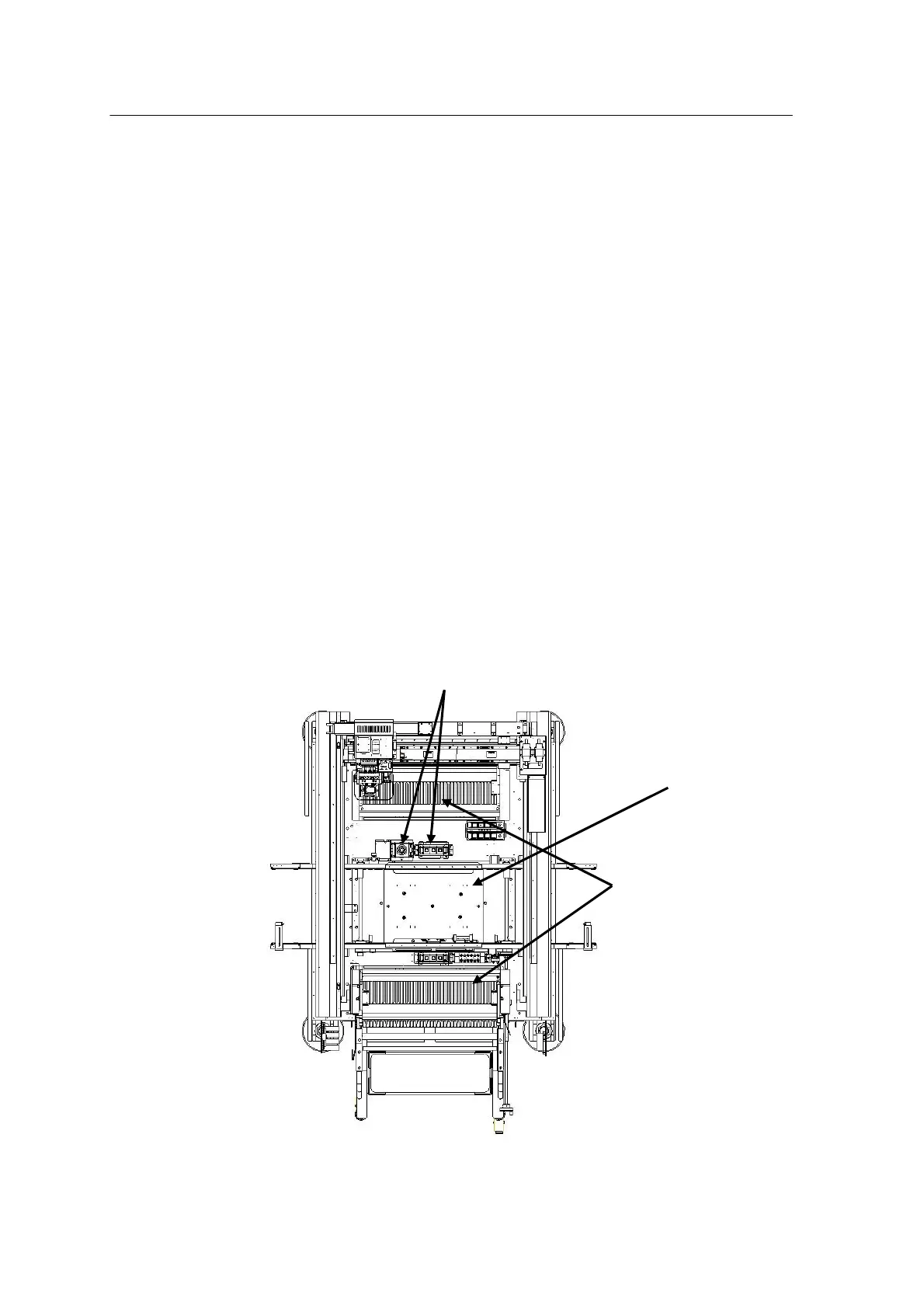
affect the performance of the machine.
Make sure to check the inside of the machine prior to running it.
Check Procedure
1. Make sure to unplug the machine.
2. Turn off the circuit breaker at the rear of the machine.
3. Open the door of the machine.
4. Check for foreign materials and or discarded chips on the
conveyor assembly, vision system, feeder base, main frame, etc.
5. If foreign materials and chips are present, clean the inside of
the machine with an air gun.
6. After checking, close the door, turn on the circuit breaker and
run the machine.
Abnormal noise check (after running)
Module: Conveyor



 To Next Page