Chapter 4 How To Use Program 4-17
Sets the sound to be played when the part names are not matched.
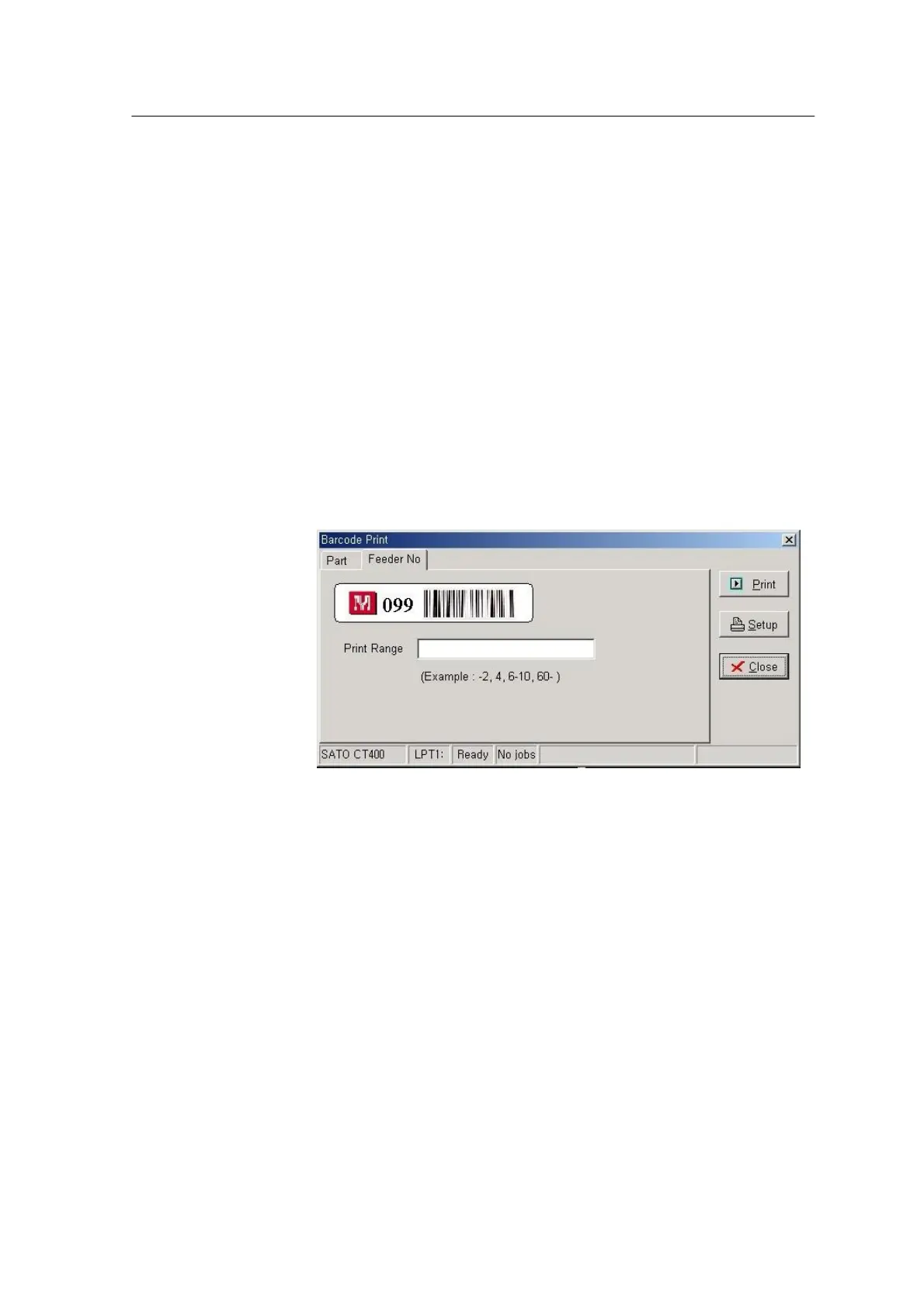
Feeder Number Barcode Print Page
Feeder number barcode stores the hole number of the feeder base. If you
scan this barcode in the table, the table automatically moves to the row
corresponding to the feeder number.
Select Use Feeder No in the Option page and click Barcode Print button,
and the Feeder No Barcode Print page appears as shown in the following
page. For the printer whose model is Eltron TLP2742, you have to set the
label size to print the feeder number barcode in the Option page. In the
Feeder No page, there is a sample image of the barcode label to be
actually printed and a box to set the range of feeder numbers. As in the
example shown below, you can print several feeder numbers at a time.
<Fig. 4-13. Feeder Number Barcode Print Page Screen>



 To Next Page