Chapter 4 How To Use Program 4-15
(e.g) Space ~# : From start to # character
0~15 : From 0 to 15th character
#~Space : From the character following # to the end
3~$ : From the 3rd character to $ character
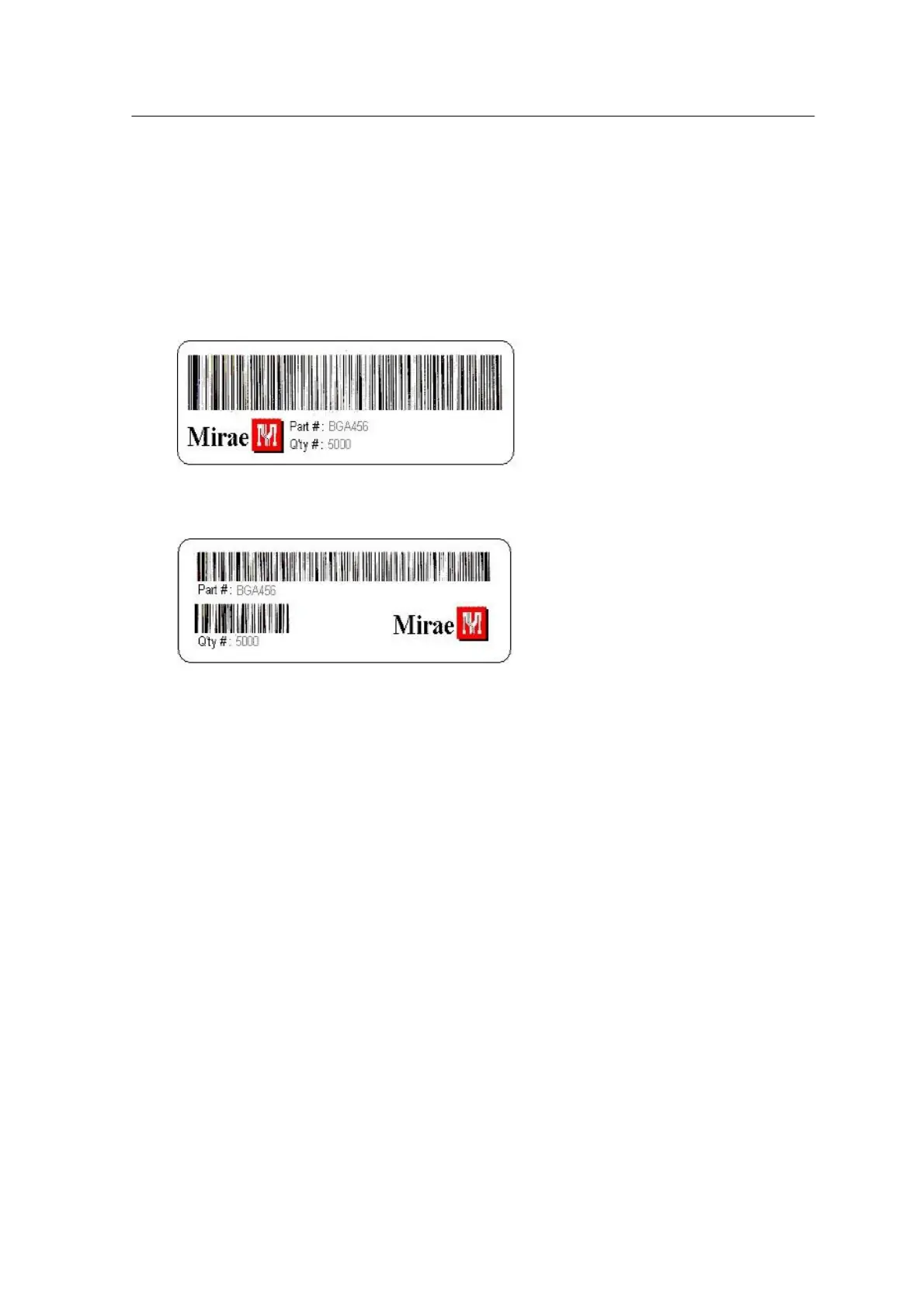
The following figures show the One Line (Predefined) barcode format and the Two Line
Barcode format.
<Fig. 4-10. One-Line (Predefined) Barcode Output Format>
<Fig. 4-11. Two-Line Barcode Output Format>-
Other Option Page
Option page allows you to set restrictions and utilities on program operation. The meaning of
each option is given below.



 To Next Page