5-16 Mx100/200 Series Operation Manual
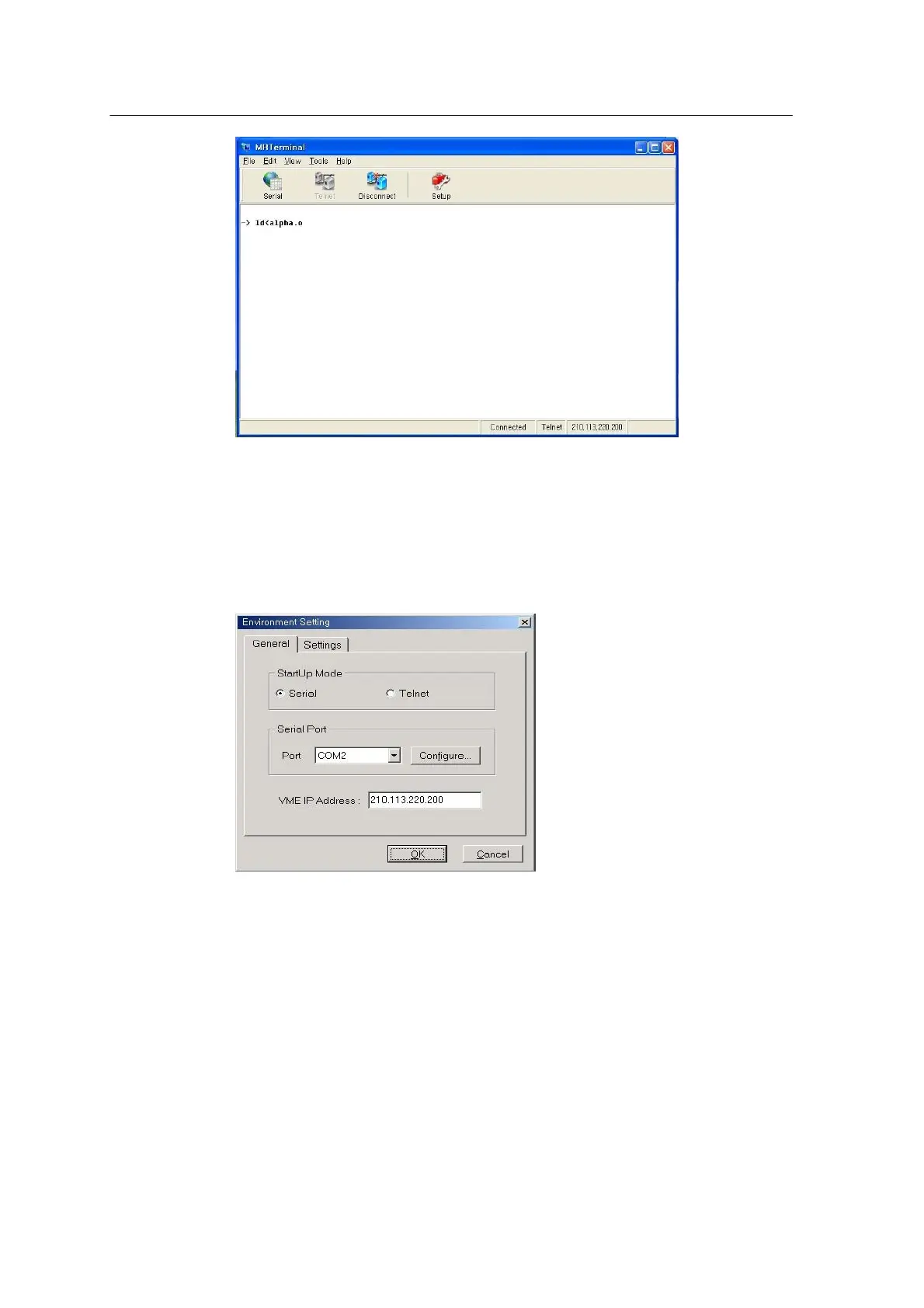
<Figure 3-10 가 MrTerminal main window >
When the system program MCS is connected, various kinds of messages received from the MCS
will be displayed. If no message is displayed, press the Setting button to move to the Environment
Setting window.
<Figure 3-11 가 Environment Setting window >



 To Next Page