Chapter 6 Programming 6-53
Each step is described below.
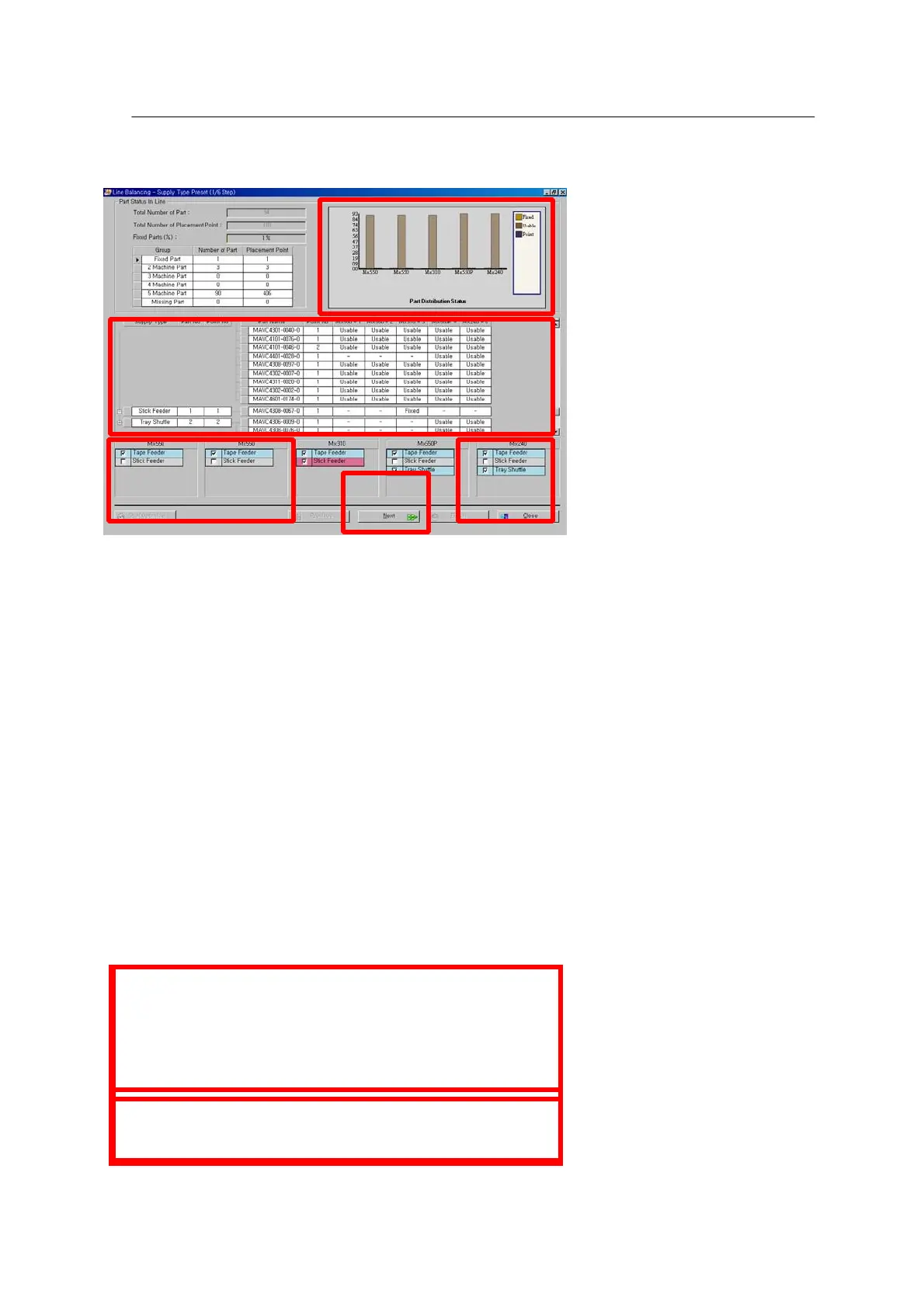
<Figure 6-47 가 Line Optimizer step selection >
1). Select a machine (or a line) from the line.
2). Check use for each machine.
3). Select Supply Type applicable to each machine (tape feeder, stick feeder, TSU, TFU).
4). Check the result of real-time line optimization.
5). When setting is completed, press “Next” to move to the next window.
When setting in each step is completed, check line balancing before executing Optimizer for an
individual machine.



 To Next Page