4- 8 Mx-Series Manual
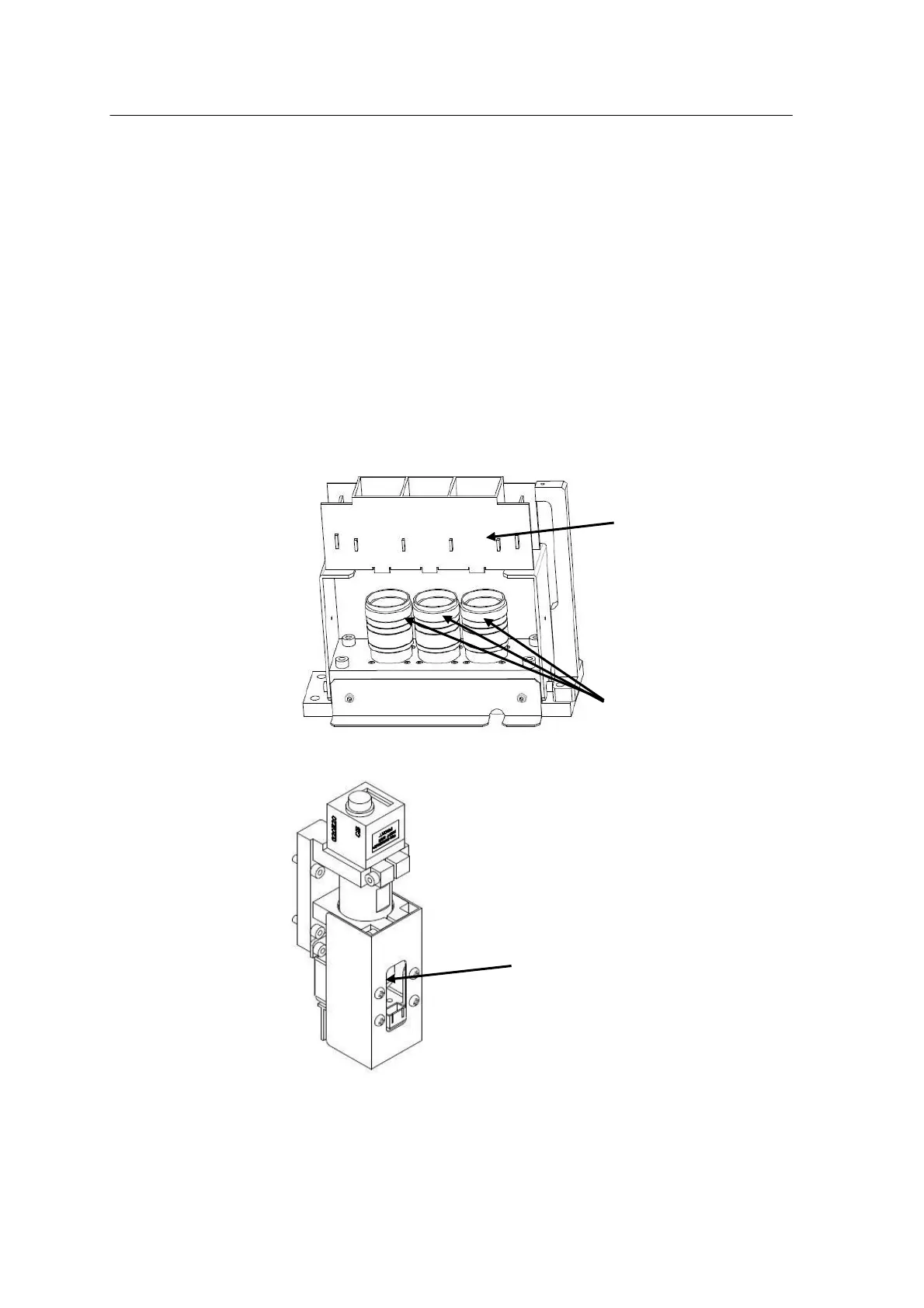
In addition, fallen chips or foreign materials on the lens may cause
vision error. Regular lens cleaning is essential to prevent vision error.
1.Turn off machine power according to the normal procedure.
2.Remove the LED illuminator from the camera.
3.Get rid of foreign materials with a brush or wipe the lens with a clean
cloth (Never disassemble or adjust the lens. The precision could be
affected.)
4.Assemble the LED illuminator.
<FOV7mm Head Camera>



 To Next Page