1-12 TF5 Manual (Tray Feeder Operation Manual)
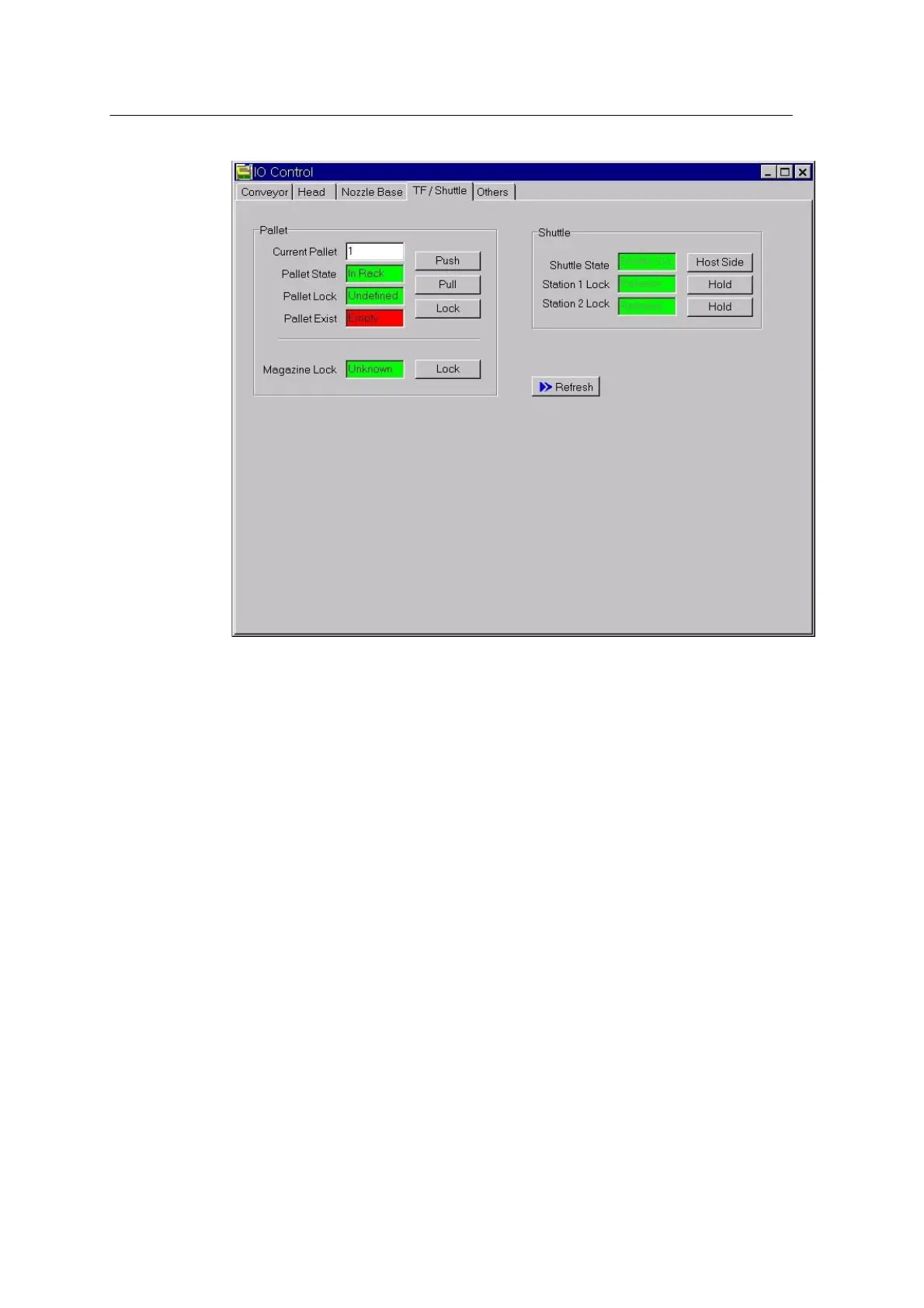
<Figure 1-6ᆞ I/O Control-TF/Shuttle Display>
3. Pallet
Check the pallet state and set each item if necessary.
The left field of each item showing the current state is used to
insert/extract or lock/unlock pallet.
-. Current Pallet
Show the current pallet unmber.
-. Pallet State
The left field shows the current pallet position.
When the Push button is pressed, the pallet moves from the Mounter to
the rack. At this time, the left field displays “In Rack”.
When the Pull button is pressed, the pallet moves from rack to the
Mounter. At this time, the left field displays “Not In Rack”.
-. Pallet Lock



 To Next Page