4-10 Offline Feeder Setup Manual
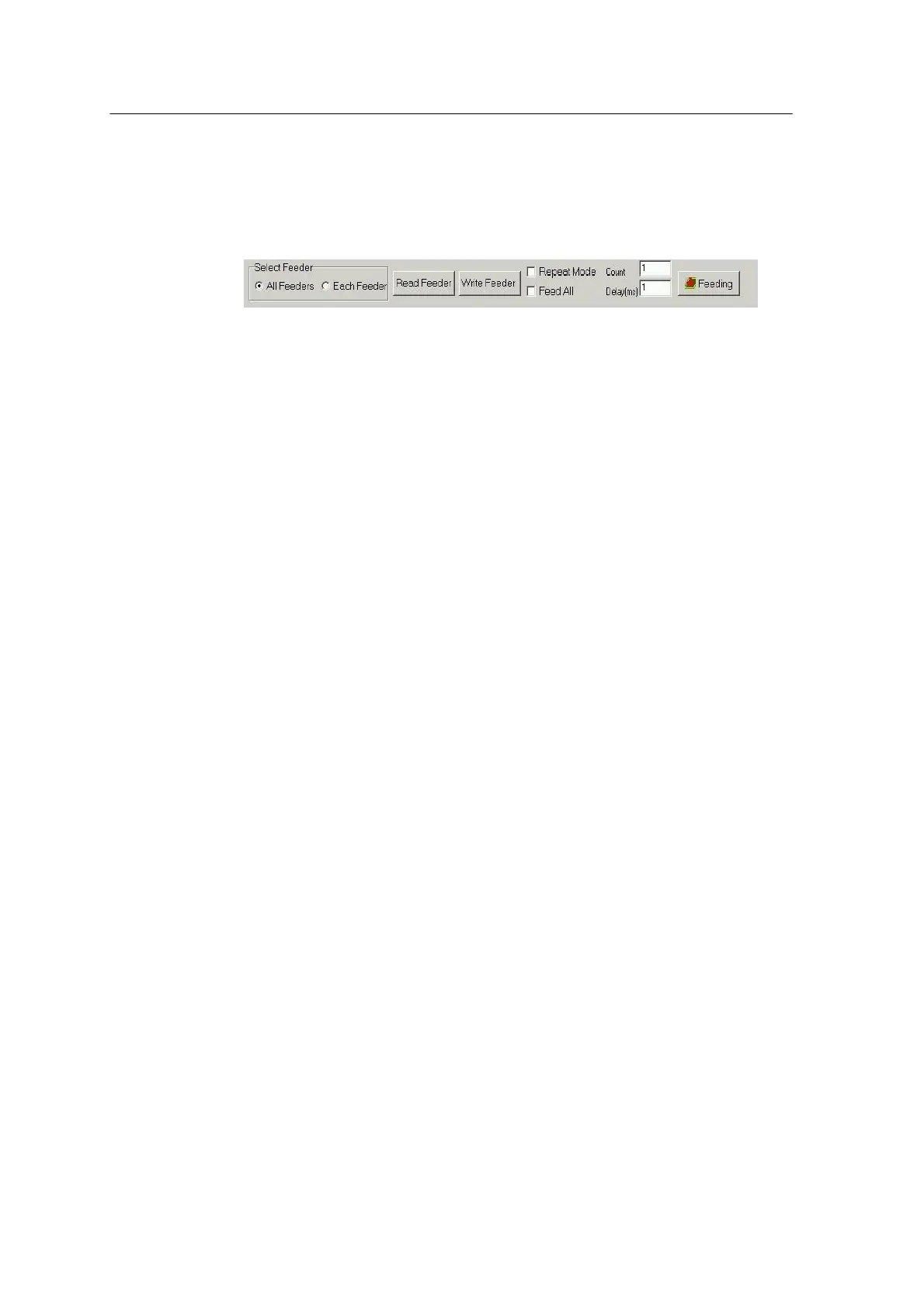
Feeder Communication window is used for reading or writing data for all or
each of feeders and for performing the feeding test.
Data that can be read from the feeder include SW I/D, Part Number,
Remain #, Alarm, Pitch, Width and Feeding #, each of which is described in
the following.
<Fig. 4-6ᆞ Feeder Communication Window>
Select Feeder
Selects the feeders to communicate from Read Feeders and Write
Feeders.
Read Feeder
When All Feeder has been selected, data about all placed feeders is
read and displayed in the table; and when Each Feeder has been
selected, Select
Feeder Number window appears.
Write Feeder
When All Feeder has been selected, data about all feeders in the table
are saved; and when Each Feeder has been selected, only the data
about the feeder selected in the table is saved.
Repeat Mode
Select this button to repeat feeding several times, and specify the
count.
Feed All
Select this button to feed all feeders.
Count
When Repeat Mode has been selected, this field indicates the feeding
count, and when the mode has not been selected, it is always set to 1.
Delay
This field is used for setting the delay (ms) between feedings.
Feeding
When Feeder All has been selected, all feeders placed in the trolley
are fed. Otherwise, only the feeders selected in the table are fed as set
in Repeat Mode, Count and Delay fields.



 To Next Page