Mitel 3000
Broadband Module Manual
37
Enter an IP address and subnet mask in the Source Address field if access to the server is to
be limited to a particular address or range of addresses.
If access is not restricted to particular addresses then leave the source address at 0.0.0.0.
Enter the IP address of the server in the Destination address field. The subnet mask is
255.255.255.255 so that this IP address is the single address of the server.
Select the Protocol, TCP or UDP as required in the Protocol field.
Source port or range of ports (associated with source IP address)
Destination port or range of ports (associated with destination IP address)
Direction, Inbound or Outbound
Note
If the WAN port is being used for access through an external modem / router then
the server must be located on the LAN. The same steps as for the DMZ apply but in
this case the server is connected to the LAN and a crossover cable is not required.
Note
It is not necessary to add a filter for any protocol already catered for in the
Application Level Gateways (ALG).
The filter can, however, be applied as well as the ALG. See page 71 for information
on ALGs.
Adding a Raw IP Filter
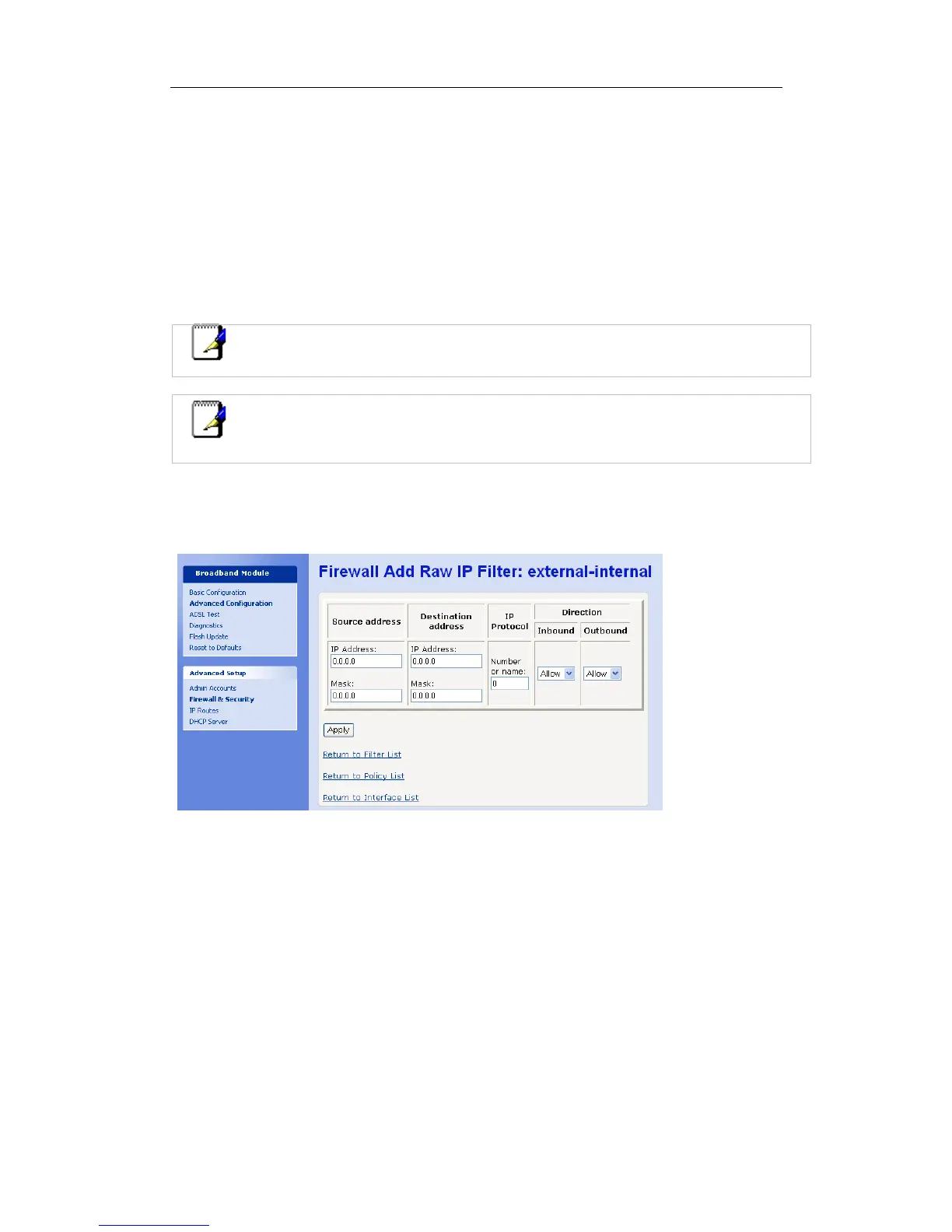
A raw IP filter is added if a port filter is required for any protocol other than TCP or UDP.
On the Firewall Port Filters page select Add Raw IP filter…
Add the source and destination addresses and the protocol name or number. (For example,
either the protocol name “SMP” or its equivalent number “121” may be supplied in the IP
Protocol field).




 To Next Page