Mitel 3000
Broadband Module Manual
90
APPENDIX A
Setting Up Wireless Networking On a PC Using the Recommended Settings In WLAN Setup
Enter the settings used in the initial WLAN setup (page
40) in the table below. Refer to this
table when setting up PCs to connect to the WLAN
Network Name / SSID
WPA Pass Phrase
PCs Allowed to connect to WLAN
MAC Address (1)
MAC Address (2)
MAC Address (3)
MAC Address (4)
MAC Address (5)
MAC Address (6)
MAC Address (7)
MAC Address (8)
This procedure describes setting up WPA security on a PC with Windows XP.
For other operating systems, please consult your PC user manual.
Note that some older wireless LAN adapters do not support WPA.
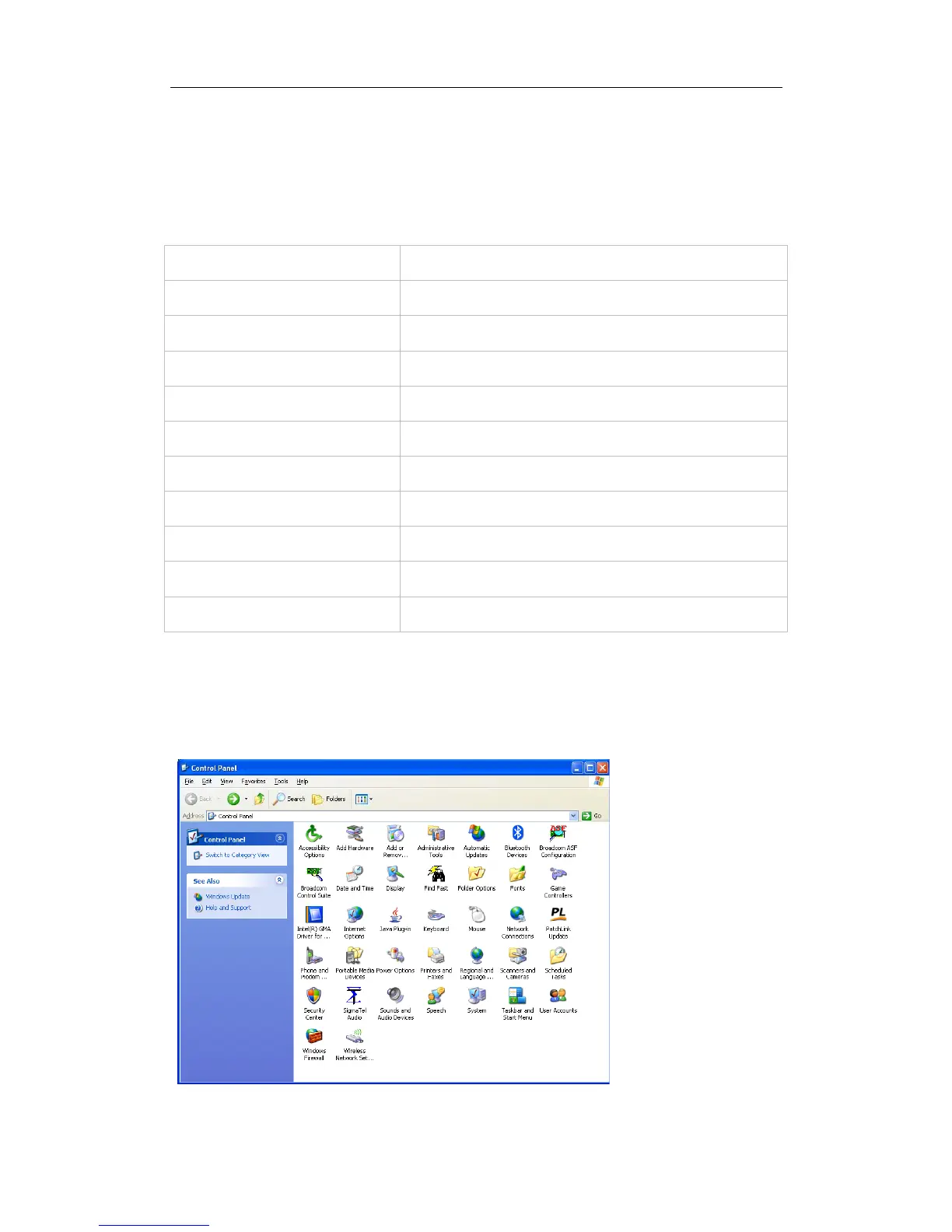
Click Start on the task bar of the PC.
Click Control Panel.
Double click the Network Connections icon





 To Next Page