Operation
104 5016072 A
Reset
The Reset button resets the stacker to the initial startup state. In most
cases, the software automatically resets the system if an error occurs.
Therefore, the Power/Reset button should be used only in rare cases
when the stacker does not reset itself.
StakMax Settings
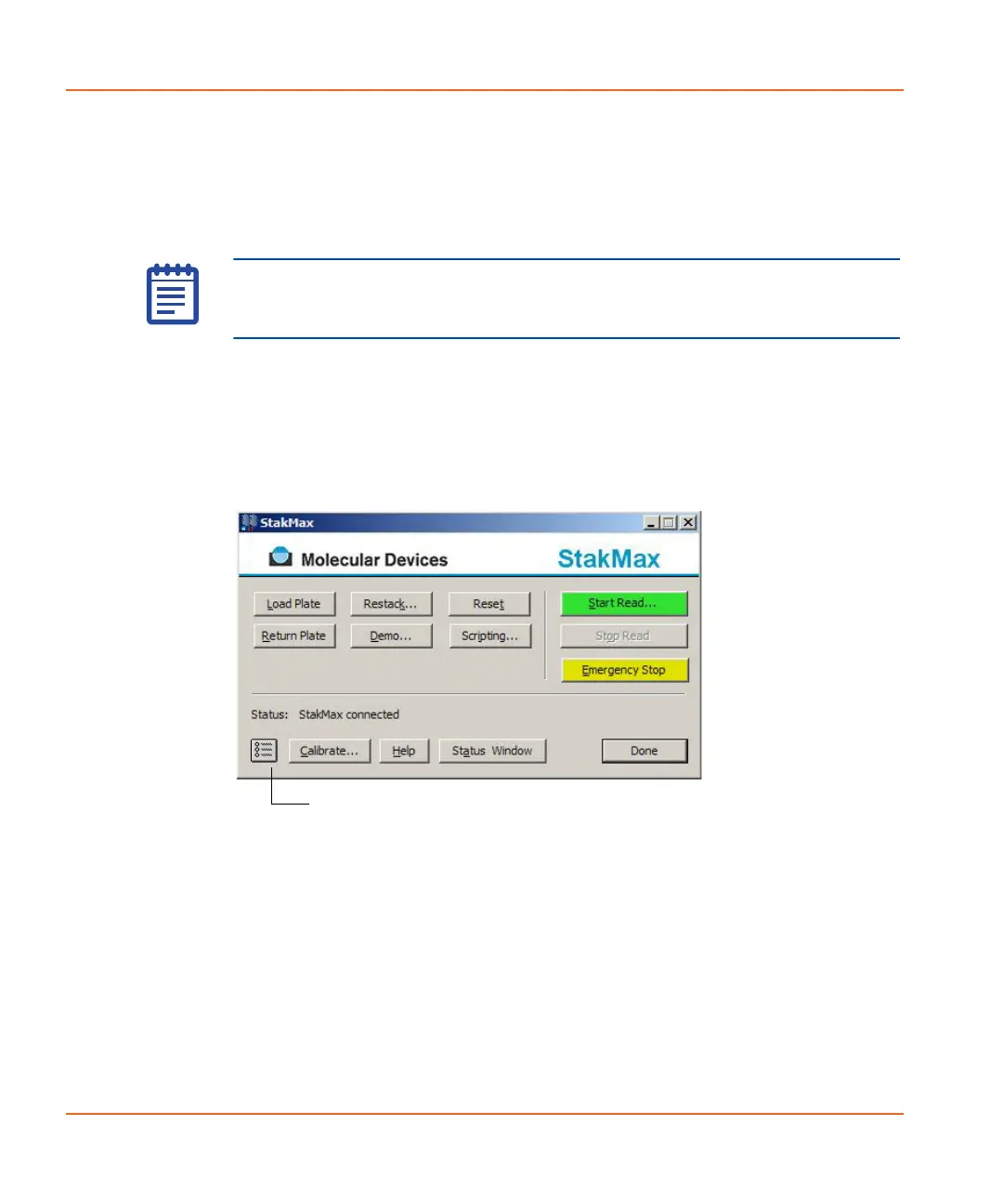
The Settings button is located on the bottom-left corner of the main
StakMax Software interface. See Figure 3-23. Use the Settings
window to configure script edit prompting, set the date and time, and
set barcoding preferences. See Figure 3-24.
Figure 3-23 The StakMax Software interface.
Note: In case of emergency, you can press the Power/Reset button
on the front of the StakMax microplate handler to reset the entire
system.
Click the StakMax Settings button.
StakMax-UG-5016072A.book Page 104 Friday, October 21, 2011 3:51 PM














 To Next Page