StakMax Microplate Handling System User Guide
5016072 A 119
Removing Commands
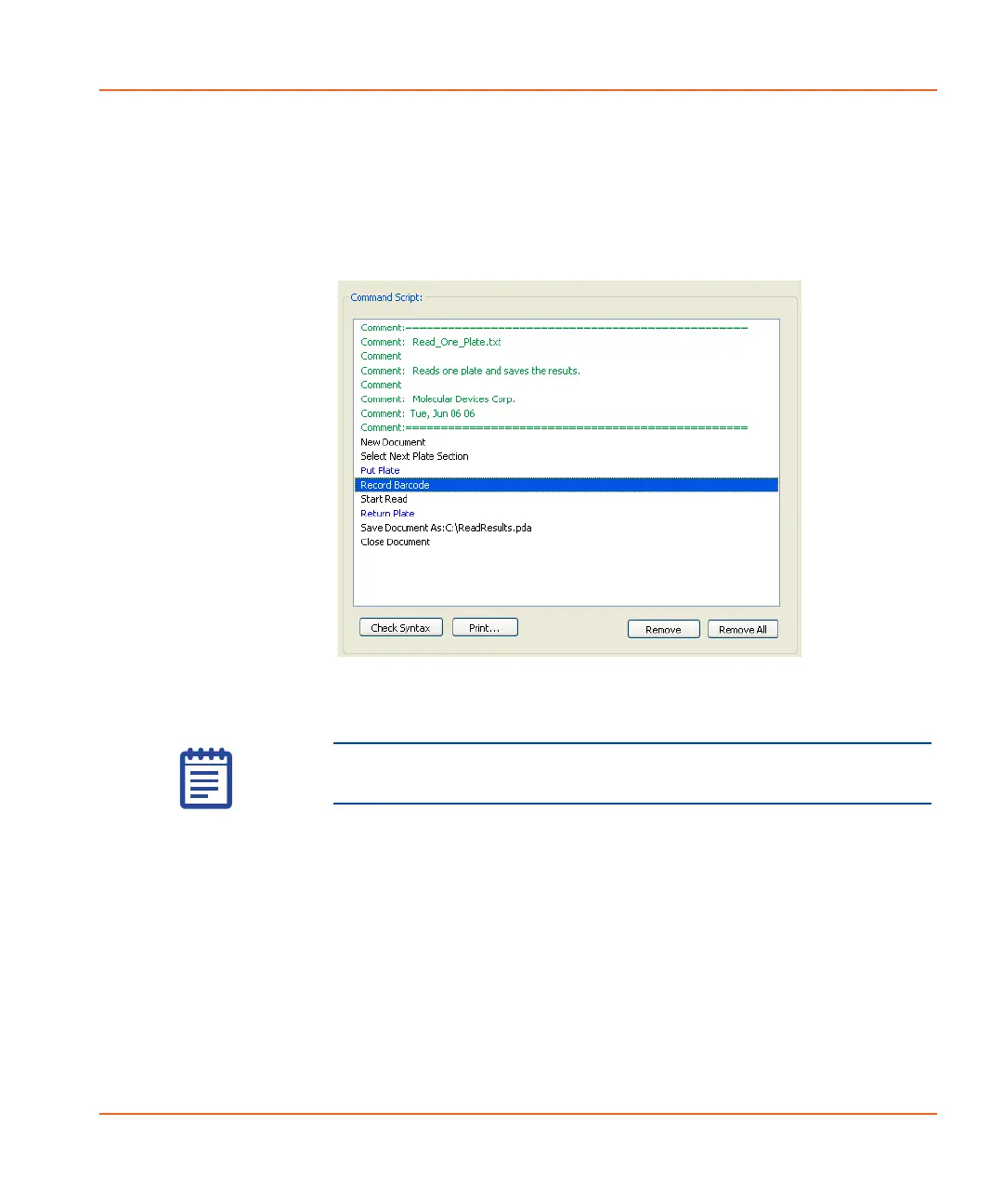
To remove a command
1. Select the command name in the Command Script section of
the screen. See Figure 4-9.
Figure 4-9 Selecting a command to remove.
2. Click Remove.
Note: Click the Remove All button only if you want to remove
the entire command script.
StakMax-UG-5016072A.book Page 119 Friday, October 21, 2011 3:51 PM














 To Next Page