StakMax Microplate Handling System User Guide
5016072 A 47
Installing or Replacing a Barcode Reader
If you need to install, move, or replace the instrument barcode reader,
follow the instructions below.
Required Equipment
• 3 small pan-head hex screws (included with barcode reader)
• Barcode reader with cable (visible laser Class II)
• 2 mm allen wrench for barcode screws (included)
• 3 mm allen wrench for opening side panel if necessary
(included)
To install a barcode reader
1. Turn off the power to the StakMax microplate handler and the
reader.
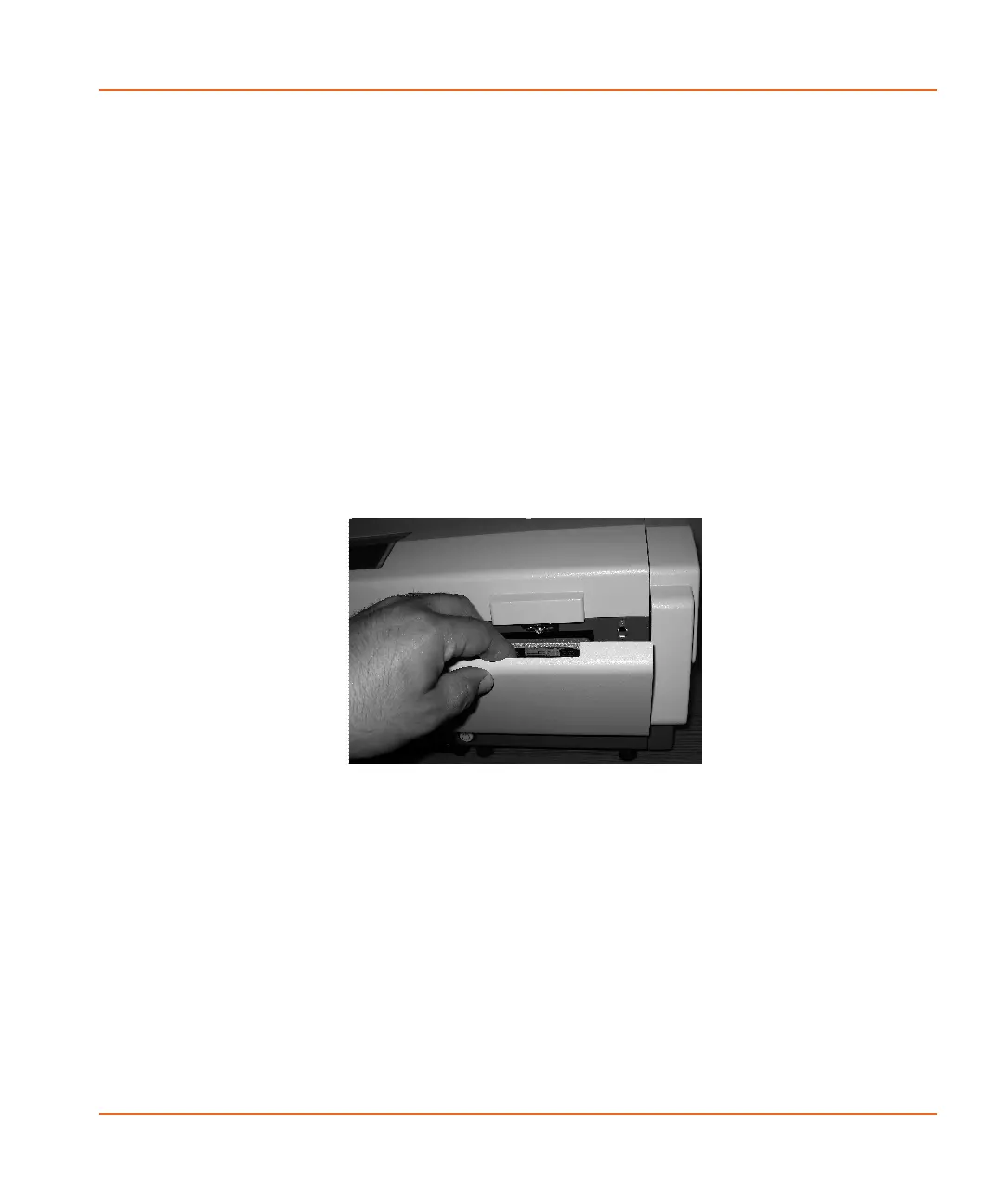
2. To remove the front cover, pull the cover down. See Figure 2-38.
Figure 2-38 Removing the front cover
StakMax-UG-5016072A.book Page 47 Friday, October 21, 2011 3:51 PM














 To Next Page