Installation and Set Up
46 5016072 A
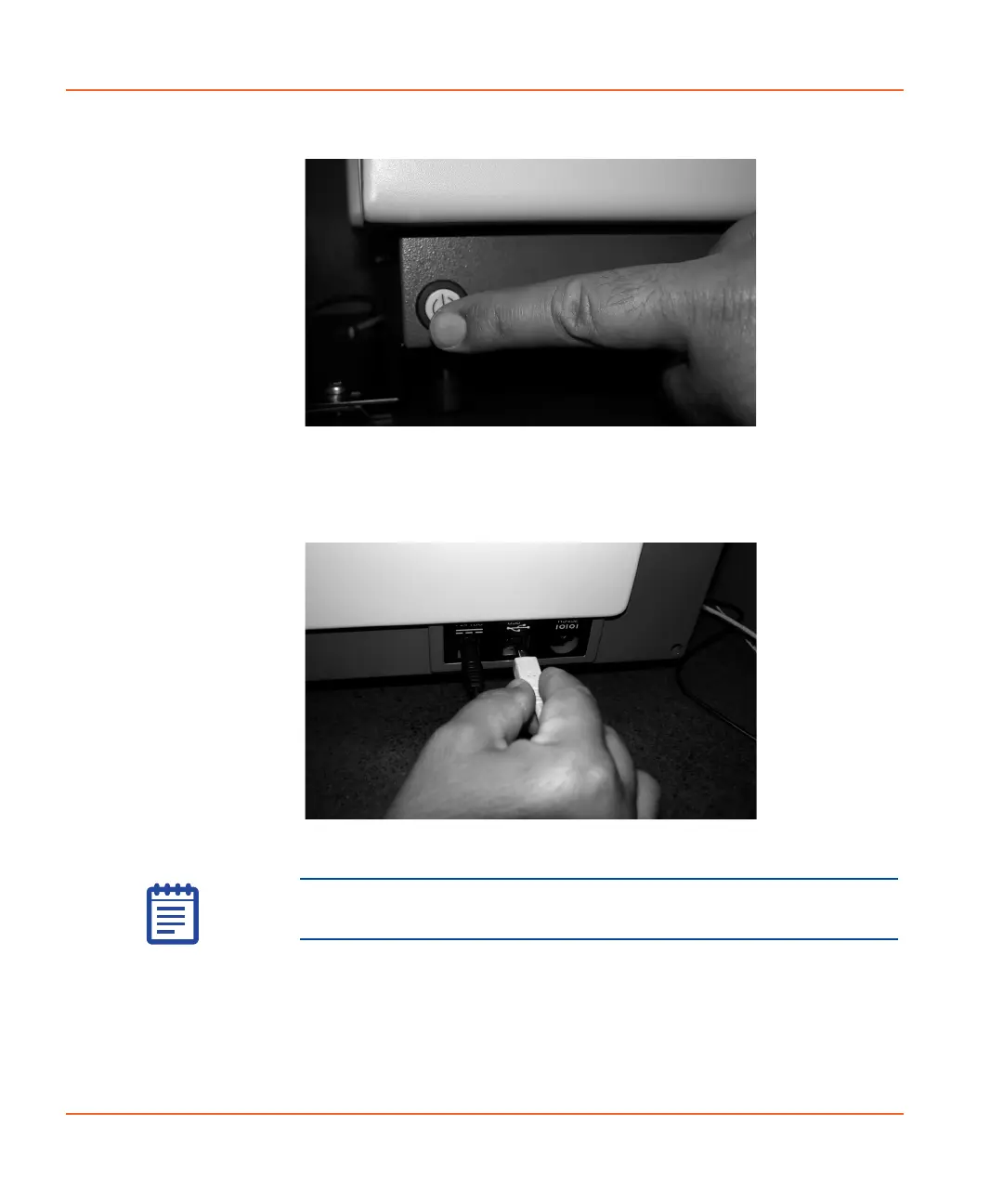
Figure 2-36 Pressing the Power/Reset button.
5. Insert one end of the USB cable into the StakMax instrument
and the other end to the computer. See Figure 2-37.
Figure 2-37 Connecting the USB cable.
After you have connected the StakMax microplate handler, a
New Hardware Wizard opens. To install new drivers using the
New Hardware Wizard, see Installing the StakMax Driver on
page 49.
Note: If you are connecting through a USB hub, use a powered
USB hub.
StakMax-UG-5016072A.book Page 46 Friday, October 21, 2011 3:51 PM














 To Next Page