StakMax Microplate Handling System User Guide
5016072 A 45
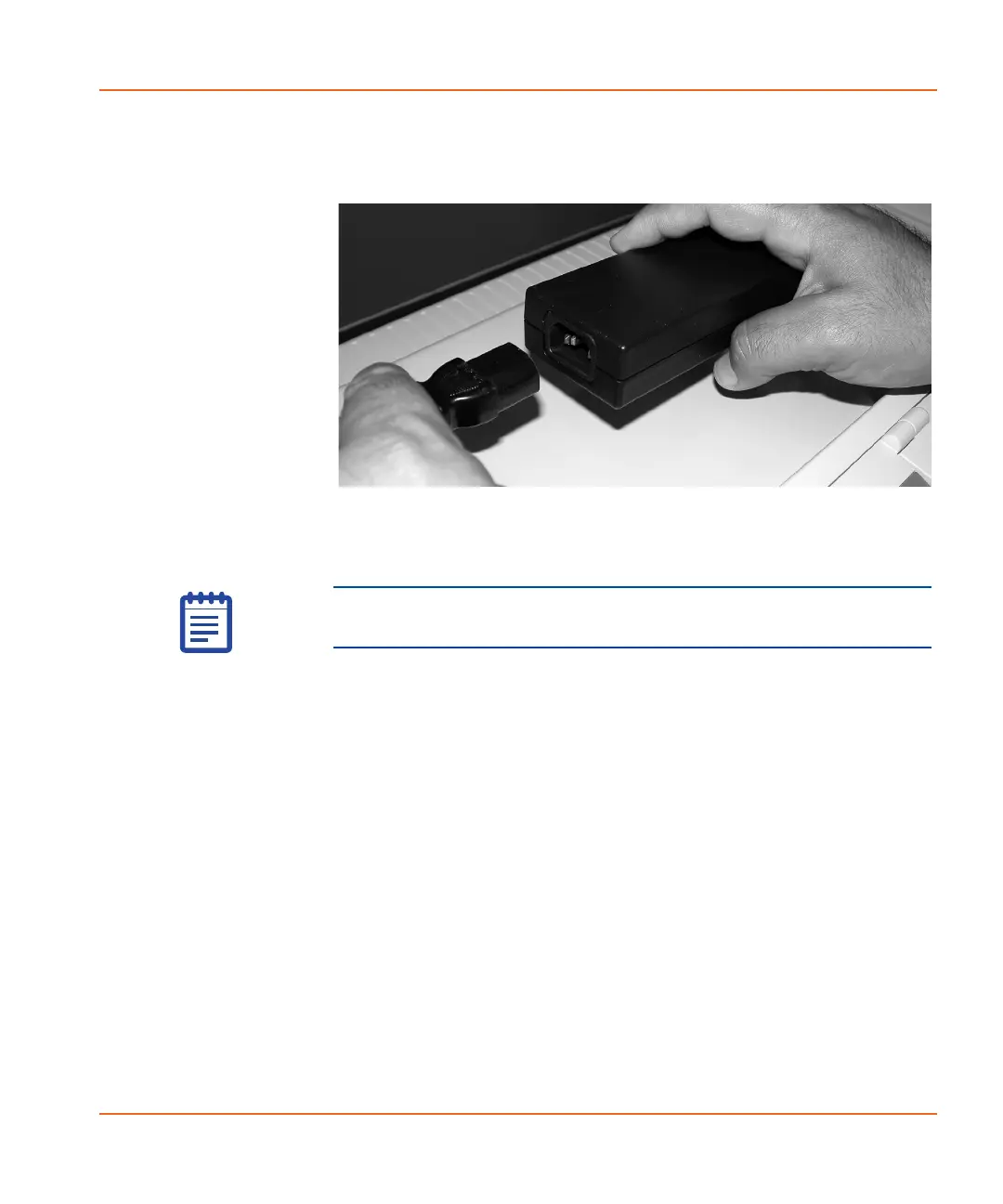
2. Connect the power supply and the power cable by inserting one
end of the cord into the power supply. See Figure 2-35.
Figure 2-35 Connecting the power supply to the cable.
3. Connect the power cable to the wall outlet, surge suppressor or
UPS, and then wait three seconds.
4. Press the Power/Reset button (located on the front-left side of
the instrument) to initialize the instrument. After a few seconds,
the Power/Reset button turns green.
Note: Connecting through a surge suppressor or UPS is
preferred.
StakMax-UG-5016072A.book Page 45 Friday, October 21, 2011 3:51 PM














 To Next Page