StakMax Microplate Handling System User Guide
5016072 A 113
Start Read: starts an instrument reading.
Stop Read: stops an instrument reading.
Select Section: selects a section by name.
Select Section Num: selects a section by number.
Name Current Section: names the section that is currently selected.
SoftMax Pro Version: displays the version of SoftMax Pro Software.
Append Section Name: adds a specific string of text to the section
name. You must type the text in the command edit field.
Select Next Plate Section: selects the next available Plate section.
Quit SoftMax Pro: closes the SoftMax Pro software application.
Save Document As with Barcode: appends the current barcode to
the data file name.
Name Current Section with Barcode: names the section that is
currently selected and adds the current barcode value to the end of the
section.
Append Section Name with Barcode: appends the current barcode
to the selected section name.
Advanced Commands
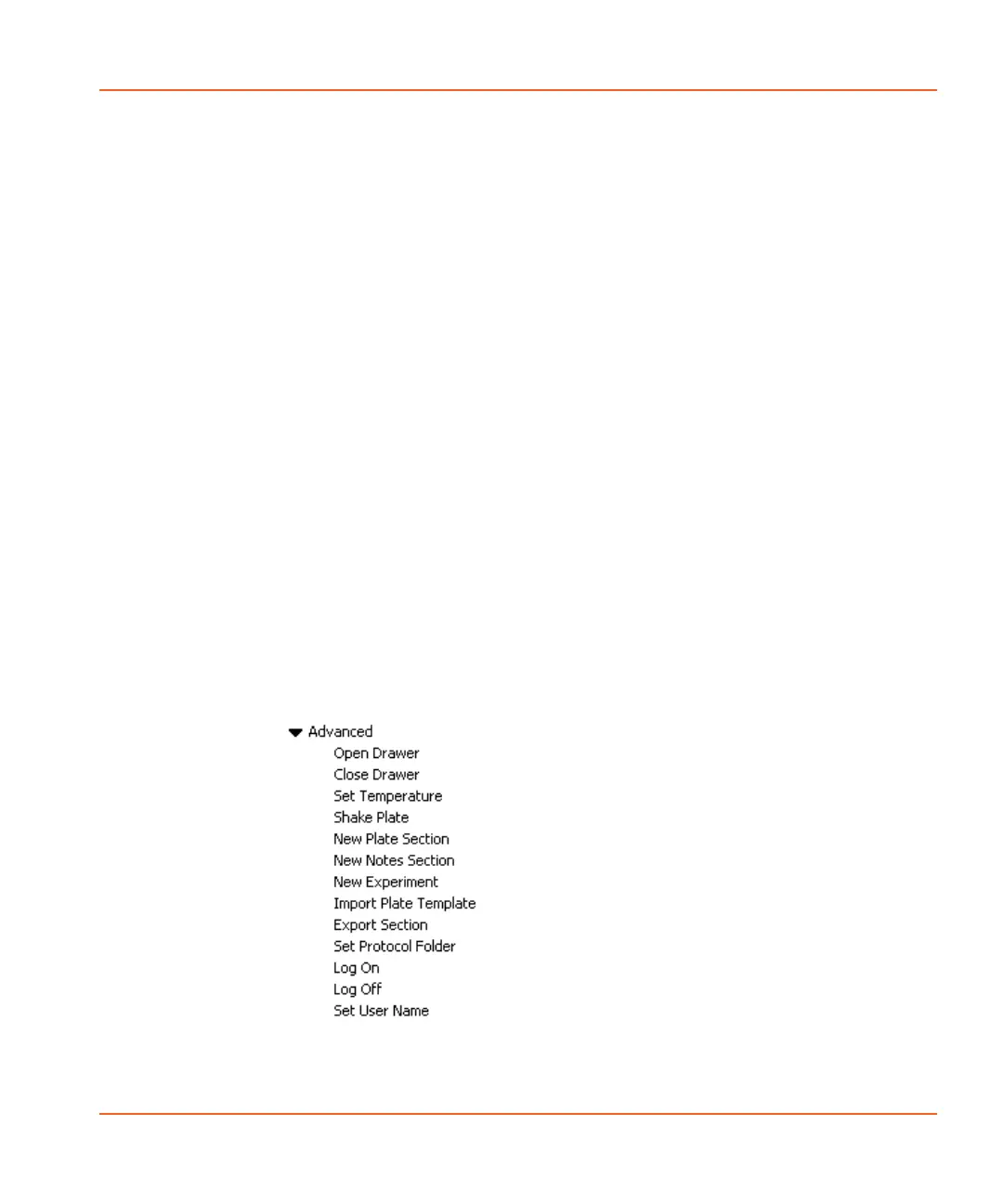
Click the right-facing arrow to access the list of advanced commands.
See Figure 4-3.
Figure 4-3 List of Advanced commands.
StakMax-UG-5016072A.book Page 113 Friday, October 21, 2011 3:51 PM














 To Next Page